1-10 Electronics Sled
Keyboard Service
OmniRx Service Guide/67-2023 Rev D © 2010 Omnicell, Inc.
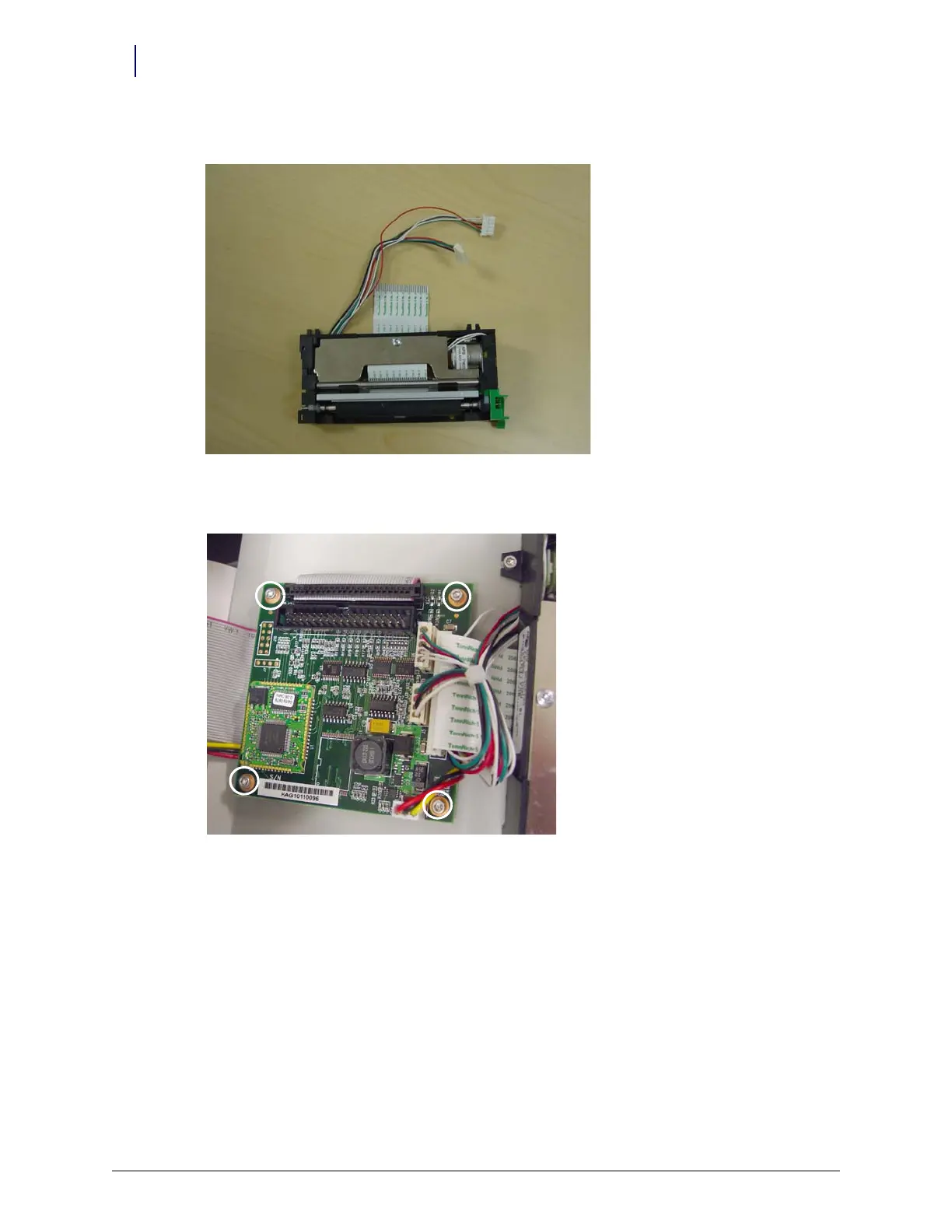
8. Remove the printer.
Figure 1-18. Remove the printer
9. Remove the four screws that secure the PC card to the frame.
Figure 1-19. Remove the printer PC card screws
10. Lift the card off the frame slightly, then remove the printer ribbon cable.
Keyboard Service
1. Disconnect all console cables.
2. Remove the console and set it upside down in a work area.



 To Next Page