Omnipod DASH™ Insulin Management System 1
4
1 Omnipod DASH™ Insulin Management System
Navigating Screens and Entering Information
is section explains how to use the touchscreen, how to enter numbers or text
into the PDM, and how this User Guide describes moving between PDM screens.
Touchscreen Basics
e PDM displays messages and options for you on its touchscreen. You
communicate with the PDM by tapping or swiping your nger on the
touchscreen.
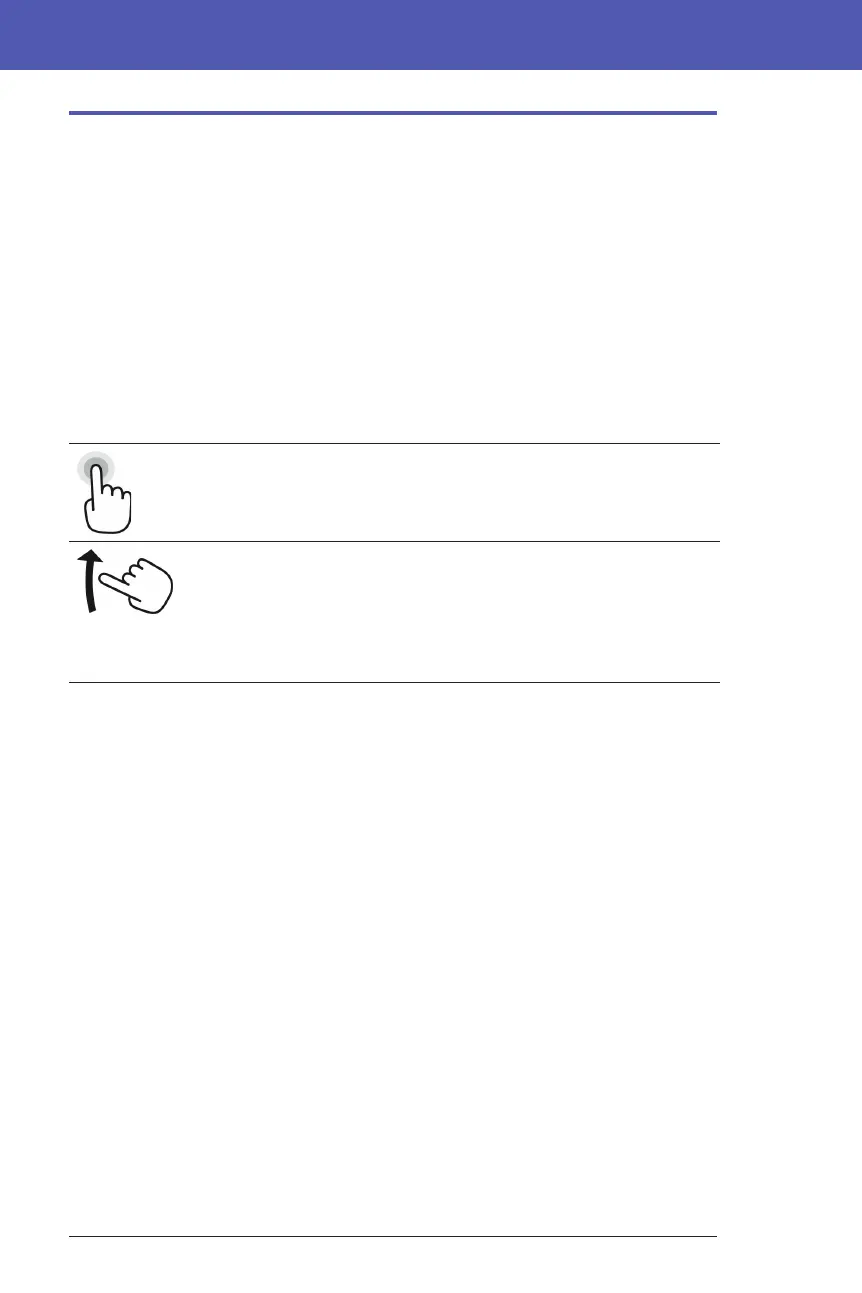
Tapping and swiping
e basic instructions for interacting with the touchscreen are explained here.
Tap Touch the screen, then li your nger up.
Swipe Touch a starting point and move your nger up,
down, le, or right.
Note: Scrolling and swiping are related actions.
When you swipe up, the screen display scrolls up
to show items that are currently o-screen.
Note: A screen protector may decrease the touchscreen sensitivity.
Screen time-out and brightness
e PDM screen turns black, called timing-out, aer a period of inactivity. To
control the screen time-out and brightness settings, see "Screen display" on page
101. e PDM screen dims 6-10 seconds before it times out. If the screen dims,
touch the screen briey to prevent the screen from timing out.



 To Next Page