Initial PDM Setup 2
30
2 Initial PDM Setup
Blood Glucose Settings
e blood glucose settings dene what blood glucose readings are considered in
range and allow you to pair to a CONTOUR® NEXT ONE BG meter.
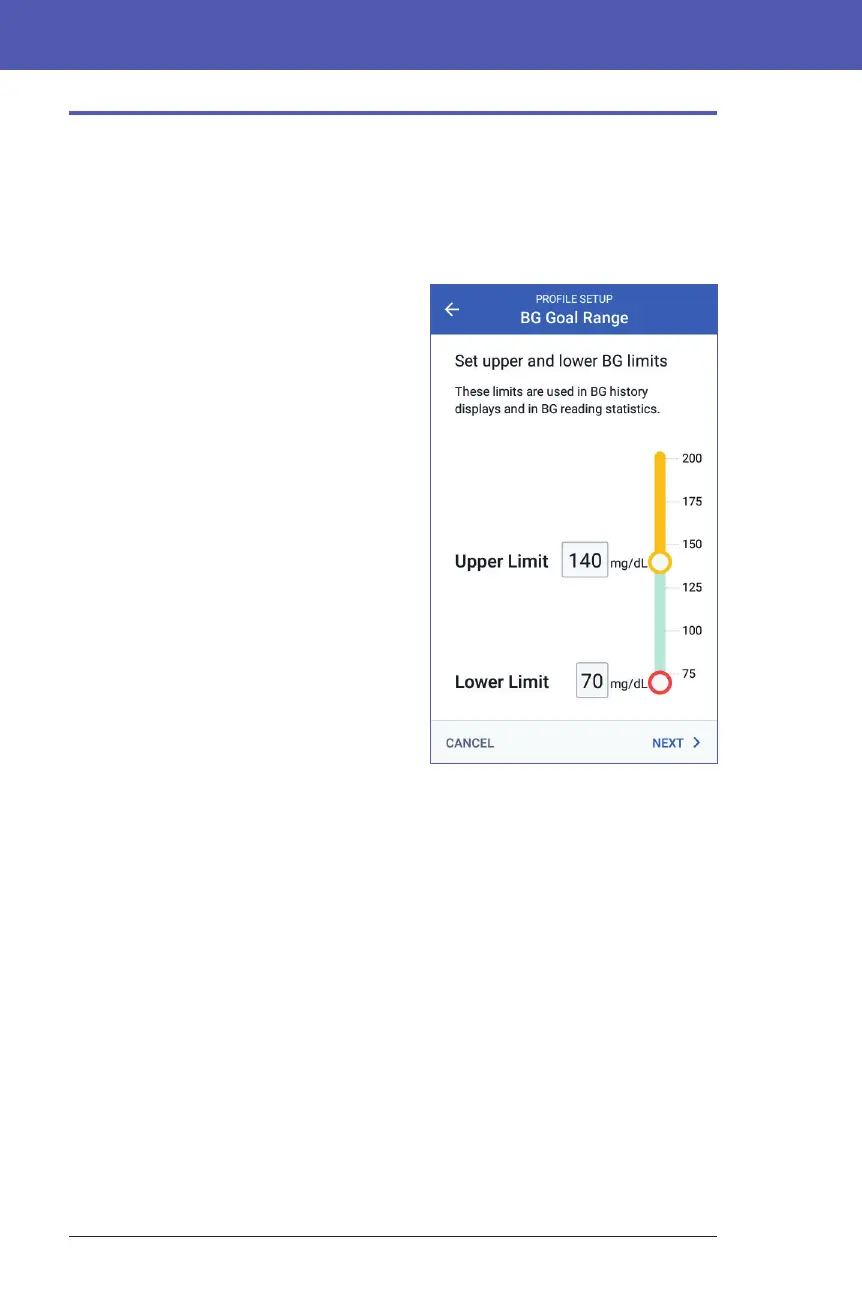
Upper and lower limits for BG Goal Range
You can set the upper and lower limits of
your BG Goal Range by using the number
pad or the slider:
1. Review the description of blood
glucose levels, then tap the arrow (>).
2. To dene the lower limit, tap the
Lower Limit eld and type the number
using the number pad.
Tip: Alternatively, you can touch the
lower (red) circle with your nger and
slide it up or down.
3. To dene the upper limit, tap the
Upper Limit eld or slide the upper
(yellow) circle.
4. Review your upper and lower limits,
and tap NEXT to save them.



 To Next Page