13
Omnipod DASH™ Insulin Management System 11 Omnipod DASH™ Insulin Management System
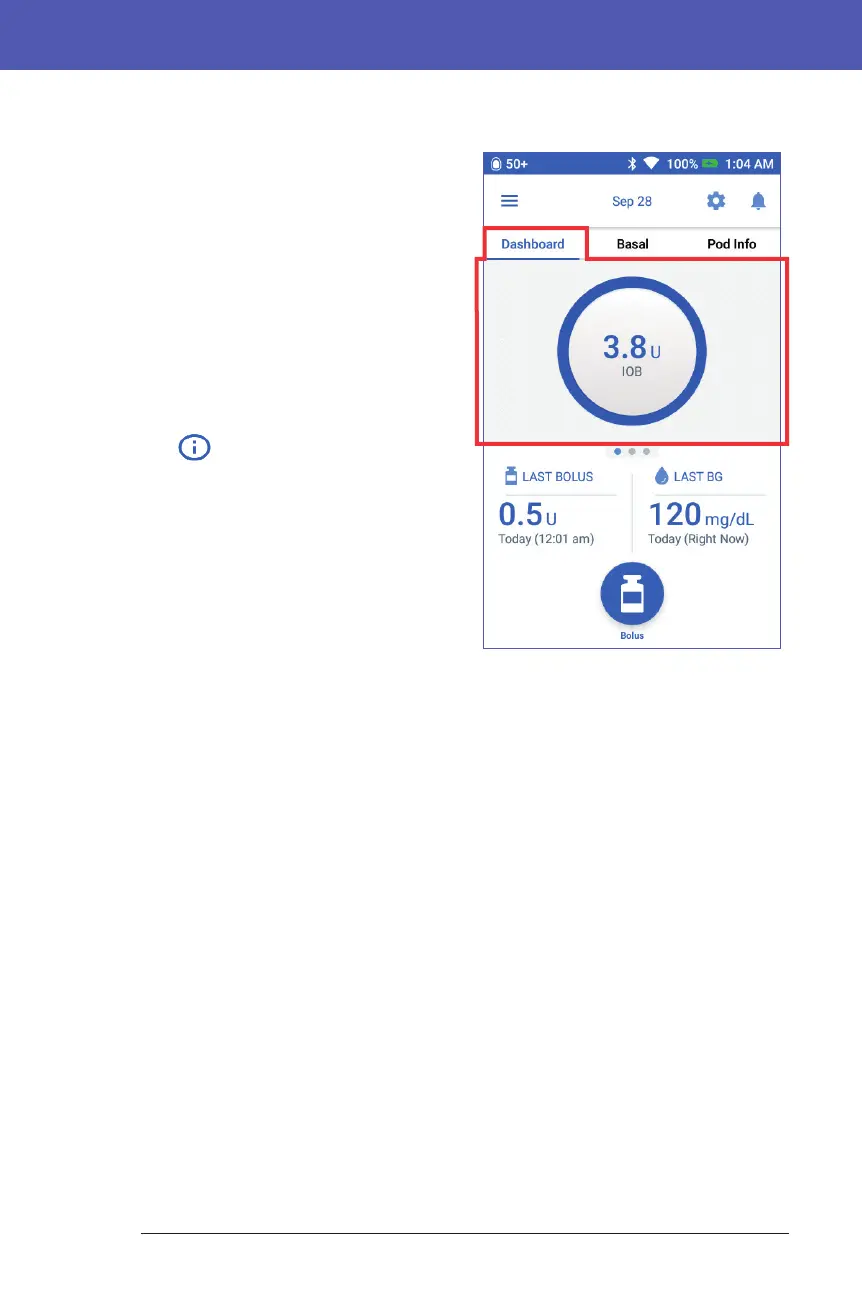
Dashboard tab
e Dashboard tab is available if the
Bolus Calculator is on and is usually not
available if the Bolus Calculator is o.
When the Bolus Calculator is on
When the Bolus Calculator is on, the
Dashboard tab displays:
• IOB (insulin on board), when IOB is
available.
• IOB is Not Available, when the
Bolus Calculator is disabled. Tap the
icon for a list of reasons for the
Bolus Calculator to be disabled.
A progress bar appears when a bolus is in
progress (see "Tracking the Progress of a
Bolus" on page 64).
When the Bolus Calculator is o
When the Bolus Calculator is o, there
are usually only two tabs: Basal and Pod
Info. e Dashboard tab displays only
when an extended bolus is running (see
"Tracking the Progress of a Bolus" on
page 64).



 To Next Page