LVS-750
0 External System Operations Manual
LVS-7500 External System Operations Manual Page 13 of 129
Calibration
The Calibration feature allows you to calibrate the LVS-7500 External System. Calibration is required to keep
the LVS-7500 External System in a standard imaging configuration.
To calibrate the LVS-7500 External System, you need an Omron Microscan calibration card in perfect condition
with all of the calibration information filled out on the card.
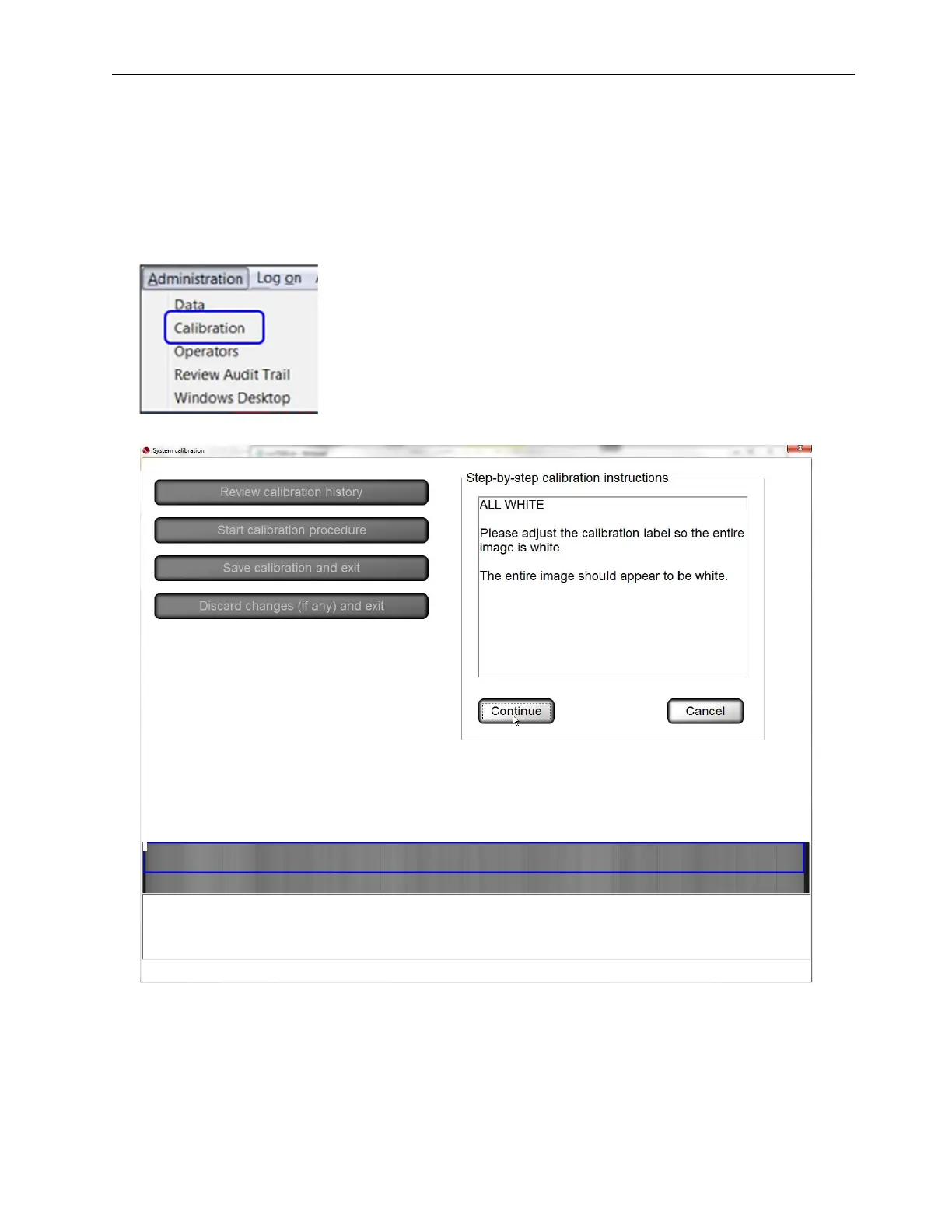
1. Select Administration, and then Calibration from the menu bar.
2. Click the Start calibration procedure button. The following screen appears.



 To Next Page