LVS-7500 External System Operations Manual
LVS-7500 External System Operations Manual Page 39 of 129
Sector Types
The following is a list of sector types with a description on how to set up a job using that specific sector type.
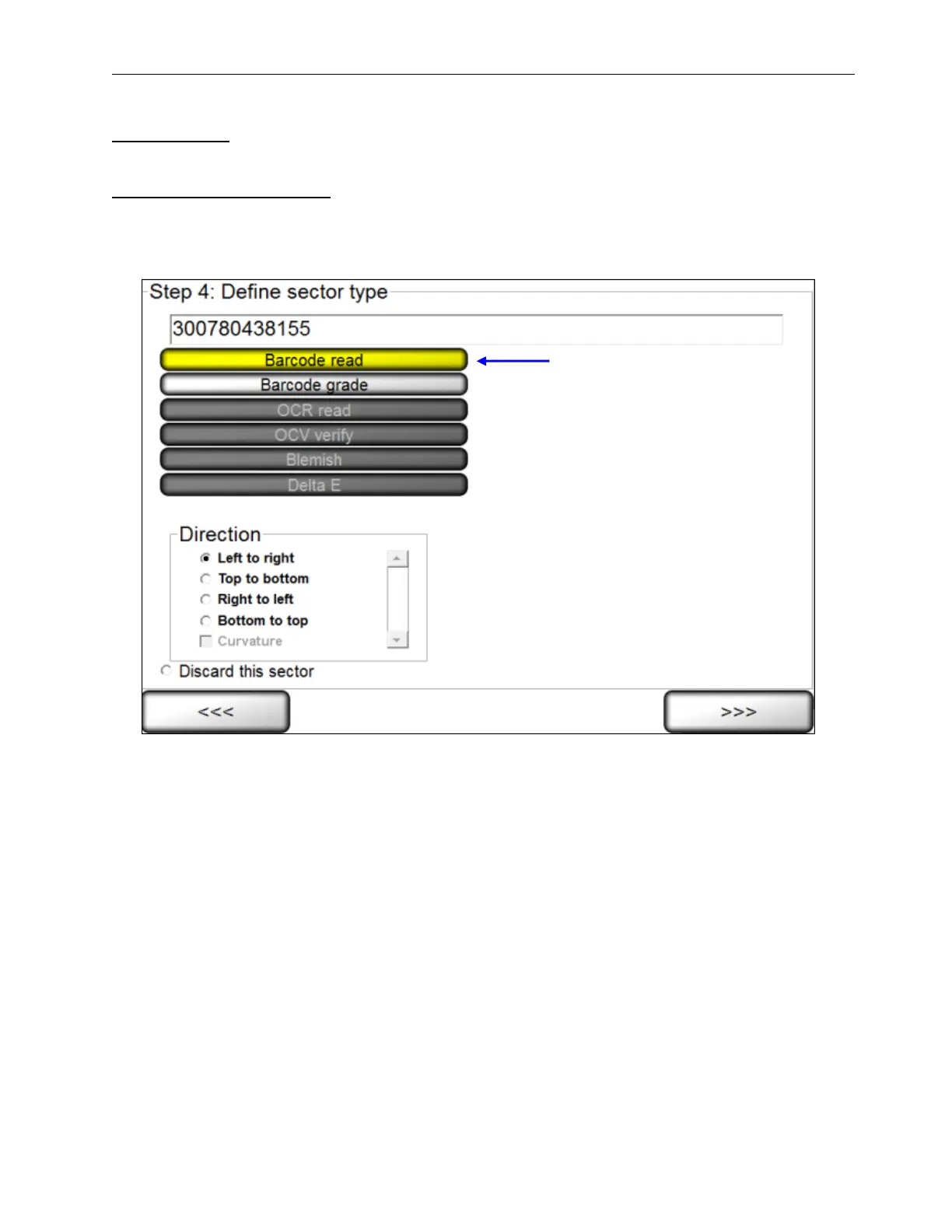
Sector Type 1: Barcode read
This sector is used to validate a 1D or 2D barcode label. The LVS-7500 External System inspects the barcode
image to determine if it is “readable.”
1. Select Barcode read.
2. Select the desired direction. The encoded data is shown in the top right corner of the screen.
3. Click the right arrow button.



 To Next Page