22
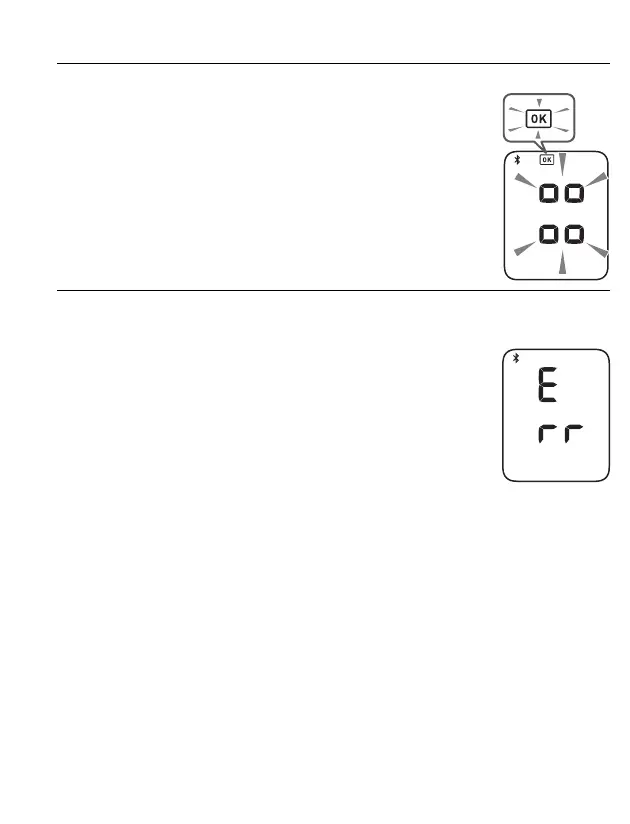
5. Confirm that your monitor is connected successfully.
When your monitor is connected successfully to your
smart device, the OK symbol appears.
6. Press the [START/STOP] button to turn your monitor off.
• If the “Err” appears, follow the instructions in the app.
• Your monitor automatically turns off after 10 seconds.
• Be aware that OMRON will not be responsible for the loss
of data and/or information in the app.
• Only compatible OMRON apps should be used with this
monitor to help ensure correct data transfer.
4.2 Taking a Measurement
Refer to sub-section 3.1 to start a measurement. Open the app on your smart
device and follow the instructions.
• Make sure that your monitor is within 16 ft. (5 m) of your smart device.
• When Bluetooth is enabled, the readings will be transferred to your smart device
after taking a measurement.


 To Next Page