30
8. Maintenance
8.1 Maintenance
To protect your monitor from damage, follow the directions below:
• DO NOT disassemble or attempt to repair this monitor or other components. This
may cause an inaccurate reading.
8.2 Storage
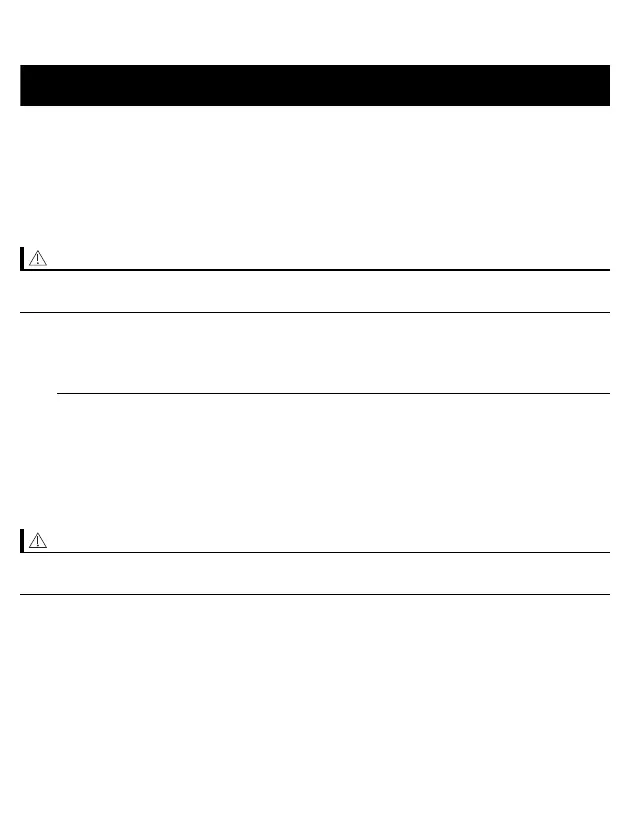
Store your monitor and other components in a clean, safe location.
1. Remove the arm cuff from the monitor.
The air plug is designed to fit securely into the monitor so it does not
accidentally unplug from the monitor when in use. When removing the arm cuff
from the monitor, pull the air plug out from the monitor in a straight motion,
holding the plug and not using the tube. You will hear a “click” sound as the
cuff plug is removed from the monitor.
• To unplug the air plug, pull on the plastic air plug at the base of the tube, not the
tube itself.
• Changes or modifications not approved by the manufacturer will void the user
warranty.


 To Next Page