EN3
EN
R ONLY use the ACadapter, arm cuff, batteries and accessories specified for
this monitor. Use of unsupported ACadapters, arm cuffs and batteries may
damage and/or may be hazardous to this monitor.
R ONLY use the approved arm cuff for this monitor. Use of other arm cuffs may
result in incorrect readings.
R Read and follow the “Correct Disposal of This Product” in section7 when
disposing of the device and any used accessories or optional parts.
Data Transmission
R DO NOT replace the batteries or unplug the ACadapter while your readings
are being transferred to your smart device. This may result in incorrect
operation of this monitor and failure to transfer your blood pressure data.
ACAdapter (optional accessory) Handling and Usage
R Fully insert the ACadapter into the outlet.
R When unplugging the ACadapter from the outlet, be sure to safely pull from
the ACadapter. DO NOT pull from the ACadapter cable.
R When handling the ACadapter cable:
DO NOT damage it. / DO NOT break it. / DO NOT tamper with it. / DO NOT
pinch it. / DO NOT forcibly bend or pull it. / DO NOT twist it. / DO NOT use it if
it is gathered in a bundle. / DO NOT place it under heavy objects.
R Wipe any dust off of the ACadapter.
R Unplug the ACadapter when not in use.
R Unplug the ACadapter before wiping this monitor.
Battery Handling and Usage
R DO NOT insert batteries with their polarities incorrectly aligned.
R ONLY use 4 “AA” alkaline or manganese batteries with this monitor. DO NOT
use other types of batteries. DO NOT use new and used batteries together.
DO NOT use different brands of batteries together.
R Remove the batteries if this monitor will not be used for a long period of
time.
R If battery fluid should get in your eyes, immediately rinse with plenty of clean
water. Consult with your physician immediately.
R If battery fluid should get on your skin, wash your skin immediately with
plenty of clean, lukewarm water. If irritation, injury or pain persists, consult
with your physician.
R DO NOT use batteries after their expiration date.
R Periodically check the batteries to ensure they are in good working
condition.
2.5 General Notices
R To stop a measurement, press the [START/STOP] button while taking a
measurement.
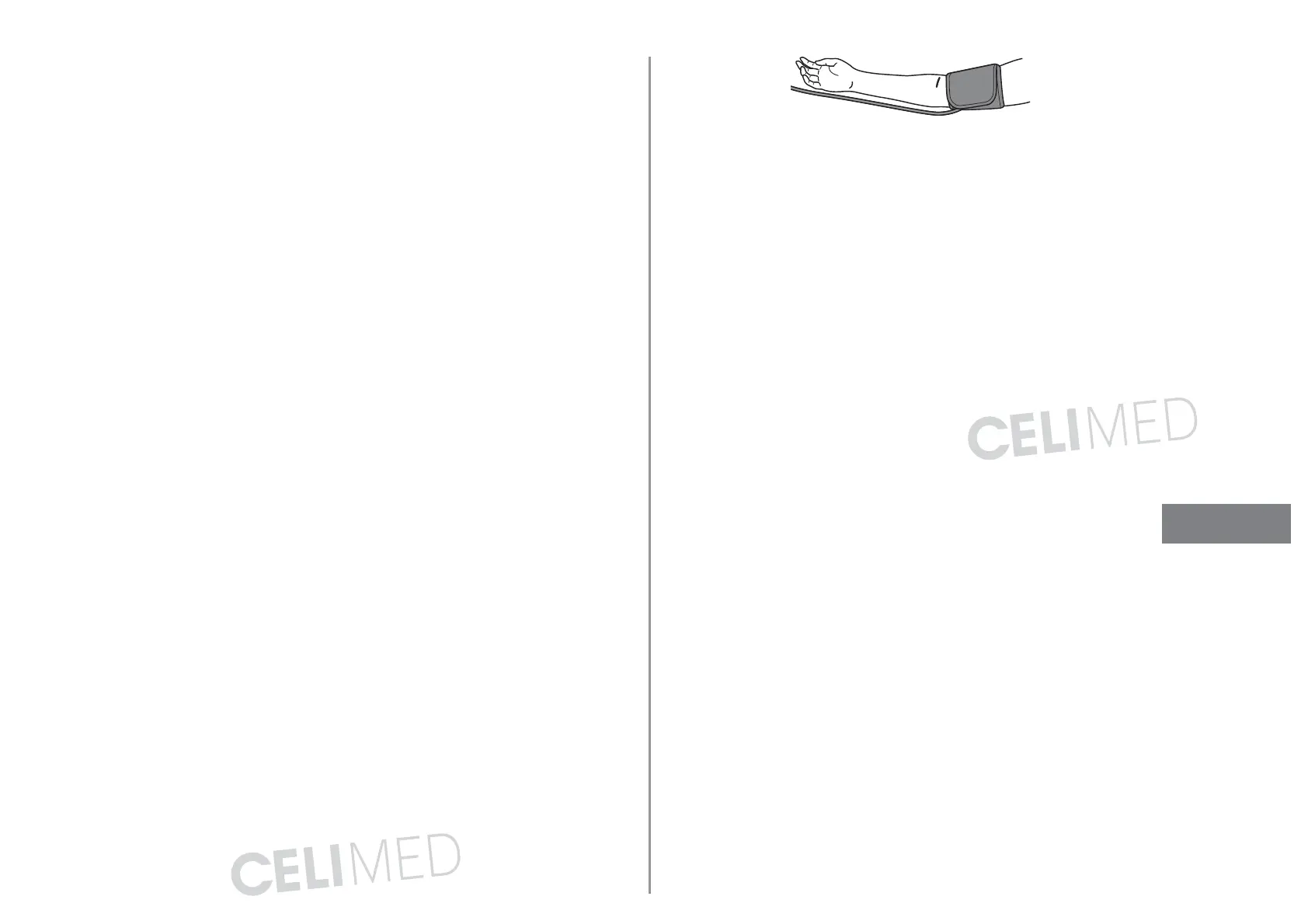
R When you take a measurement on the right arm, the air tube should be at
the side of your elbow. Be careful not to rest your arm on the air tube.
R Blood pressure may differ between the right and left arm, and may result in a
different measurement value. Always use the same arm for measurements. If
the values between both arms differ substantially, check with your physician
on which arm to use for your measurements.
R Be aware that OMRON will not be responsible for the loss of data and/or
information in the app.
R “OMRONconnect” is the only app that we recommend to use with your
monitor to transfer data correctly.
R When using an optional ACadapter, make sure not to place your monitor in
a location where it is difficult to plug and unplug the ACadapter.
Battery Handling and Usage
R Disposal of used batteries should be carried out in accordance with local
regulations.
R The supplied batteries may have a shorter life span than new batteries.
R Replacing batteries will not delete previous readings.
EN





 To Next Page