Page 26 of 31
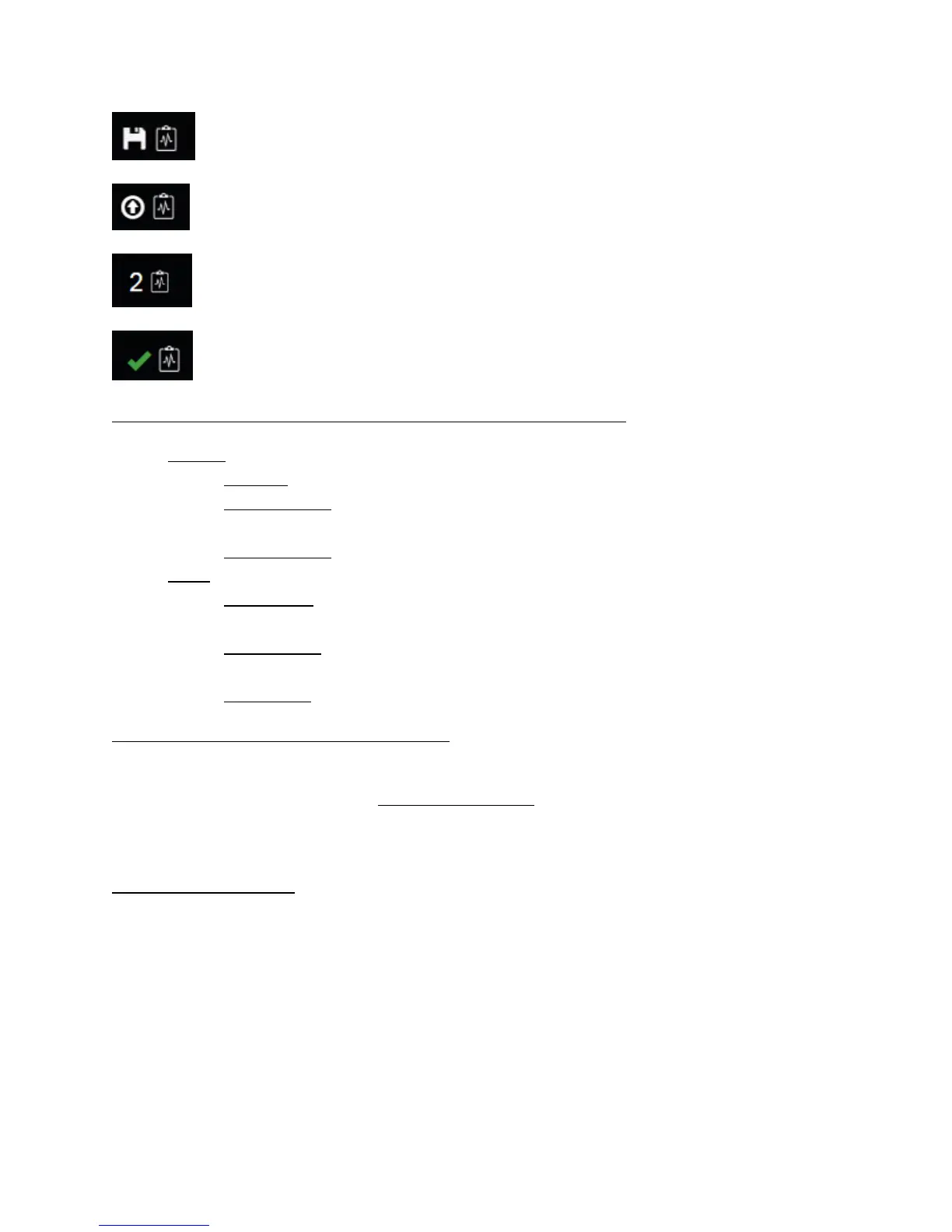
Blinking save icon – Health report is being processed and saved to the device
Blinking upload arrow – Health report is being uploaded to Navistar backend server
Number – Number of health reports currently stored on the device’s memory
Green check mark – All health reports were successfully uploaded to Navistar’s backend
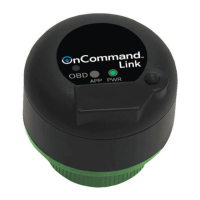
Health report indicators - OnCommand® Link APP LED and Beep patterns
- APP LED
o Solid LED: Indicates all health reports have been successfully uploaded to backend.
o Triple Blink LED: Indicates that health report is generated and stored but not yet
uploaded to backend due to no internet connection available.
o Rapid Blink LED: Indicates failure to collect health report.
- Beeps
o Single Beep: Indicates heath report collected but cannot be uploaded to the backend or
failed to collect health report.
o Double beep: Indicates device has booted up and health report is successfully created
and saved on the device.
o Triple beep: Indicates health report was uploaded to backend systems.
Collecting health reports from multiple vehicles
Users can now quickly collect health reports from multiple vehicles by not having to wait for bootup
time when OnCommand® Link is used with Stay-Live battery. Health Reports are collected immediately
after connecting OnCommand® Link to the vehicle and APP LED/Beeps indicators would provide health
report state as defined above.
Without Stay-Live battery, users would still be able to collect health reports from multiple vehicles but
will have to wait every time for Link to bootup (~4 minutes).
Every time OnCommand® Link is connected to a new (different) vehicle, the first health report it creates
can be viewed in OnCommand® Connection immediately as soon as its uploaded to Navistar’s backend
systems.


 To Next Page