Page 14 of 31
Detailed process to update/check calibrations on your Cummins-powered
vehicle
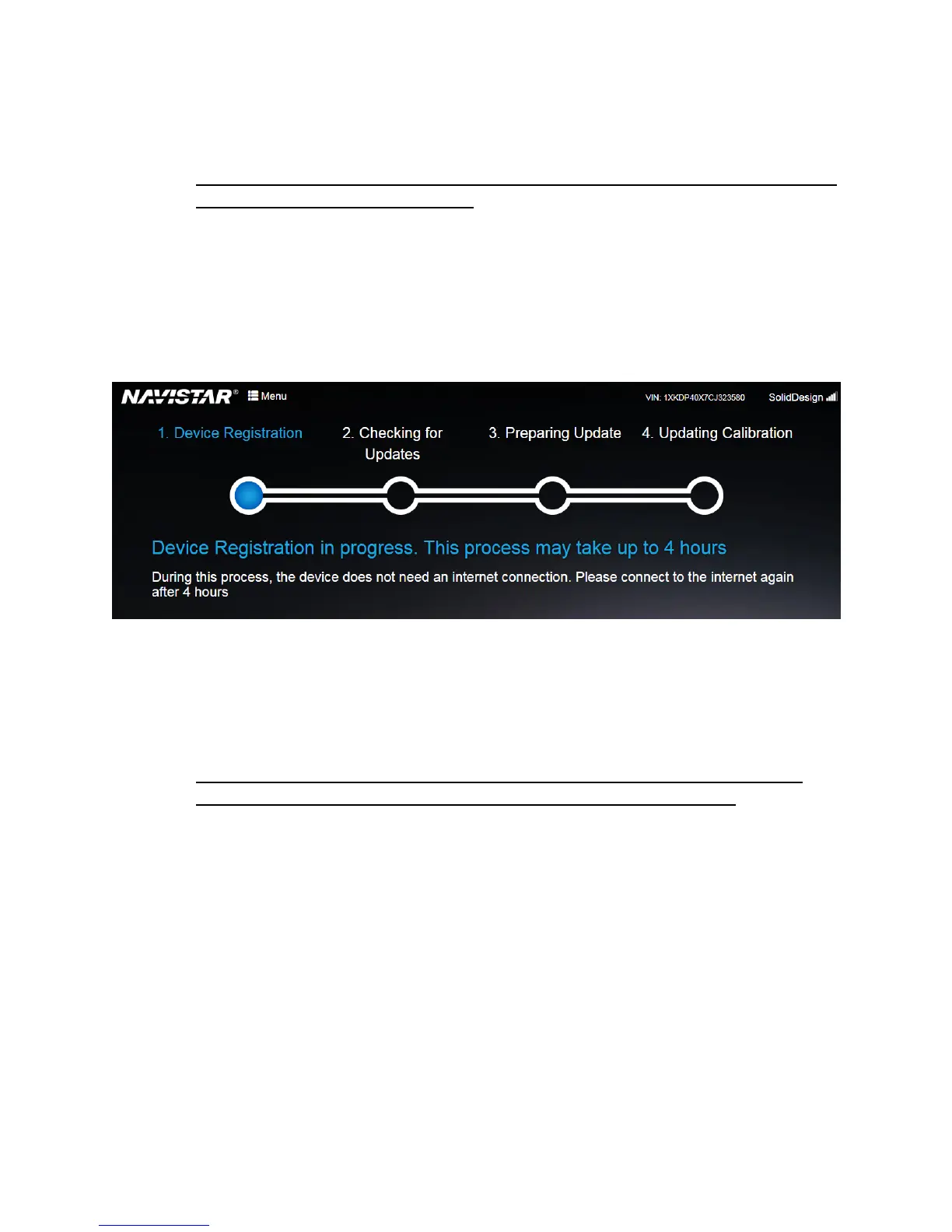
1. Device Registration phase (Triggered when the OnCommand® Link device is connected to the
Internet the first time on a new vehicle):
a. To update Cummins engines, the OnCommand® Link must first be registered with a
particular Cummins engine (by engine serial number). This process is initiated when
the OnCommand® Link is first connected to the Internet. Registration takes at-least
4 hours to complete. Once the OnCommand® Link application indicates that
egistration process is initiated, it does not need to remain connected to internet
source for 4 hours to complete this process. The registration phase completes on its
own in the background.
Figure 11. Device Registration phase
b. As long as the Link device remains on the same vehicle, the registration process is
performed only once for a given vehicle. The registration process must be repeated
each time an OnCommand® Link is connected to a different vehicle. During this
process, vehicle can be turned off.
2. Checking for Update phase (Triggered each time the OnCommand® Link connects to the
Internet after the “Device Registration phase” and key is ON/Engine Running):
a. The OnCommand® Link gathers engine data from your vehicle and sends it to the
backend for processing. The backend system processes this information to
determine if your engine needs a calibration update. This process takes at least 5
hours to complete. Once the OnCommand® Link application indicates that checking
for update process is initiated, it does not need to remain connected to internet
source for 5 hours to complete this process. The checking for updates phase
completes on its own in the background.


 To Next Page