Page 24 of 31
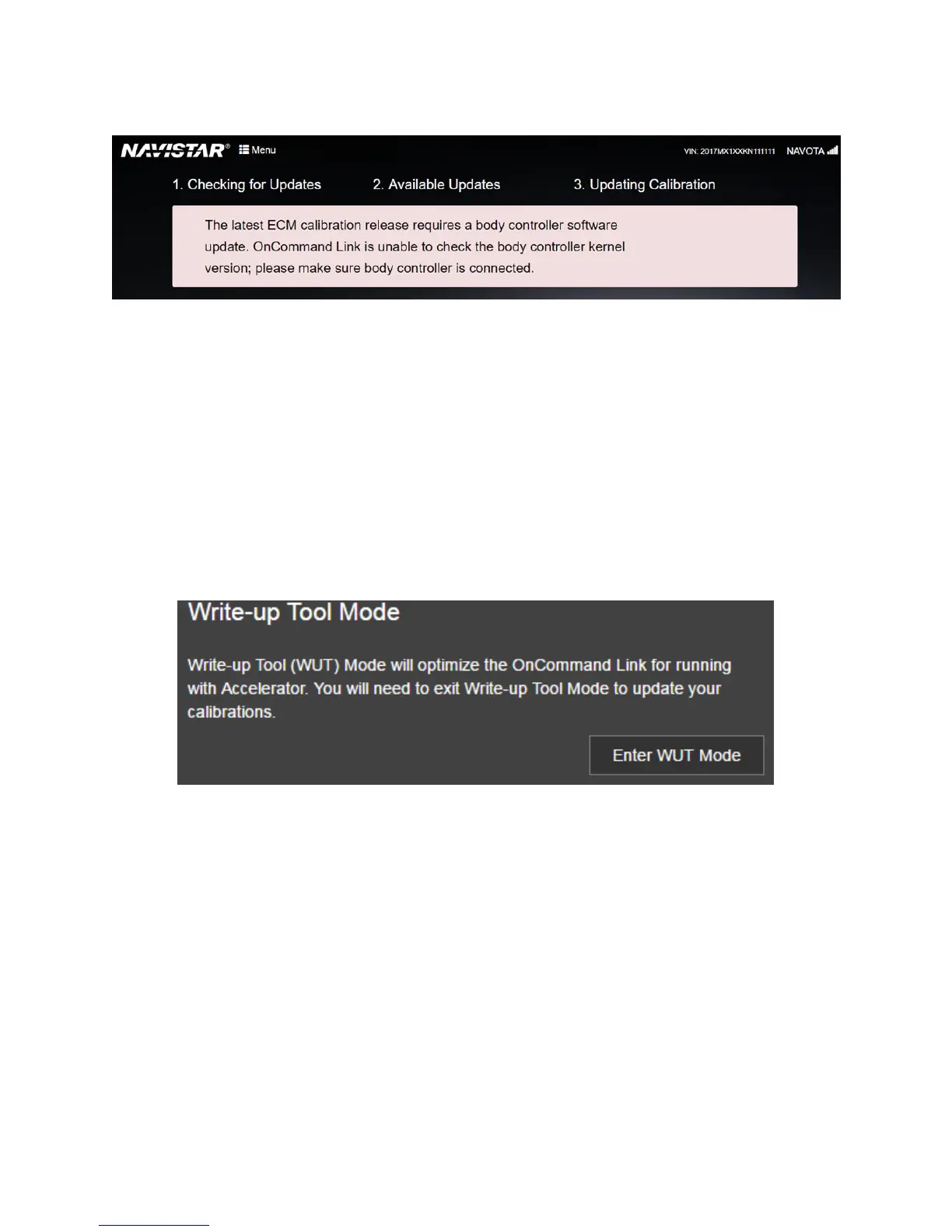
Figure 27. Could not read body controller version
Switching between Write-up Tool Mode and OTA Mode
The OnCommand® Link device supports two applications. In OTA (Over-The-Air Programming) mode, it
performs calibration updates. In Write-up tool mode, it provides health reports to the Accelerator
mobile application. Users can configure the device to work in either mode.
To switch from OTA Mode to Write-Up Tool Mode, go to MENU and click Enter WUT Mode. Please wait
for the device to switch modes.
Figure 28. Switch to Write-up tool mode
To switch from Write-up tool mode to OTA mode, click Exit WUT Mode. Please wait for the device to
reboot (indicated by two beeps and illumination of the amber APP light). You may need to reconnect to
OnCommand® Link.


 To Next Page