Page 25 of 31
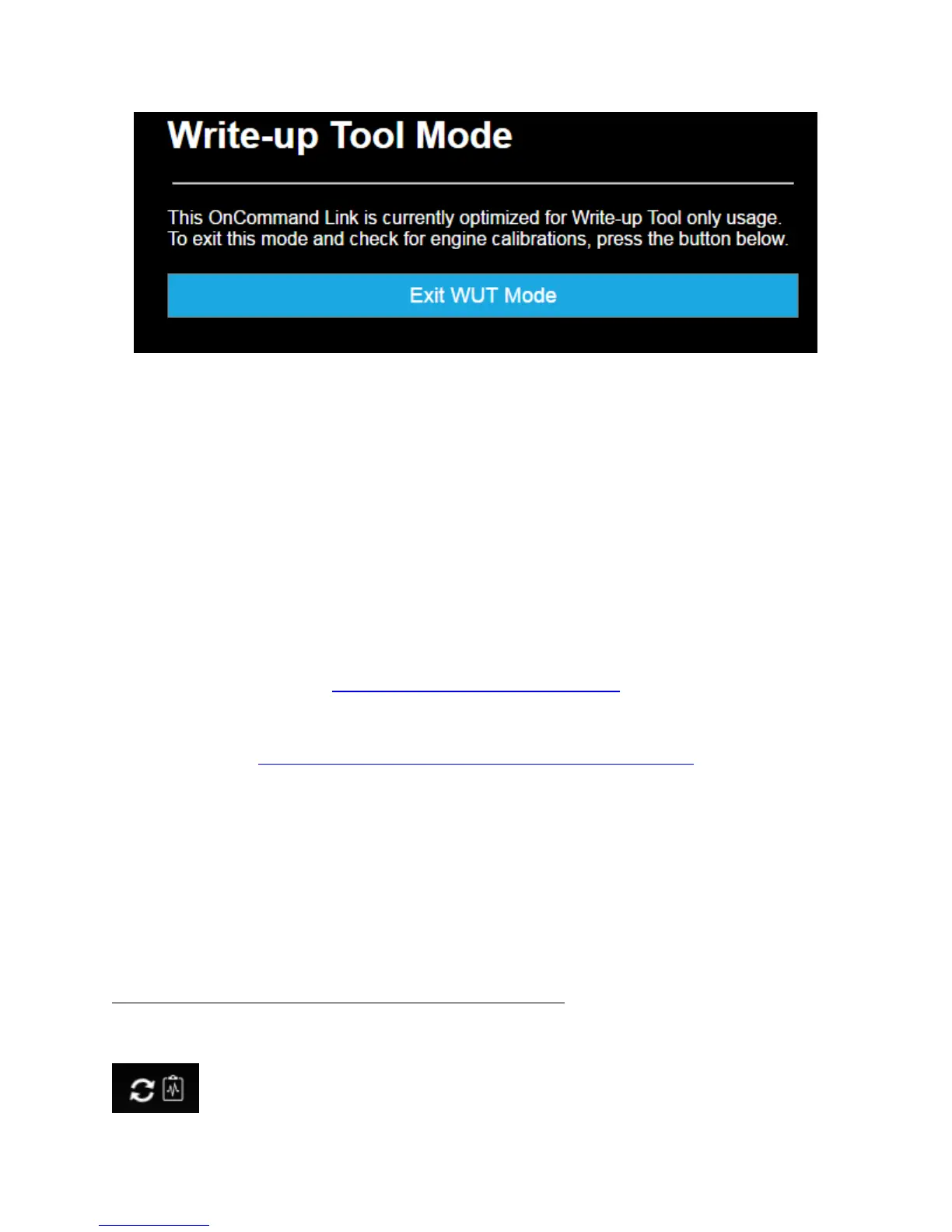
Figure 29. Switch to OTA mode
Standard Health Reports
OnCommand® Link is integrated with Navistar’s OnCommand™ Connection Portal to provide a Standard
Health Report containing over 130 parameter values showing the current health of a vehicle. Data for
Standard Health Reports is collected every 30 minutes and stored in the OnCommand® Link device.
When an internet connection is detected, stored reports are automatically uploaded to OnCommand™
Connection and deleted from device’s memory. Up to 500 reports can be stored by the device.
OnCommand® Link will be able to provide standard health reports from the vehicles supporting SAE
J1939 or J1708 protocol.
To view the Standard Health Reports created by your OnCommand® Link, go to
http://www.oncommandconnection.com
Or, if you are a Dealer, go to
https://evalue.internationaldelivers.com/service/service_info/
If you have not yet registered for an OnCommand™ Connection account, simply click the Enroll Now
button on the home page, select OnCommand® Link as your data provider, and follow the instructions
to create an account.
You can also view health report by connecting to OnCommand® Link and clicking on View Health Report
under MENU, to view the latest health report on your personal user device. As soon as this health report
is uploaded to Navistar’s backend (Wi-Fi range), it will immediately be available to view in OnCommand®
Connection.
Health report indicators on OnCommand® Link application page
The below icons indicate various status related to health reports:
Spinning arrows – Health report running currently


 To Next Page