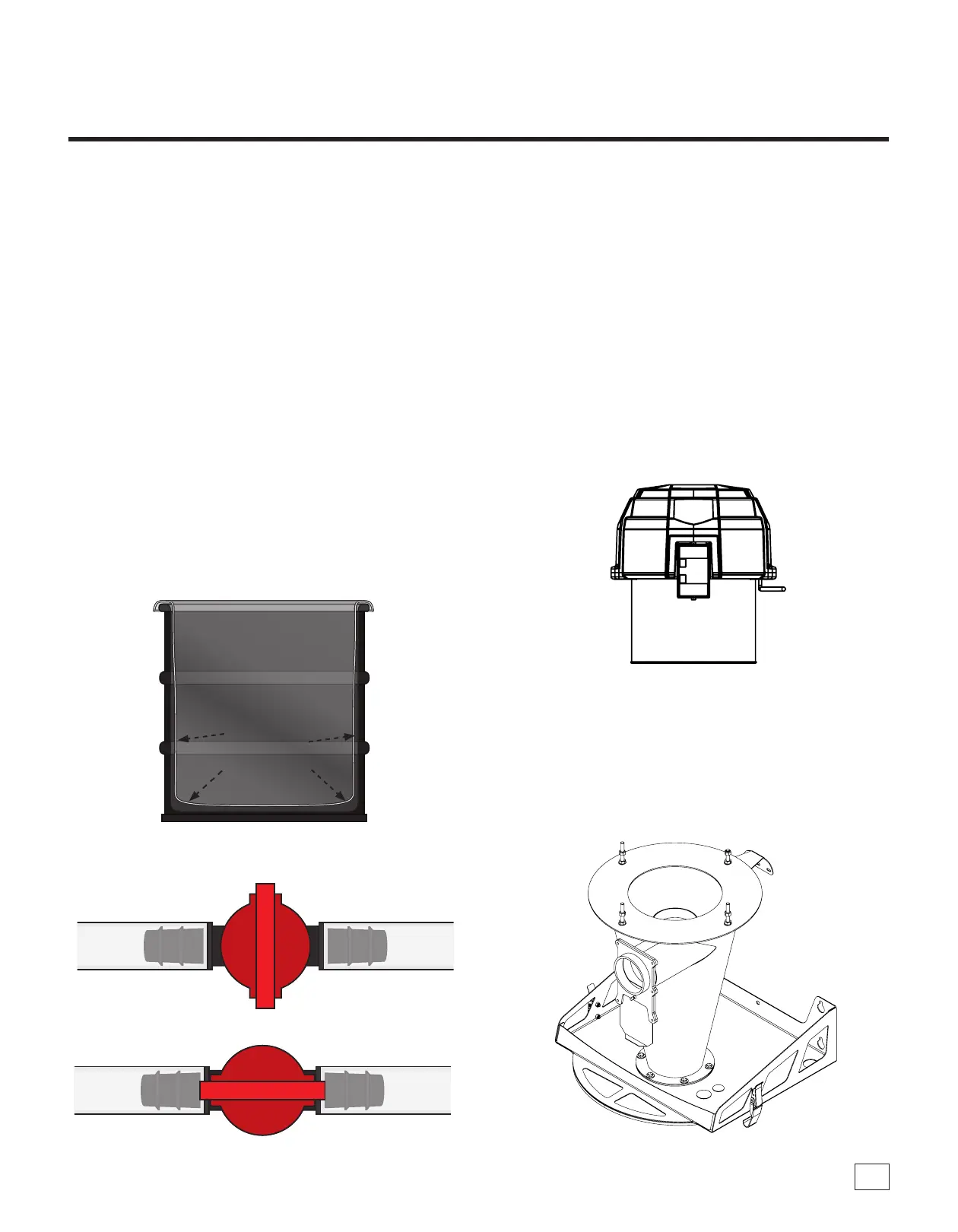
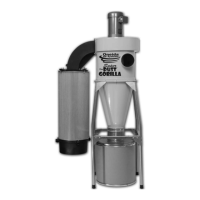
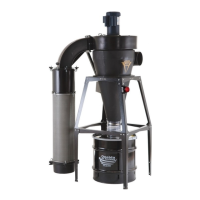
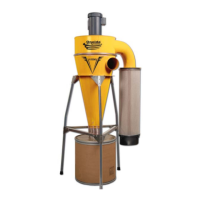
Closed
Open
oneida-air.com 27
Emptying the Drum
When rst using the dust collector, check the Drum Window
(K1) regularly to get an idea of how oen it needs to be emptied.
If the Drum (L) becomes overlled, the dust will be sucked
into the Cone (E) and into the Filter (C). To clean the Drum
Window, ONLY use a clean, so cloth. NEVER use solvents.
Using a ashlight will make viewing the dust levels easier.
1. Wear a dust mask and eye protection.
2. Turn o the dust collector and wait for the fan blower to
come to a complete stop and for the dust to settle before
unlatching the drum from the cyclone body.
3. Dispose of waste safely and properly.
4. Replacement bags should be 22" x 22" and at least 1.5 mils
thick. See Accessories page for replacement bags needed for
your system. If you are not using the automatic bag holding
feature of the system, the Switch Valve (G16B) of the
Tubing Assembly (G16) MUST be in the closed position.
Cleaning out the Cyclone
If the drum becomes overlled and the cone is packed with
dust:
1. Wear a dust mask and eye protection.
2. Turn o the dust collector and wait for the fan blower to
come to a complete stop and for the dust to settle before
unlatching the drum from the cyclone body.
3. Empty Drum (L) and reinstall as directed. Try to get
contents of cone to fall down into drum. Follow directions
under "Cleaning the Filter". If the Cone and Filter are
packed so that dust won't ow down into the drum on its
own then unclamp the motor section and set aside.
4. Remove the lter by removing the four Nylock Nuts and
the Filter Hold-Down Ring.
Note: Review Cleaning the Filter Section for a detailed step
by step.
5. e top of the cyclone can now be accessed to allow debris
to drop down into the drum/bin.
Maintenance (Continued)



 To Next Page