EasyManua.ls Logo

Oneida Air Systems Supercell - User Manual

Default Icon
36 pages
Print Icon
To Next Page IconTo Next Page
Loading...
Rev: B 20221128 Doc. #ZBM000038
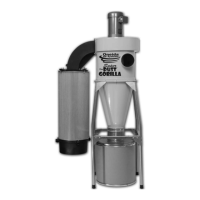
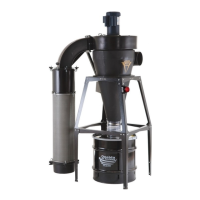
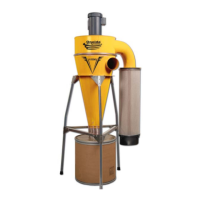
Appearance may vary slightly
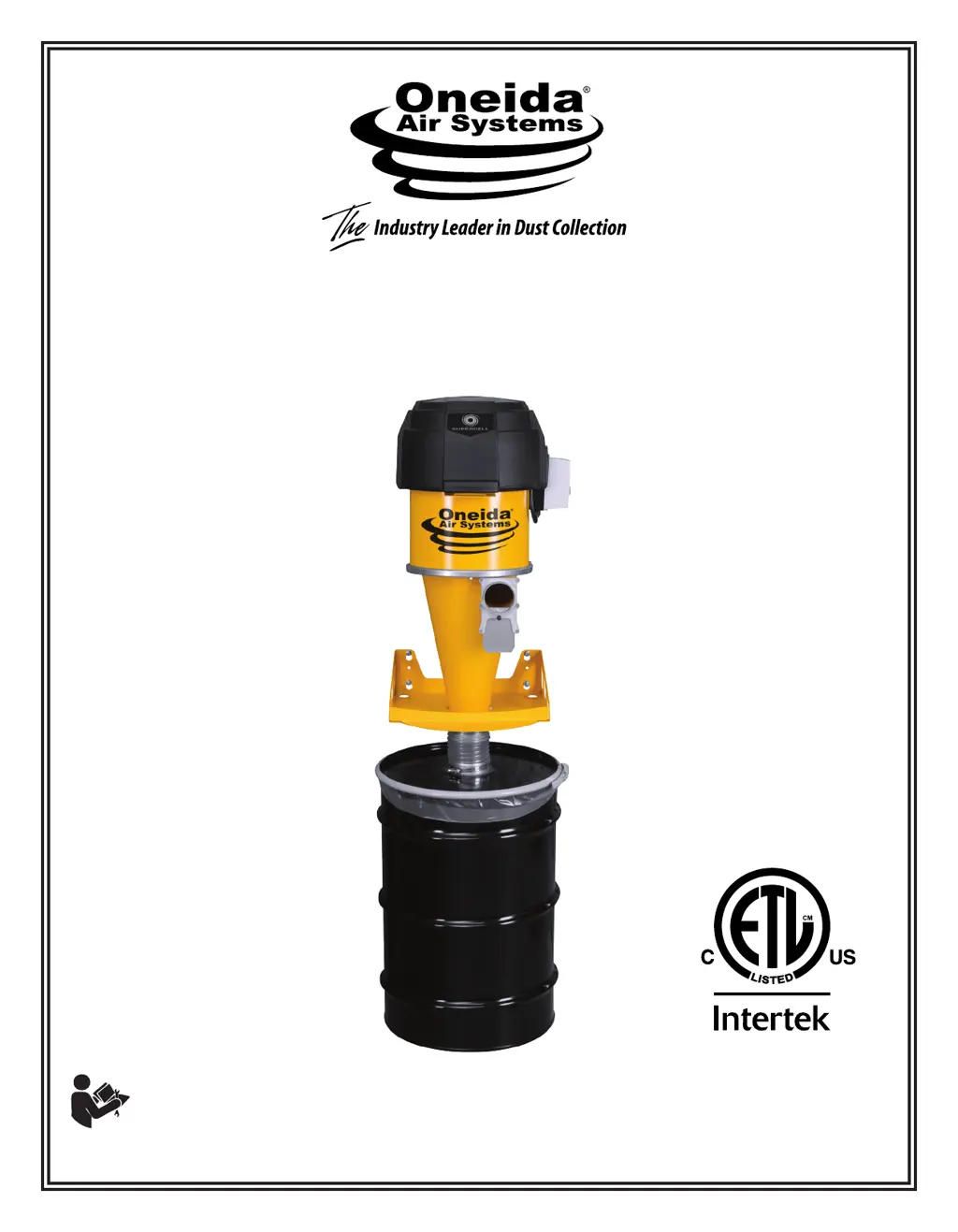
OWNER’S MANUAL
Supercell
®
Supercell
®
Turbo
High-Pressure
Dust Collector
30/35/55 Gallon
# XSK000030
# XSK000035
# XSK000055
# XSK430000
# XSK435000
# XSK455000
U.S. Patent: #8393050,
#8377160, #9125535,
#D917806
READ AND UNDERSTAND ALL INSTRUCTIONS AND WARNING LABELS BEFORE
USING THE DUST COLLECTOR.

Questions and Answers

  • D
    danieltorresAug 16, 2025
    What to do if Oneida Air Systems Supercell filter is clogging?
    • J
      Julie NguyenAug 17, 2025
      If your Oneida Air Systems Dust Collector filter is clogging, it could be due to large chips or fine dust. If large chips are the cause, check for a leak in the dust bin or lid and make sure the dust bin has not overfilled (empty it before dust reaches the top). If fine dust is the issue, especially after heavy sanding, pulse the filter more frequently.
  • P
    Patrick PerezAug 21, 2025
    Why is my Oneida Air Systems Supercell not picking up dust well?
    • J
      jackparkAug 21, 2025
      If your Oneida Air Systems Dust Collector has poor dust pick-up at the tools, check the length of duct runs, duct diameters, and hood design compared to ductwork design guidance. Ensure all connections to the system are sealed, as even small cracks in the flex hose or ductwork can cause large air losses; use silicone, duct tape, or duct mastic compound as a sealant. Also, make sure everything is connected and check for air leaks between the collector and dust drum. Finally, ensure that your filter is clean. Another reason may be that one of the three motors may have reached its end of life. Replacements can be found in the Recommended Accessories section. Use the QR Code shown to download our instructions for the Testing and Replacement of the Motor Maintenance Kit.
  • B
    brandon74Aug 25, 2025
    Why is my Oneida Air Systems Supercell filter clogging so fast?
    • P
      Philip DavisAug 25, 2025
      If the filter of your Oneida Air Systems Dust Collector is clogging, and large chips are clogging the filter, check for a leak in the dust bin or lid. Ensure the dust bin has not overfilled; it should be emptied before the dust reaches the top of the container. If fine dust is clogging the filter, it may be due to heavy sanding with a drum sander or fine grit paper, which causes the pleated filter media to bind sooner than with larger size dust. Pulse filter more frequently.
  • J
    Jeremy SullivanAug 28, 2025
    Why is my Oneida Air Systems Dust Collector motor overheating?
    • M
      Melinda BuckAug 28, 2025
      If your Oneida Air Systems Dust Collector motor is overheating or the system is tripping, it could be due to the motor not being properly wired. Check the wire connections, ensure the breaker box has the correct power supply for the motor, and verify the overload setting in the starter.
  • W
    William VargasSep 1, 2025
    How to fix Oneida Air Systems Supercell remote control that won’t turn off the system?
    • J
      Jenny HolderSep 1, 2025
      If the remote control for your Oneida Air Systems Dust Collector won’t turn off the system, it may be due to electrical interference from the motor interrupting the remote’s frequency. To resolve this, power off and unplug the system. Remove the cover from the motor starter box and find the remote receiver taped to the inside of the cover. Take the black antenna wire from the bottom of the receiver and loop it outside the starter box. Close the motor box, pinching the wire between the seam of the cover and the box. If necessary, further extend the antenna wire for improved reception by using wire strippers to expose metal on the wire and attaching an additional length.
  • A
    Adrian SmithSep 4, 2025
    What to do if the Oneida Air Systems Supercell remote won't turn off the system?
    • J
      Jennifer ClarkeSep 4, 2025
      If the remote control won’t turn off your Oneida Air Systems Dust Collector, it may be due to electrical interference from the motor interrupting the remote’s frequency. To resolve this, power off and unplug the system. Remove the cover from the motor starter box and locate the remote receiver taped to the inside of the cover. Take the black antenna wire from the bottom of the receiver and loop it outside the starter box. Close the motor box, pinching the wire between the seam of the cover and the box. If needed, extend the antenna wire further for improved reception by using wire strippers to expose metal on the wire and attaching an additional length.
  • J
    johnsoncrystalSep 8, 2025
    How to troubleshoot motor overheating in Oneida Air Systems Supercell Dust Collector?
    • C
      Charles JonesSep 8, 2025
      If the motor of your Oneida Air Systems Dust Collector is overheating or the system is tripping, it may be due to the motor not being properly wired. Check the wire connections, the breaker box to ensure the power supply is correct for the motor, and the overload setting in the starter.
  • B
    burnettlindaNov 12, 2025
    What to do if Oneida Air Systems Supercell has poor dust pick-up at tools?
    • D
      Daniel OrrNov 12, 2025
      If your Oneida Air Systems Dust Collector isn't picking up dust well at the tools, several factors could be at play. First, check the length of duct runs, duct diameters, and hood design compared to ductwork design guidance. Ensure all connections to the system are sealed; even small cracks in flex hose or ductwork can cause large air losses, so use silicone, duct tape, or duct mastic compound as a sealant. Make sure everything is properly connected and check for air leaks between the collector and dust drum. Also, be sure that your filter is clean. Another possibility is that one of the three motors may have reached its end of life. Replacements can be found in the Recommended Accessories section. Use the QR Code shown to download our instructions for the Testing and Replacement of the Mo...

Summary

System Start-Up Information

Supercell;Supercell Turbo System Specifications

Wall Bracket Mounting Specifications

Wall Bracket Dimensions

System Dimensions with 30 Gallon Drum

System Dimensions with 35 Gallon Drum

System Dimensions with 55 Gallon Drum

System Contents 30;35;55 Gallon Drum

Assembly Instructions

Maintenance

Filter Pulse Bar Cleaning

Instructions for unclogging the filter for improved airflow and performance.

Cleaning the Filter

Steps for removing, cleaning, and reinstalling the dust collector filter.

Emptying the Drum

Guidance on checking and emptying the dust drum to prevent overflow into the filter.

Cleaning out the Cyclone

Steps for clearing dust from the cyclone body when the drum is overfilled.

Troubleshooting

F.A.Q.

Recommended Accessories

Warranty Information

Oneida Air Systems Supercell Specifications

General IconGeneral
Motor Power5 HP
Weight150 lbs
Voltage230V
PhaseSingle Phase
Filtration99.97% at 0.3 microns
Collection Capacity17 gallons
Inlet Diameter6 inches
Noise Level75 dB

Related product manuals