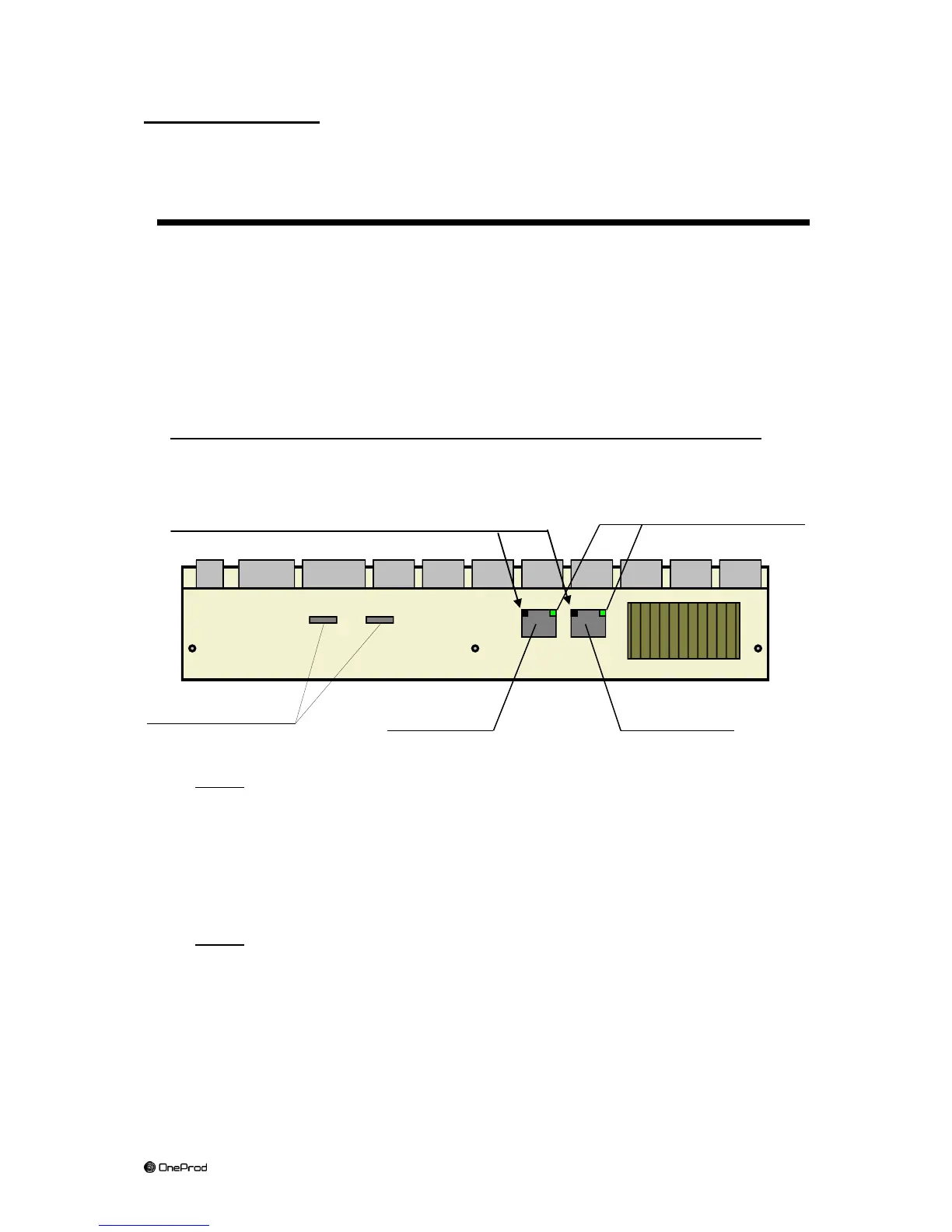
(*) Lights A, B and C:
These indicator lights may switch function in case of system defect (see Maintenance
Chapter).
6 Connecting MVX on an Ethernet network
6.1 Ethernet port selection
There are two RJ45 type Ethernet sockets on MVX: A & B.
They are located on the bottom of the MVX case.
Connecting MVX to an Ethernet network is possible using A or B socket.
Only one socket can be used at a time.
These two connectors may be used but their pin assignment are not identical:
Port A (or « left »port): standard (non crossed, same as a PC):
In order to connect MVX to a factory network through A port, you have to use a
standard (uncrossed) cable.
In order to connect MVX to a PC through A port, you have to use a crossed
cable and to setup beforehand MVX in Fixed IP address mode.
Port B (or "right" port): crossed.
In order to connect MVX to a factory network through B port, you have to use a
crossed cable.
In order to connect MVX to a PC through B port, you have to use a standard
cable.



 To Next Page