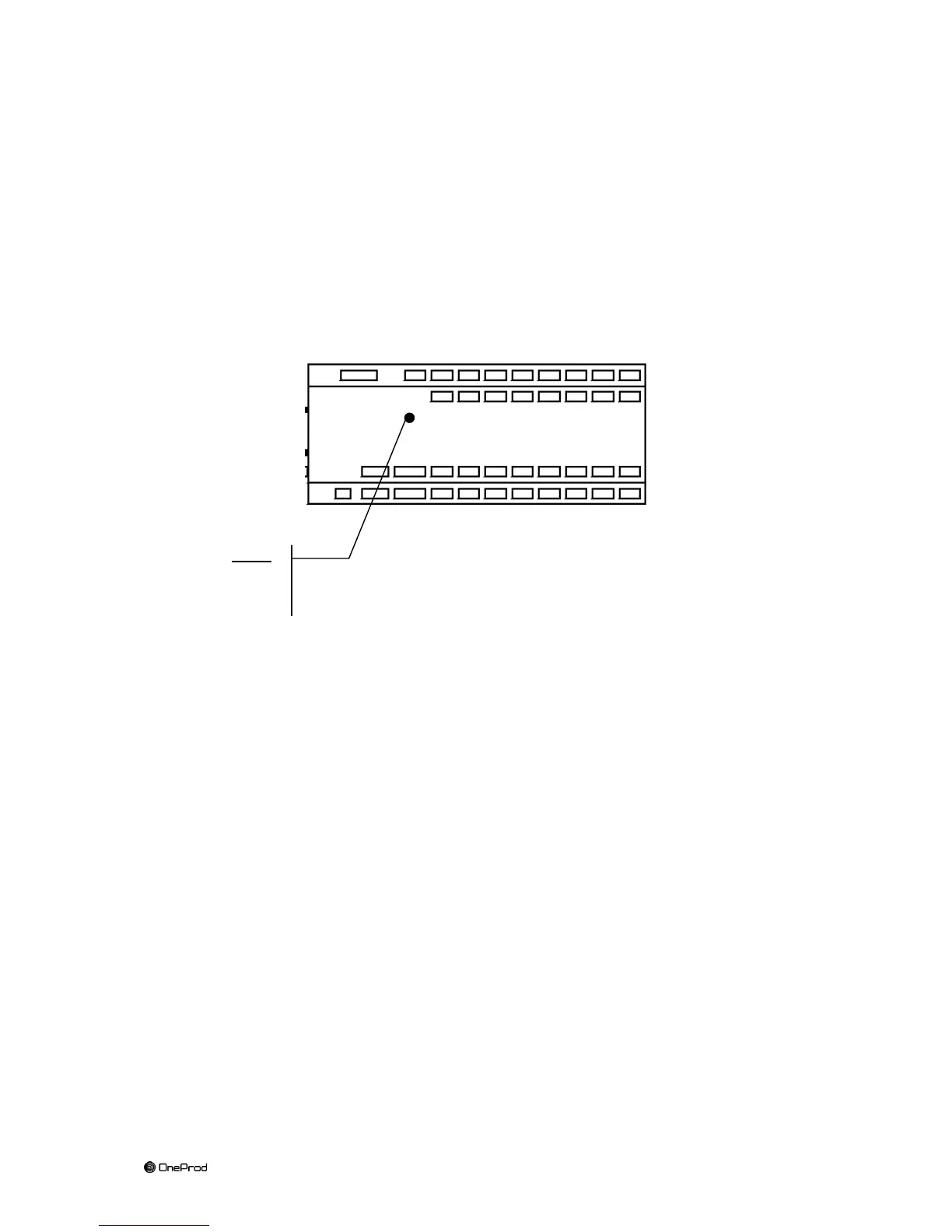
8.4 MVX Hard Reset
It is possible to make a Hard Reset of MVX, the reset has the effect:
Restore dynamic addressing mode of the Ethernet ports
Restore the HTTPS port to 403.
This reset is done by maintaining the reset push button pressed for 3 seconds with a
thin screwdriver (diameter <2 mm)
After reset the MVX restarts with its original settings.
8.5 MVX Firmware upgrade
WARNING : only for MVX in version 5.4.0-7 or higher
Use the web interface to perform the firmware upgrade.
To connect, use a web browser by entering the following address :
https://serialnumberofmymvx
it is important to use https (exemple : https://lcf042563-322/)
Do not care about security message from your web browser.
Login : usermvx
Password : MVX
Go to Update tab
Browse for a .firm file
Upgrade the MVX



 To Next Page