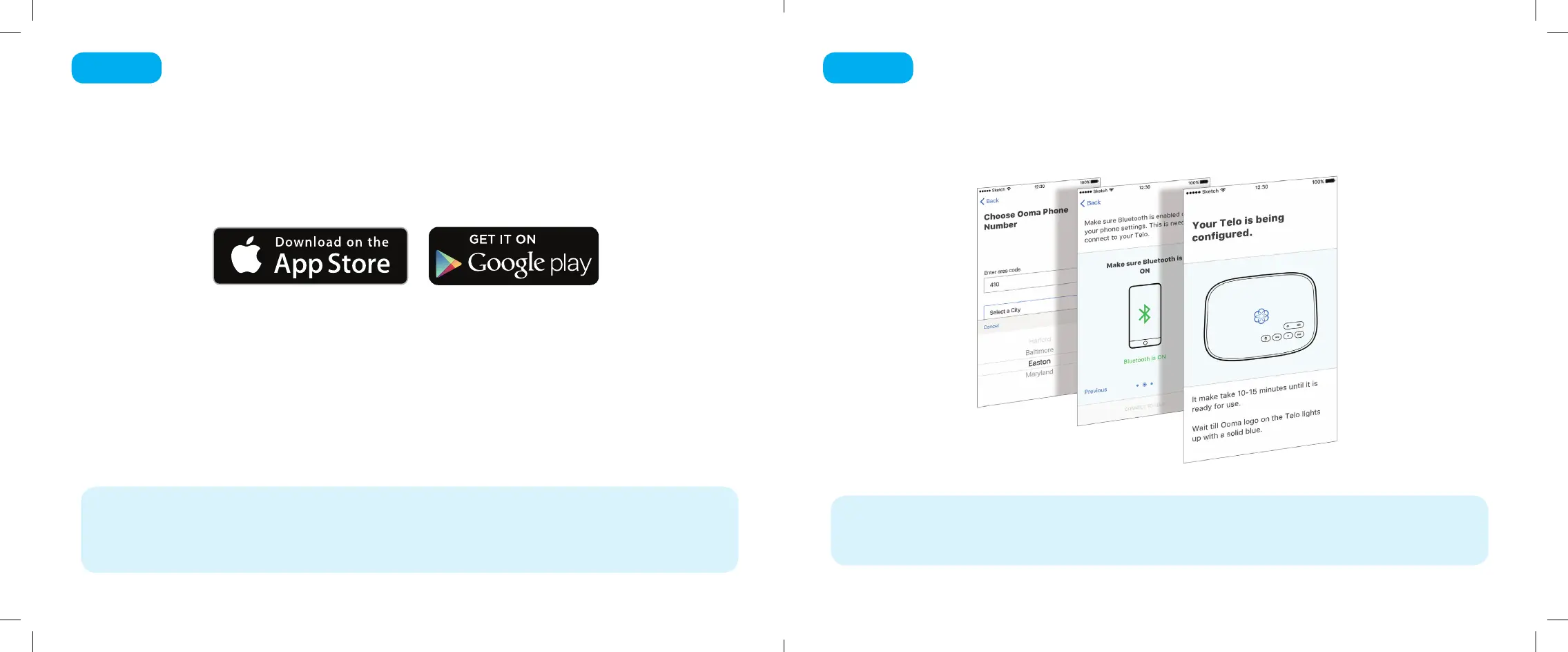
The easiest way to set up your Telo is with your iPhone or Android smartphone.
Visit the app store on your phone and search for the “Ooma Setup” app.
Install the app and follow the instructions.
If you don’t have a smartphone or cannot install the app, you can visit ooma.com/activate
on your computer. Follow the alternate instructions on that site to activate your account
and set up your Telo.
Get the Ooma Setup App
Step 1
4 5
The Ooma Setup app will guide you through the necessary steps to activate your account.
You will need to provide your 911 address and select a phone number.
Again, if you don’t have a smartphone or cannot install the app, go to ooma.com/activate on your
computer and follow the alternate instructions to activate your account and set up your Telo.
Activate Your Account
Step 2
Ooma-Telo-Air-QSG_EN-FR 700-0192-100-Jan2018-R2.indd 4-5 1/31/18 2:36 PM



 To Next Page