User Manual v.2.2
OD5+ Serie
OPAL – Your AutoID System Integrator
opal-holding.com
- 25 -
4. Maintenance and Adjustment
4.1 Error Messages
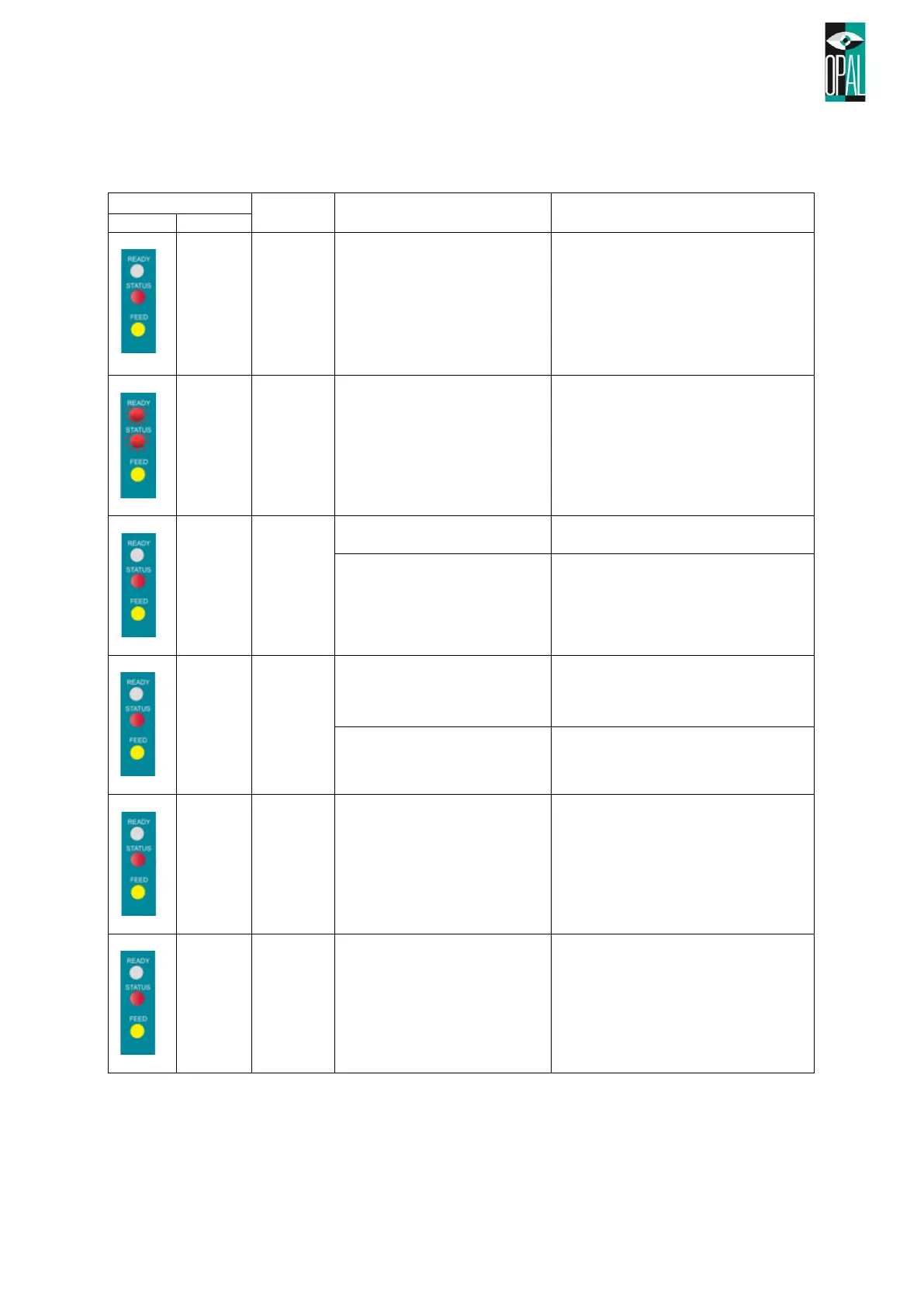
Print head is not firmly closed.
Re-open the print head and make
sure it closes tightly.
The temperature of the print
head is too high.
Wait until the print head temperature
drops to the normal temperature
range, printer will go back to the
standby mode and the LED light will
stop flashing.
Ribbon is not installed, and
printer shows error message.
Make sure the printer is in the direct
thermal mode.
Ribbon is used up or ribbon
supply shaft is not moving.
Replace with new ribbon roll.
Make sure the movable sensor mark
is at the correct position, if the sensor
is still unable to detect paper, then go
through Auto-Sensing again.
Replace with new label roll.
Possible causes: card tags or paper
felt into the gap behind the platen
roller, can’t find label gap/black mark,
black mark paper out. Please adjust it
according to actual usage.
Memory is full; printer will print
out “Memory full.”
Delete unnecessary data in the
memory.



 To Next Page