13
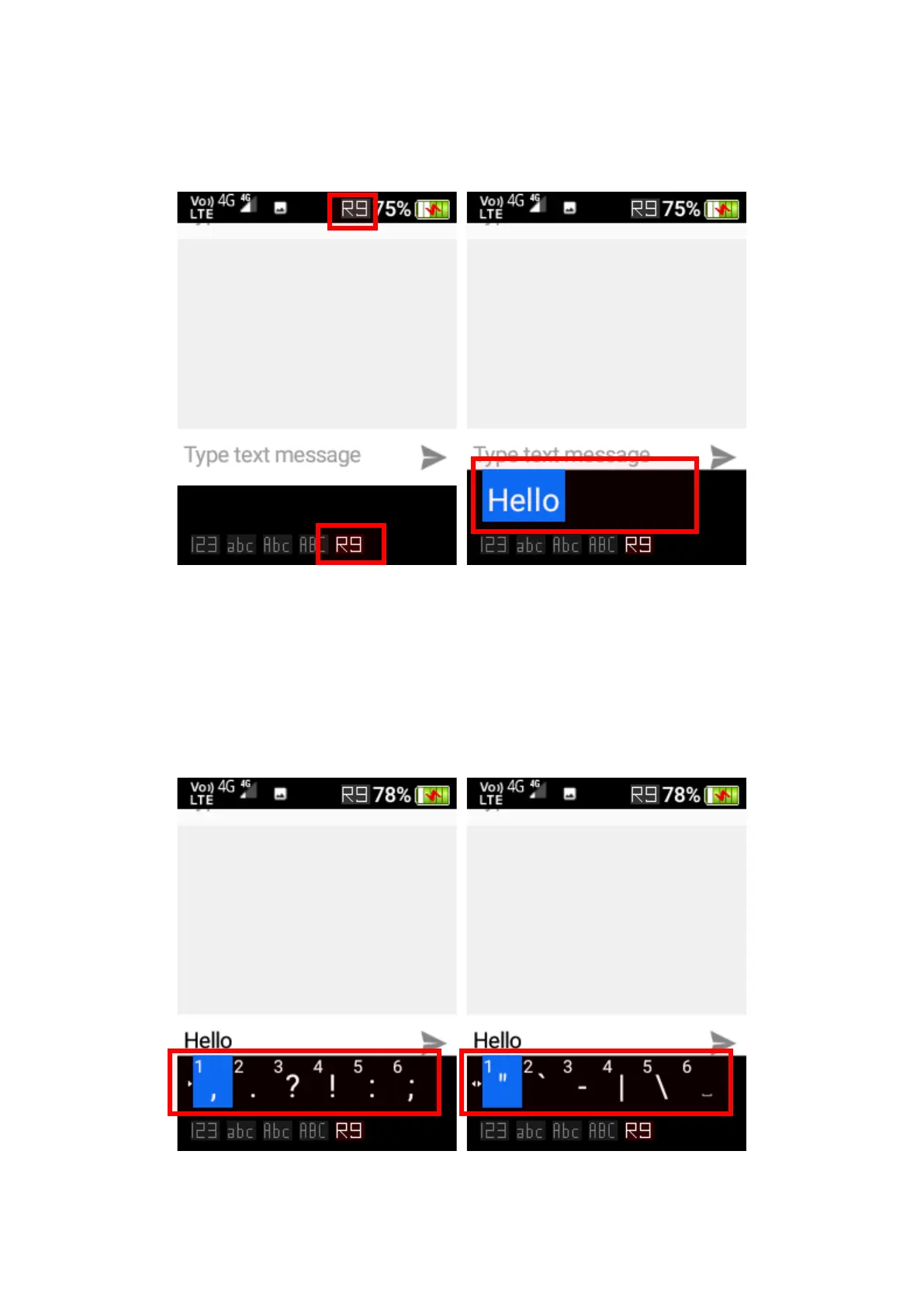
1. Use the keypad to type the word without pressing the same key multiple times. E.g., To
type “hello,” press the “4, 3, 5, 5, 6” keys once and the word “hello” will show up for
selection. It also suggests other word options like what has been typed in.
2. To choose another candidate word, use the cursor keys to highlight it and then press the
“OK” key or the “Space” 0 key to select the word.
Symbols
To add symbols like dot, comma, question mark, etc., press the * (star) key and scroll using the
cursor keys to choose the symbol you wish to use. Confirm your selection with the “OK” Key.















 To Next Page