48
Call logs
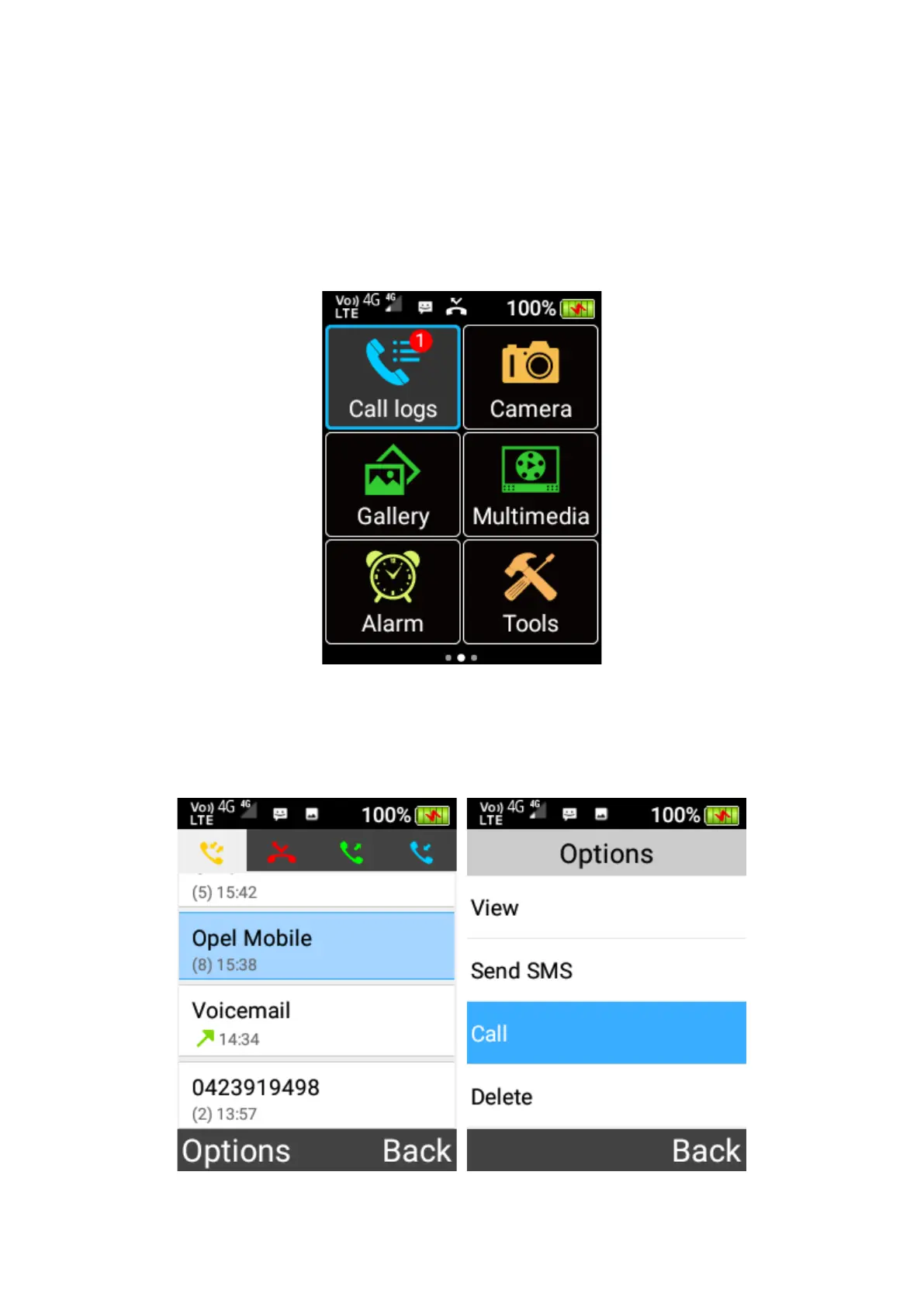
To access Call logs, scroll across the home screen using the cursor keys and press OK key on
the Call logs menu icon, or simply press green Answer key at the first page of the home screen.
Here you can view all your previous call logs.
Call from call logs
To call from call logs, highlight the person you want to call and press the green Answer key or
press the OK key to select Call.















 To Next Page