49
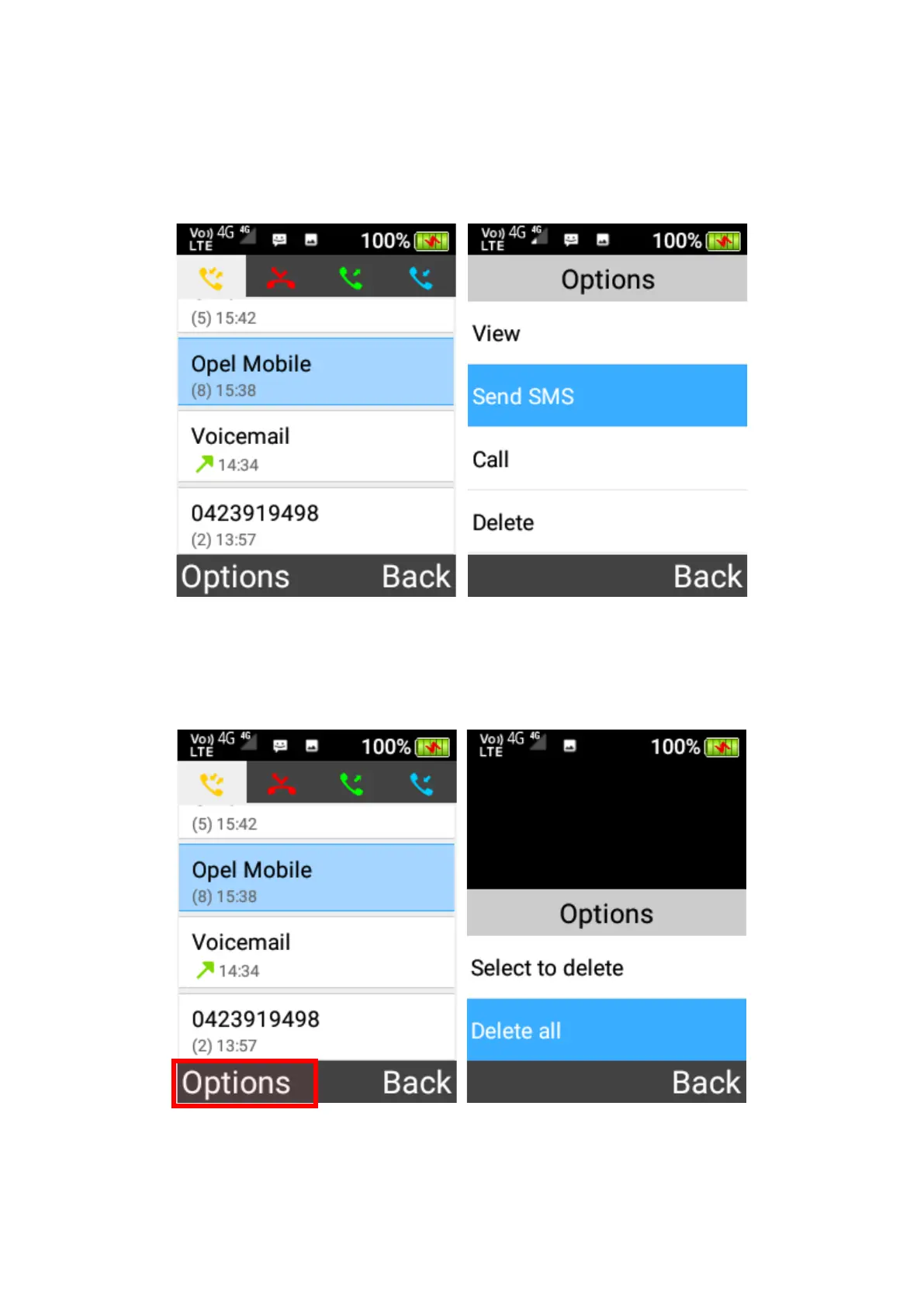
Send message from call logs
To send a message from call logs, highlight the person you want to send and press the OK
key to select Send SMS.
Delete from call logs
1. Delete all – Press the left selection key and select Delete all from the menu to clear the call
logs.
2. Delete multiple – Press the left selection key and click Select to Delete from the menu, then
select multiple contacts to delete by the OK key and then press the left selection key to
confirm deletion.















 To Next Page