81
PLEASE NOTE:
This device is not intended to be a life saving device; If you are in a life-threatening medical
emergency, we recommend you call emergency 000 immediately.
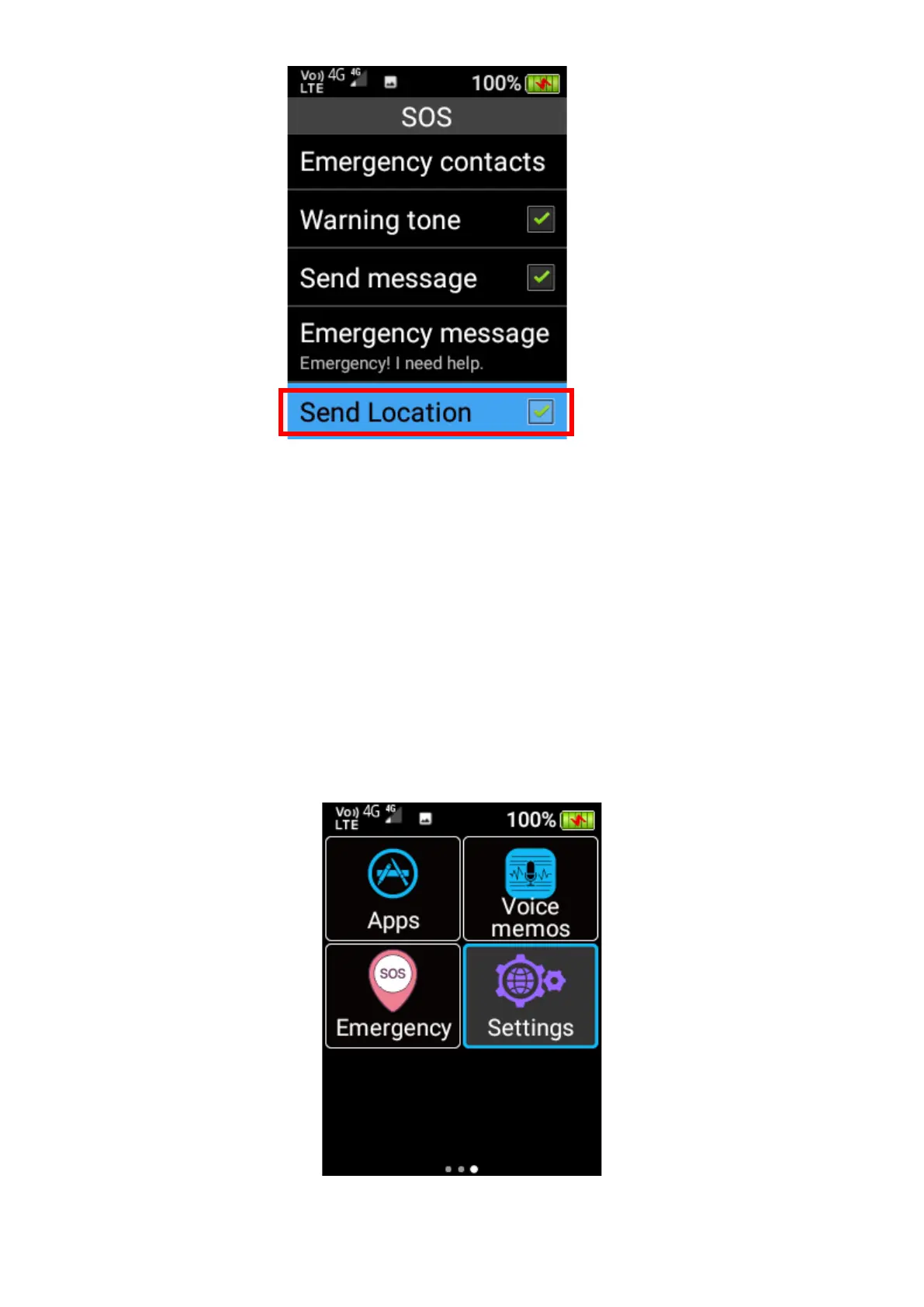
Settings
Under settings you can adjust the phone settings, like network and internet, Bluetooth, battery
options, display settings, sound settings, storage options, security and location settings and
system settings.















 To Next Page