95
Battery
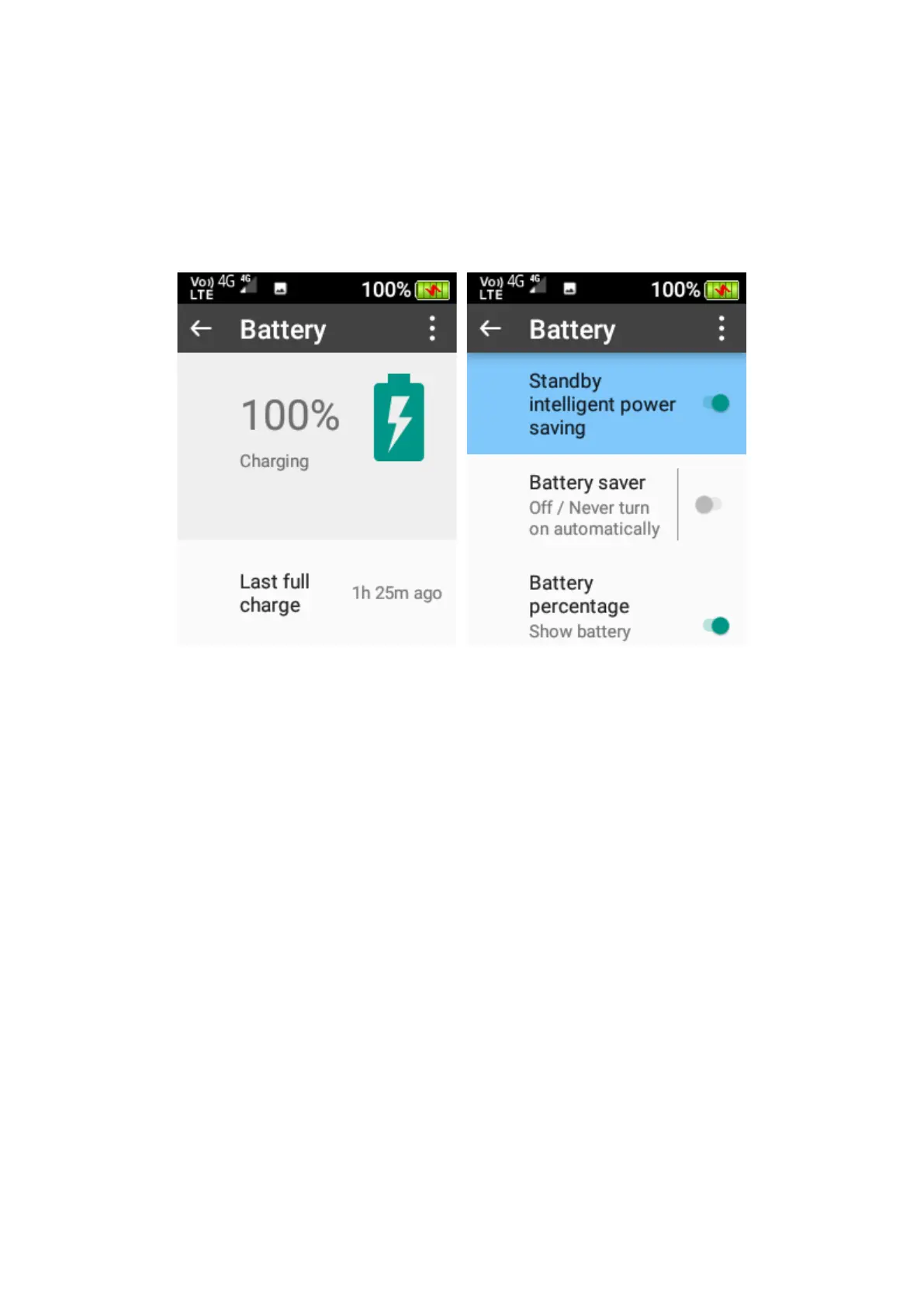
Within the battery menu, you can see the battery usage and performance. You can also change
and adjust intelligent power savings, turn battery saver mode on or off, and turn battery
percentage view on or off.
Display
In the display menu you can adjust the screen brightness and change the screen sleep timer.
1. Brightness level – Here you can adjust the brightness level of the phones screen. Press
ok on this function, scroll left or right using the navigation keys to adjust the screens
brightness level.
2. Sleep – Here you can adjust the screen timeout timer. Press ok and then highlight the
preferred timer and press ok to save that timer.















 To Next Page