44
WhatsApp
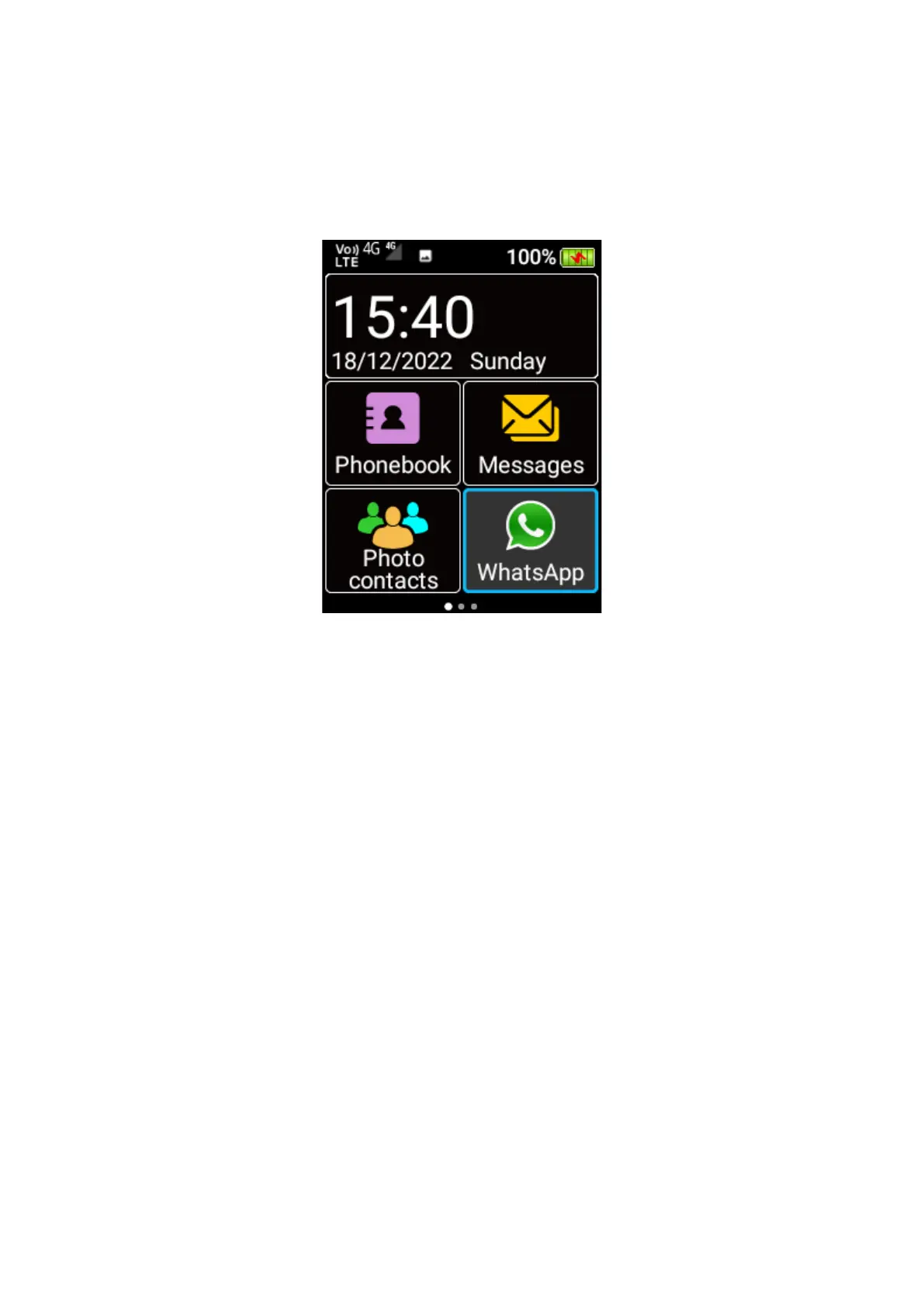
To access WhatsApp, scroll across the home screen using the cursor keys and press OK key on
the WhatsApp menu icon.
Notes:
- WhatsApp can be operated with touch screen only, with the help of keypad for text typing.
- The green “Answer” key and red “End call” key is not functional in WhatsApp.
- Mobile data or Wi-Fi connection is required.
1. Registration
Touch the on-screen button to agree the Terms of Service. Type your mobile number to
create or login your WhatsApp account, and then key in the 6-digit verification code sent
to your mobile number via SMS.















 To Next Page