72
File Manager
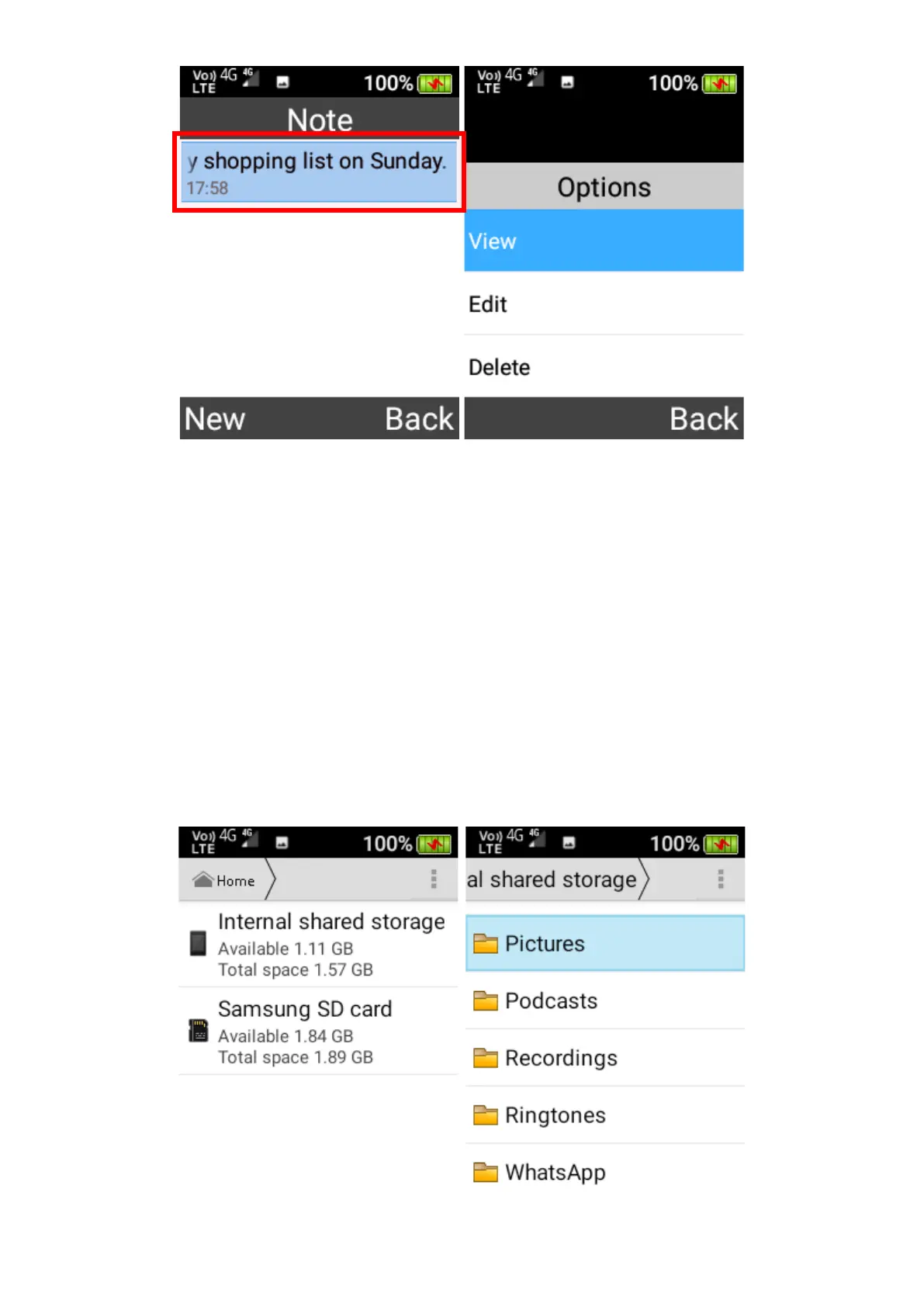
Within the file manager, you can view all files and folders that are stored on your device.
To navigate and view the folders and files, use the cursor, OK and Back keys.
You also can highlight folders and files by press-and-holding the OK key, and then press the left
selection key to open a menu for various actions on the highlighted folder or file, such as Share,
Delete, Copy, Cut, Paste, Rename and View Details.















 To Next Page