26
Messages
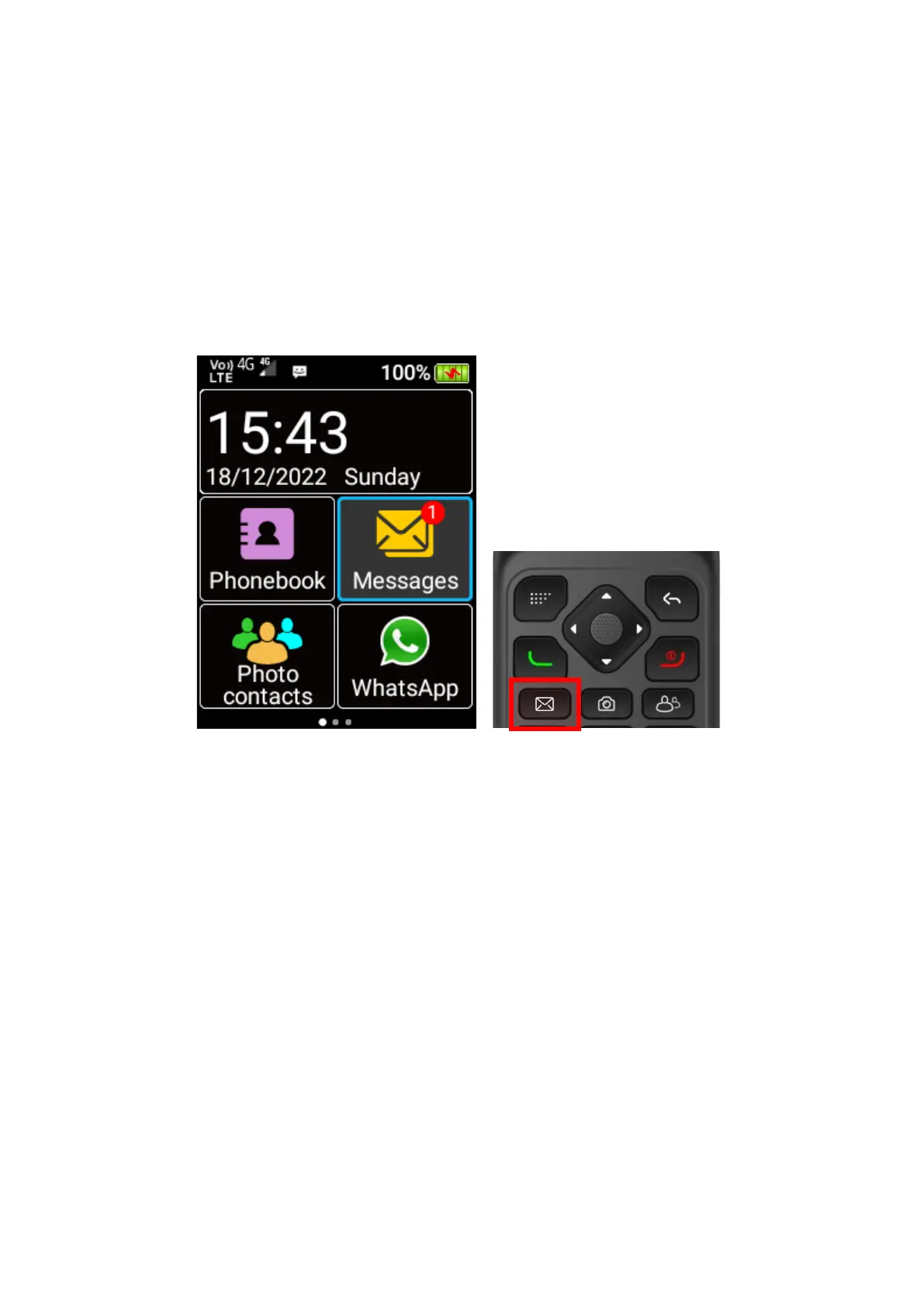
To access SMS and MMS messages, scroll across the home screen using the cursor keys and
press OK key on the Messages menu icon, or simply press Messages shortcut key on the keypad.
Here you can view previous conversations and messages or create new messages to message
your friends and family. Messages from the same contact or phone number will be grouped into
one thread, so it is easy for you to follow conversations.
Creating a new message
1. In the Messaging app, press the left selection key to open the menu.
2. Select New message using the OK key















 To Next Page