60
Multimedia
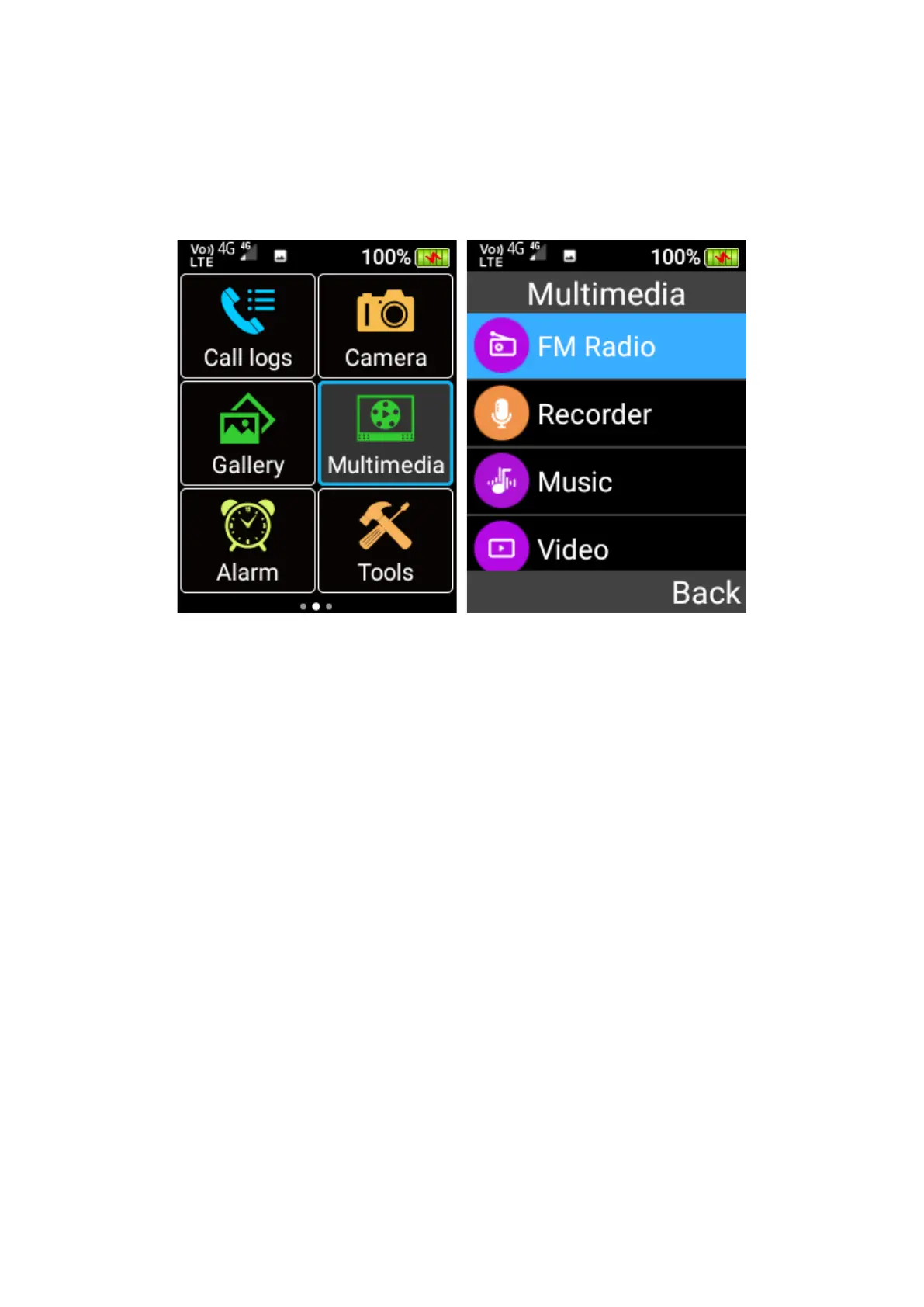
To access FM Radio, Sound Recorder, Music Player and Video Player, scroll across the home
screen using the cursor keys and press OK key on the Multimedia menu icon.
FM Radio
To fine tune the frequency of the current radio station, press the left and right cursor keys. Press
the left selection key to open a menu for Auto seach and save channels, Pause the radio and
Switch output to the earphone. Press the red “End Call” key to put the FM Radio app in the
background.















 To Next Page