67
Calendar
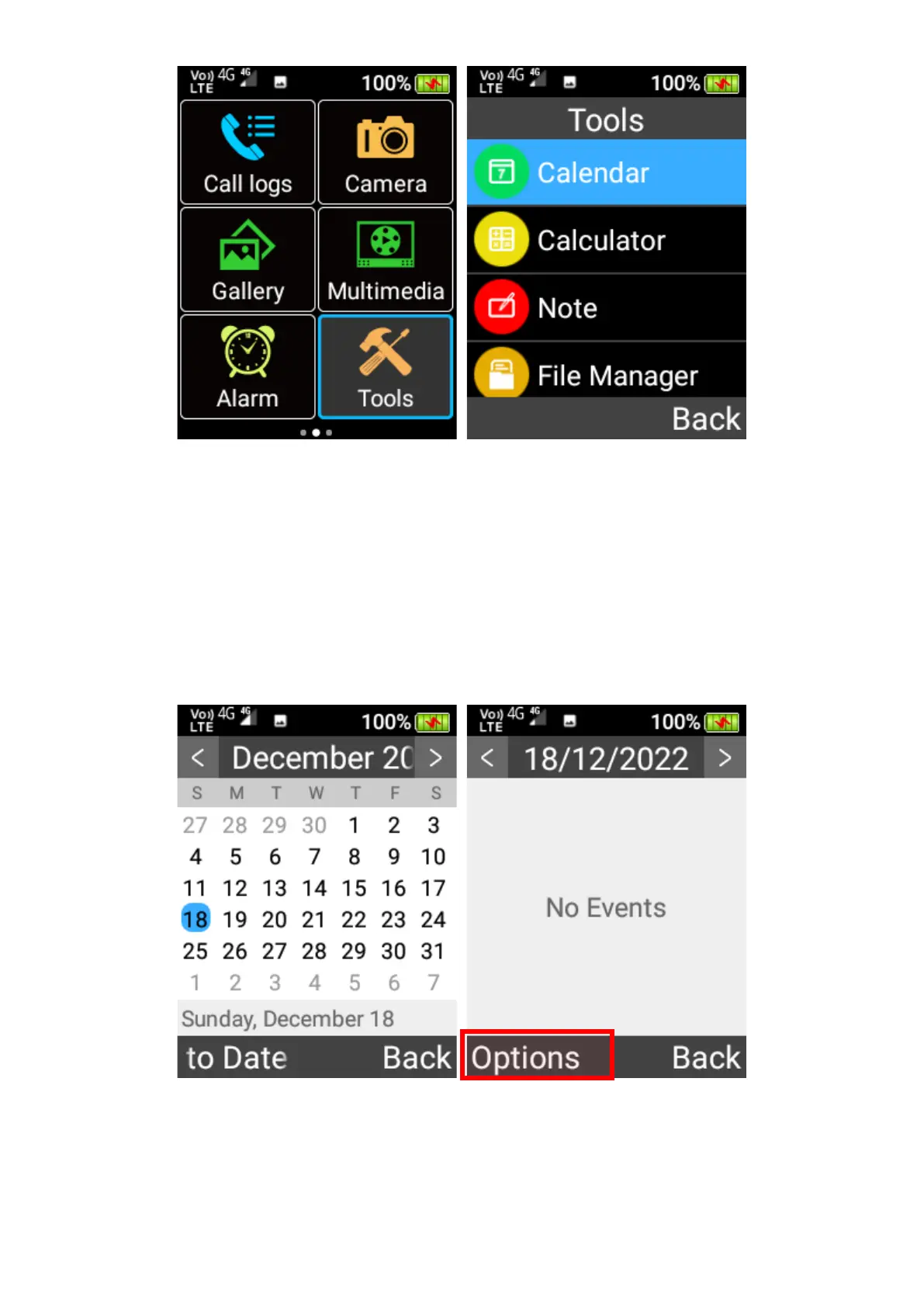
In the Calendar app, you can create events and reminders for specific dates.
1. To create an event, press the OK key on a specific date, and then press the left selection key
and select Add Event. You can type in the event title, whether it is an all-day event, choose
the start/end date/time, whether to set a reminder for it, and its location and notes. Once
complete click the left selection key to save.















 To Next Page