96
3.
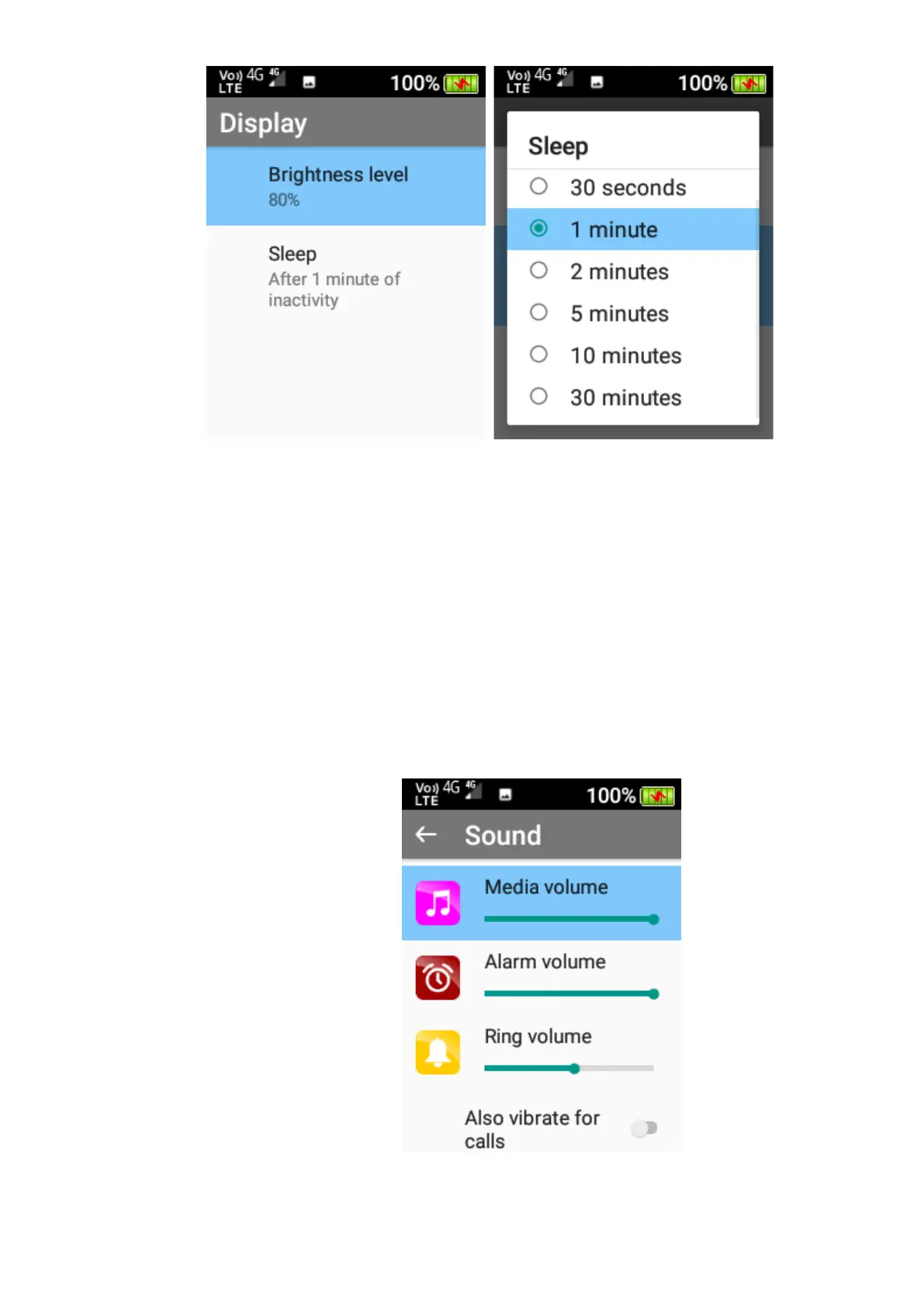
Sound
Within the sound menu you can adjust the media volume, alarm volume, ring volume, notification
volume, adjust vibrate for calls, Do Not Disturb preferences, change phone ringtones, notification
sound, alarm sound, screen touch sound, and turn sound enhancement on or off.
1. To adjust Media, Alarm, Ring, and Notification volume - Highlight the one you wish to
change and press the left and right cursor keys to change the volume levels.















 To Next Page