55
Gallery
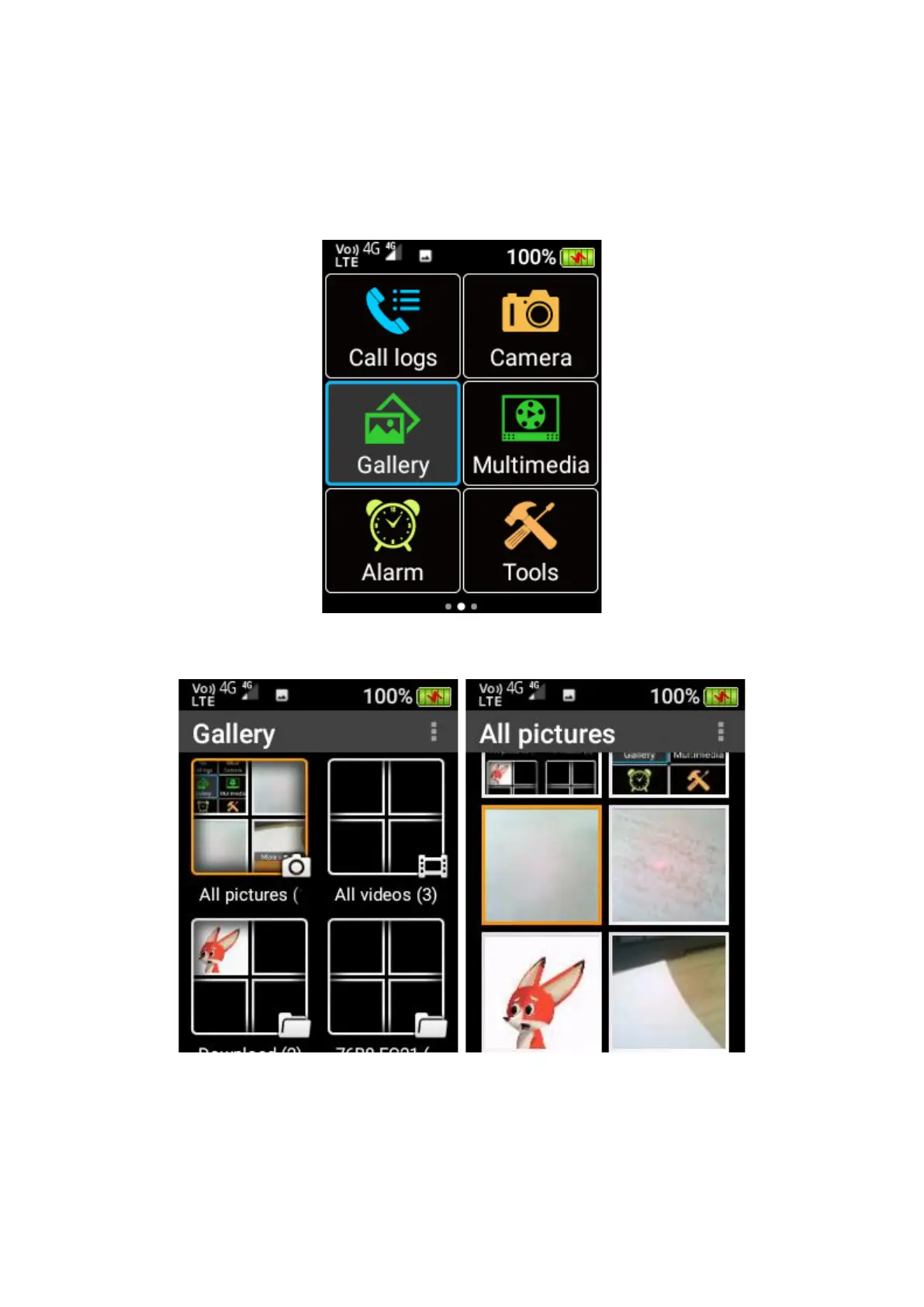
To access Gallery, scroll across the home screen using the cursor keys and press OK key on the
Gallery menu icon. Within the gallery you can view and share photos and videos.
To view an image or video, scroll using the cursor keys until the image or video is highlighted.
Then press the OK key to open it.
When an image is being viewed, press the left selection key to open a menu for various actions,
including Share (via MMS, WhatsApp or Bluetooth), Rotate, Delete, Crop, Details, Slideshow
and Settings.















 To Next Page