97
2. Vibrate for calls – Press the OK key on it to turn vibration on or off.
3. Do Not Disturb preferences – Change the preferences of Do Not Disturb mode.
4. Phone ringtone – Press the OK key on phone ringtone, using the up and down cursor
keys you can scroll through all the available ringtones, press the OK key to select your
preferred ringtone then select OK to confirm.
5. Default notification sound – Press the OK key on notification sound, using the up and
down cursor keys you can scroll through all the available sounds, press the OK key to
select your preferred sound then select OK to confirm.
6. Default alarm sound – Press the OK key on alarm sound, using the up and down cursor
keys you can scroll through all the available sounds, press the OK key to select your
preferred sound then select OK to confirm.
7. Touch sounds – Press the OK key on it to turn screen touch sounds on or off.
8. Sound enhancement – Press the OK key on it to turn on/off volume booster for speaker.
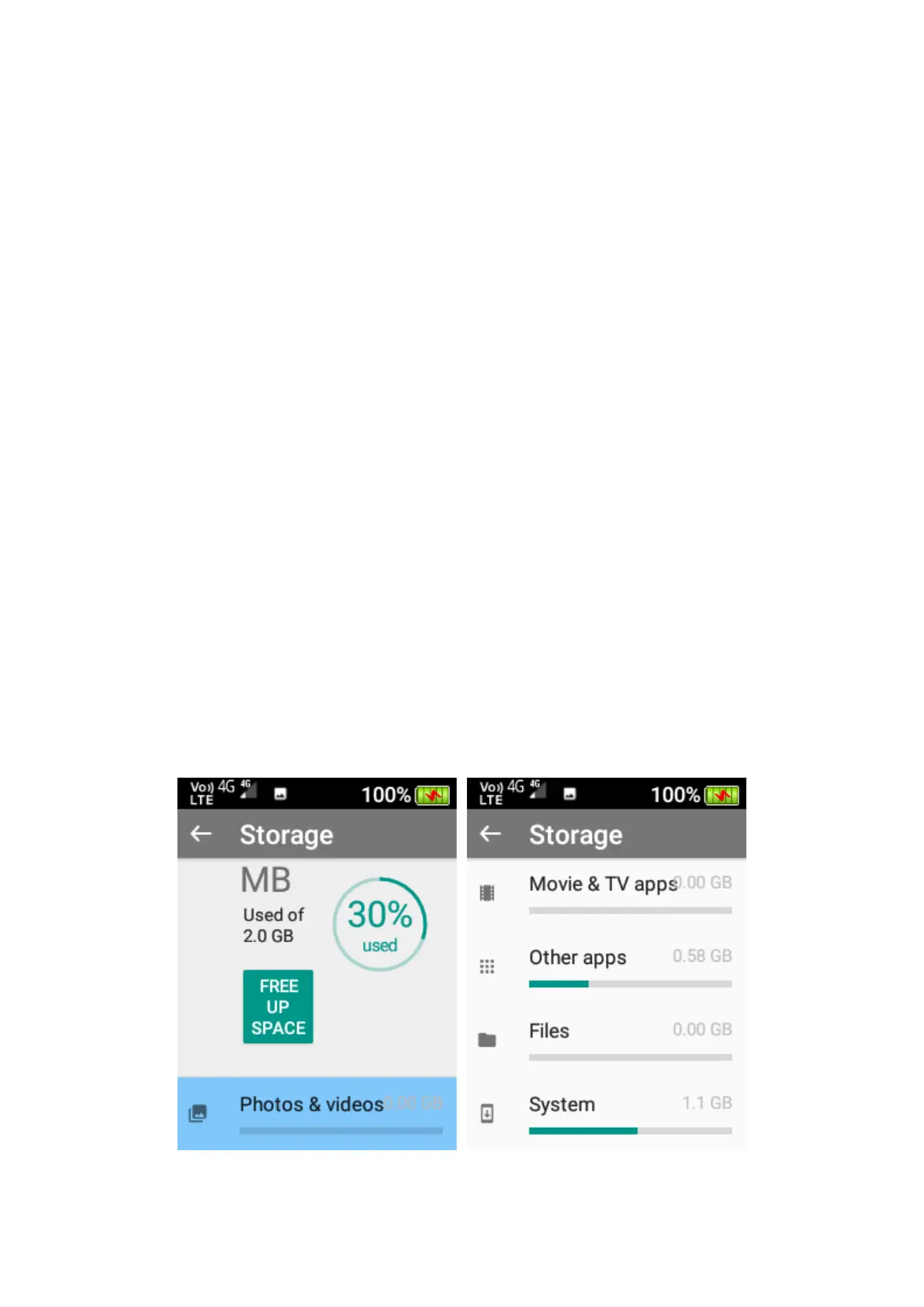
Storage
In the storage menu, you can view all files that are stored on your device and how much storage
they are taking up on your device.
To view files in a storage location, highlight the folder and press the OK key to view what is in that
folder.















 To Next Page