19
Calling and Messaging Contacts
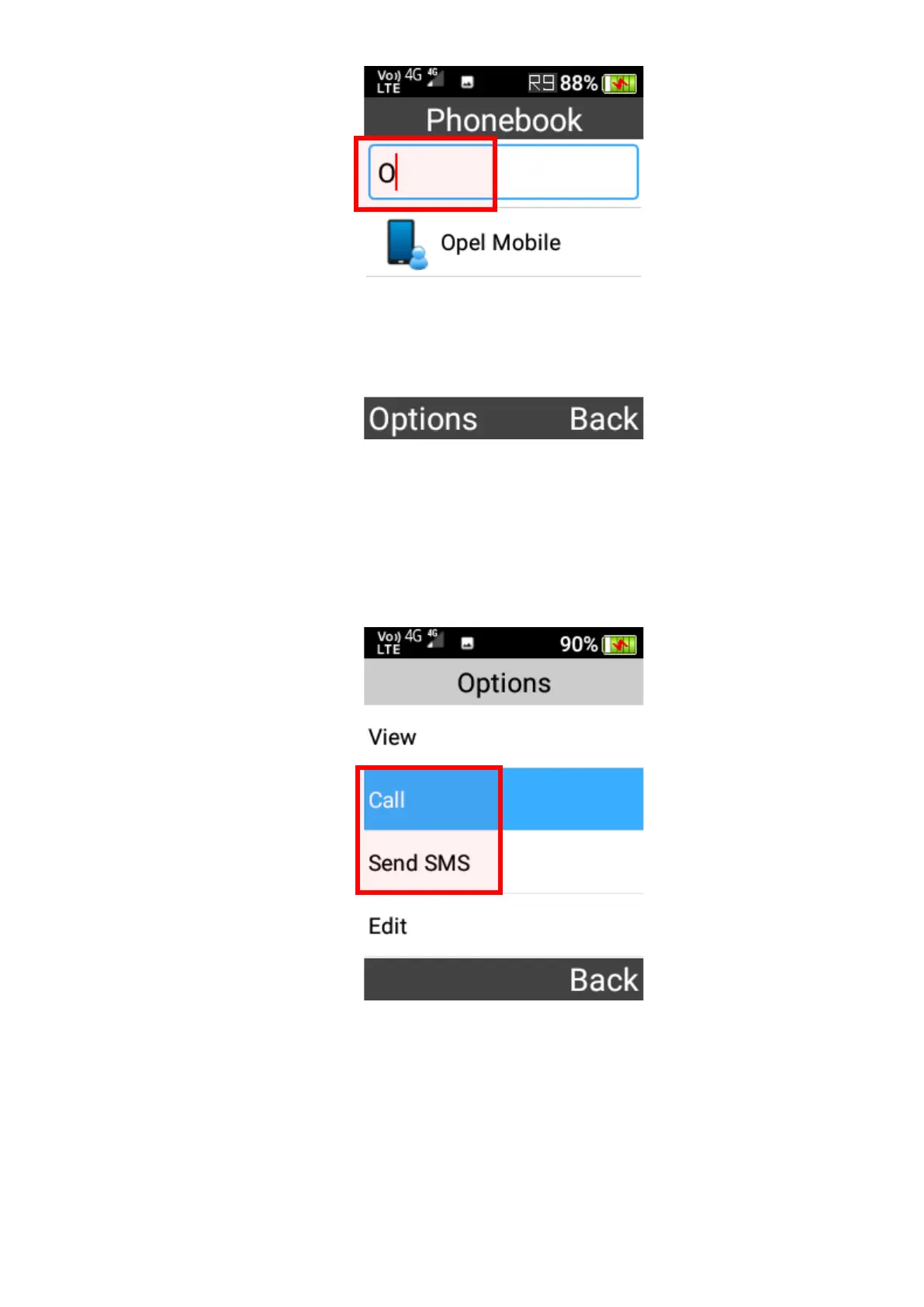
To call or message a contact, highlight the contact using the cursor key then press the OK
key, and select to Call or Send SMS from the menu.
Pin favourite contact to the top
To set a contact as favourite and pin it to the top of the phonebook, highlight the contact using
the cursor keys then press the OK key, and select Set as favourite from the menu.















 To Next Page