21
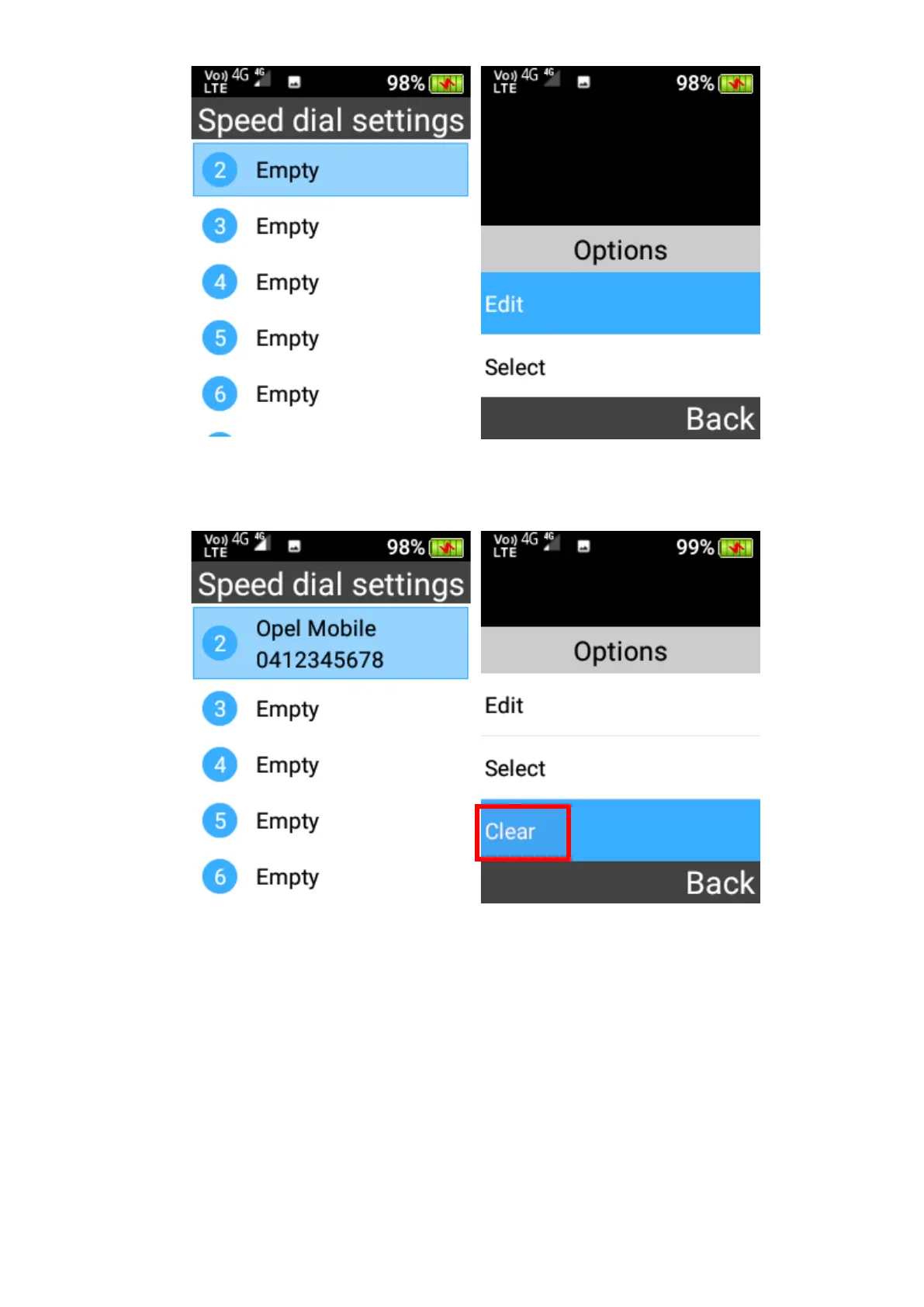
2. Remove a speed dial
To remove a phone number from speed dial, highlight it and press OK key to select Clear to
remove it.
3. Call a speed dial
To call any of your Speed dial contacts from the home screen, press and hold down the
respective keypad number for 3 seconds, it will then call that number.
Blacklist
In the Blacklist app you can add phone numbers so that this number is blocked and cannot
call you. To setup Blacklist, press the left selection key and select Blacklist management from
the menu.















 To Next Page