53
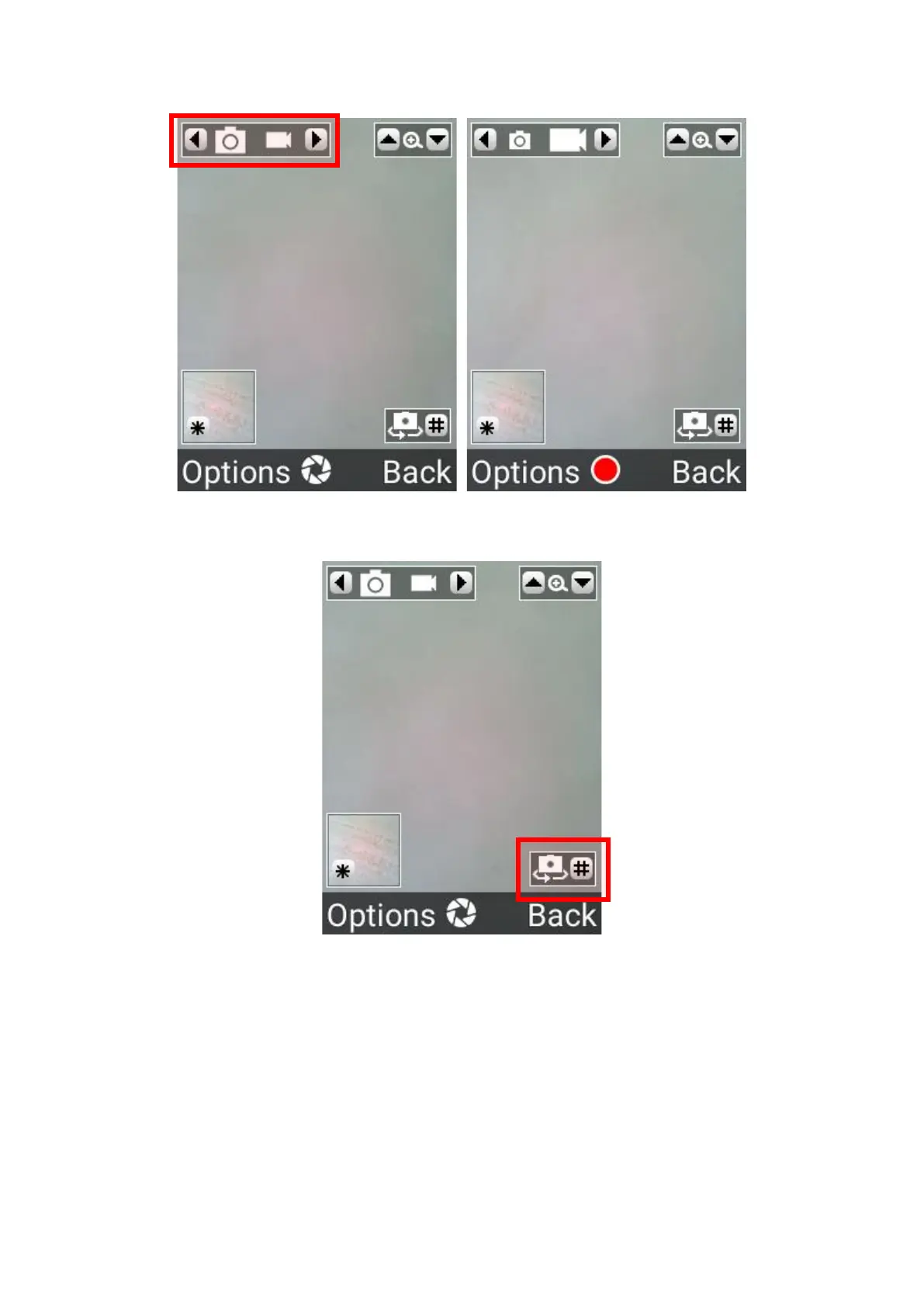
2. To take a video, press the right cursor keys to change to video mode, then press the OK key
to begin recording a video, and press it again to stop recording.
3. To switch between main and front cameras, press the # (hash) key.
4. To view the previously captured image or video, press the * (star) key.















 To Next Page