64
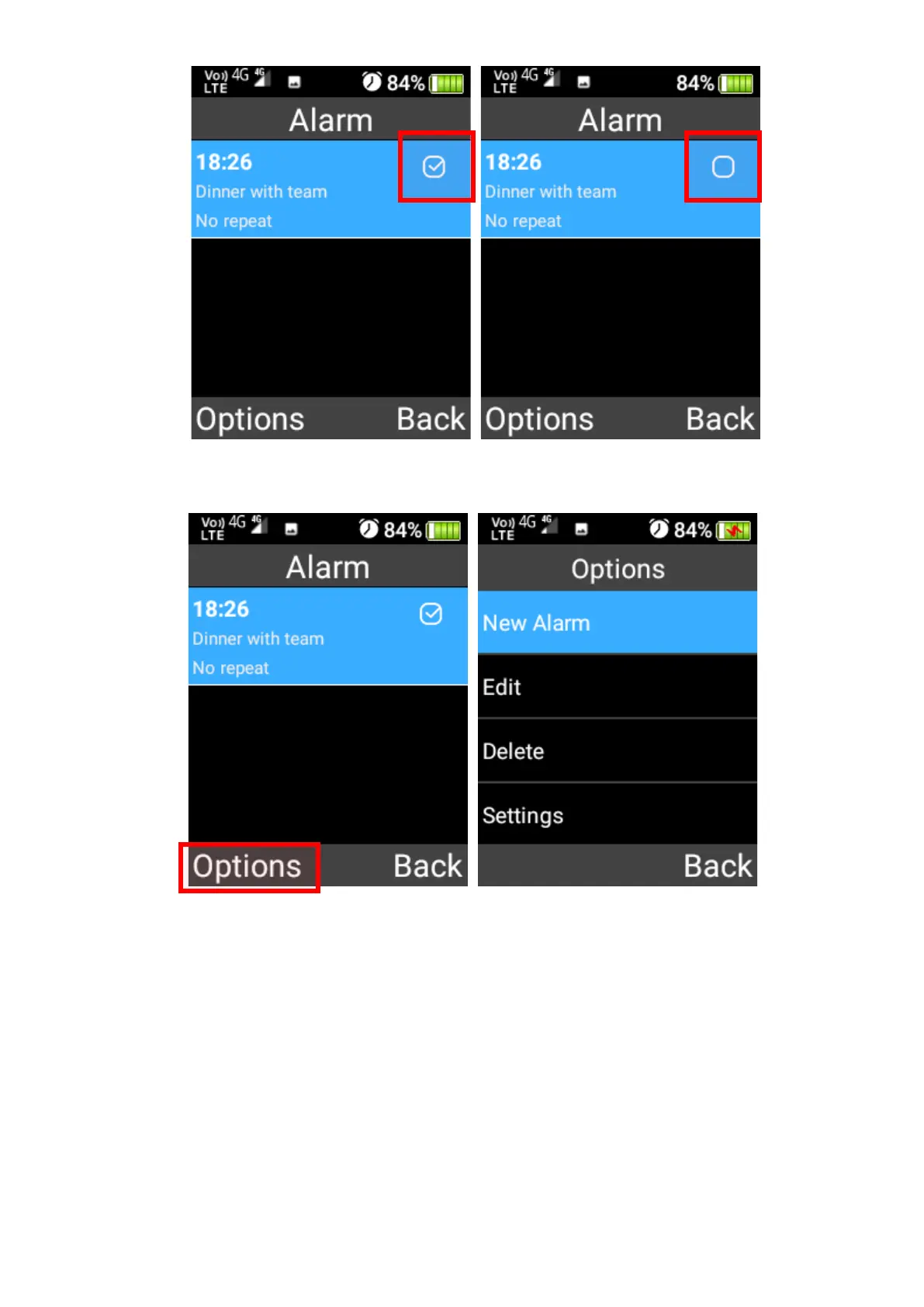
2. Press the left selection key to add, edit, delete or change the alarm settings.
3. New alarm – You can add a new alarm by adjusting the time, alarm name, whether it should
repeat daily, change the alarm sound and whether vibrate or not. Once complete press the
Save button using the left selection key.















 To Next Page