78
to pick up a GPS signal. Please ensure you have mobile data settings turned on for this feature
to work). After it sends out the text messages it will then attempt to ring your SOS contacts until
someone answers the call.
To activate the SOS feature, tap the SOS button on the back of the phone 3 times in quick
succession until you hear the SOS feature activate.
If you want to cancel or end the SOS feature, press the red “end call” key once.
How to setup the SOS function
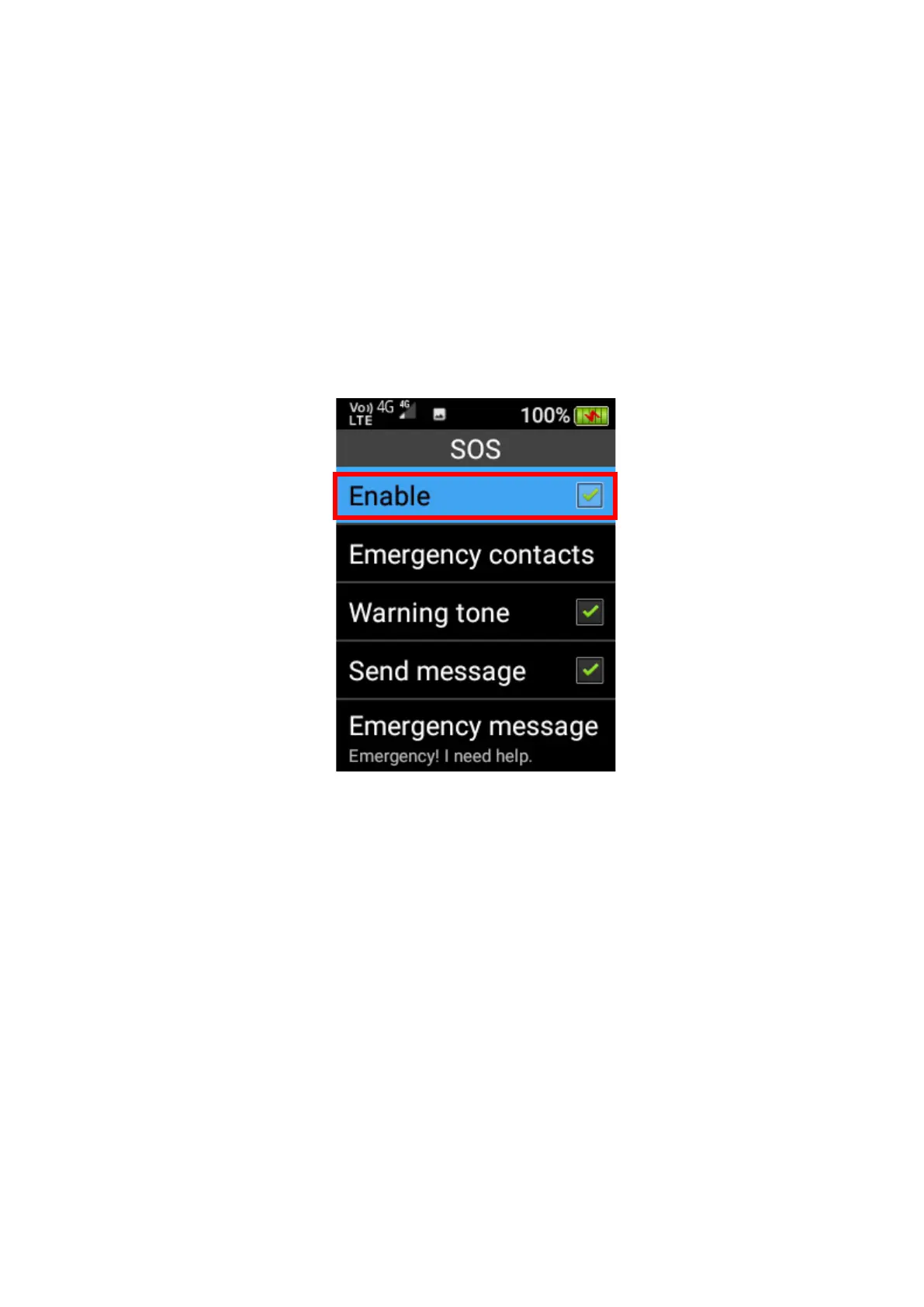
1. Turn on the SOS feature by selecting Enable using the OK key.
2. Configure the emergency contacts by scrolling down to Emergency contacts and press the
OK key. You can add up to 5 SOS contacts. Press the OK key on an empty contact spot and
type in their phone number or scroll across to the person’s icon to add someone that is saved
in your contacts list. Once complete scroll down to OK and press the OK key to save.















 To Next Page