83
Talking keys – Turning on/off talking keypad while dialling a phone number.
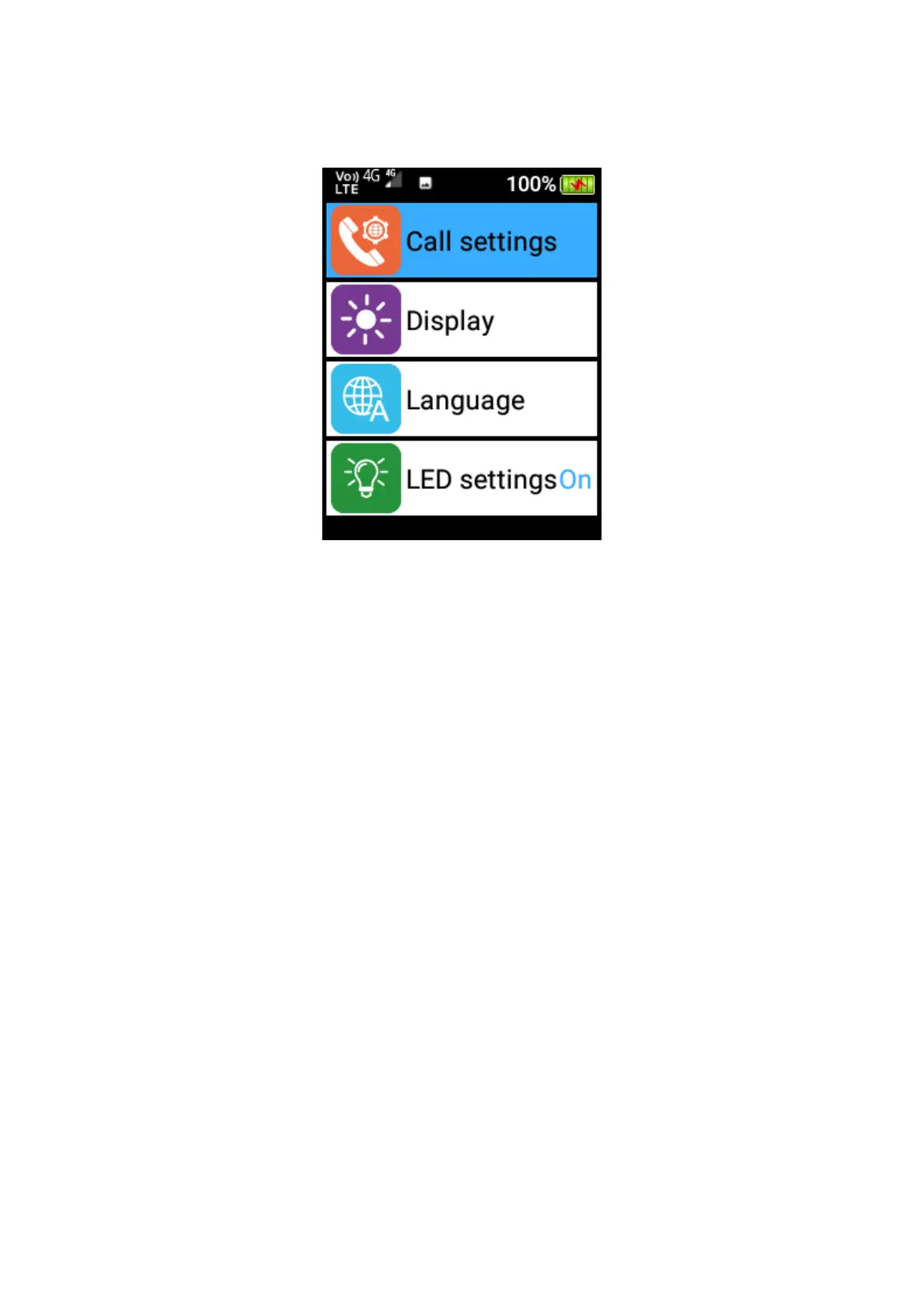
Common Functions – Including Call settings, Display, Language, LED settings:
1. Call Settings
Within call settings you can adjust Wi-Fi calling, voicemail, fixed dialling numbers, call
forwarding, call barring, caller ID and call waiting.
Voicemail – If your service provide supports voicemail, you can configure the phone
number for calling voicemail here.
Wi-Fi calling – If your service provide supports Wi-Fi calling, you can enable it here
so that your Wi-Fi connection can be used for normal phone calls.
Call Forwarding – You can select to always forward calls, forward when busy,
forward when unanswered and forward when unreachable. Select the options you
wish to use and turn them on. You can then choose which number you wish callers
to be forwarded to. The default number will be your SIM card provider’s voicemail
service.















 To Next Page