85
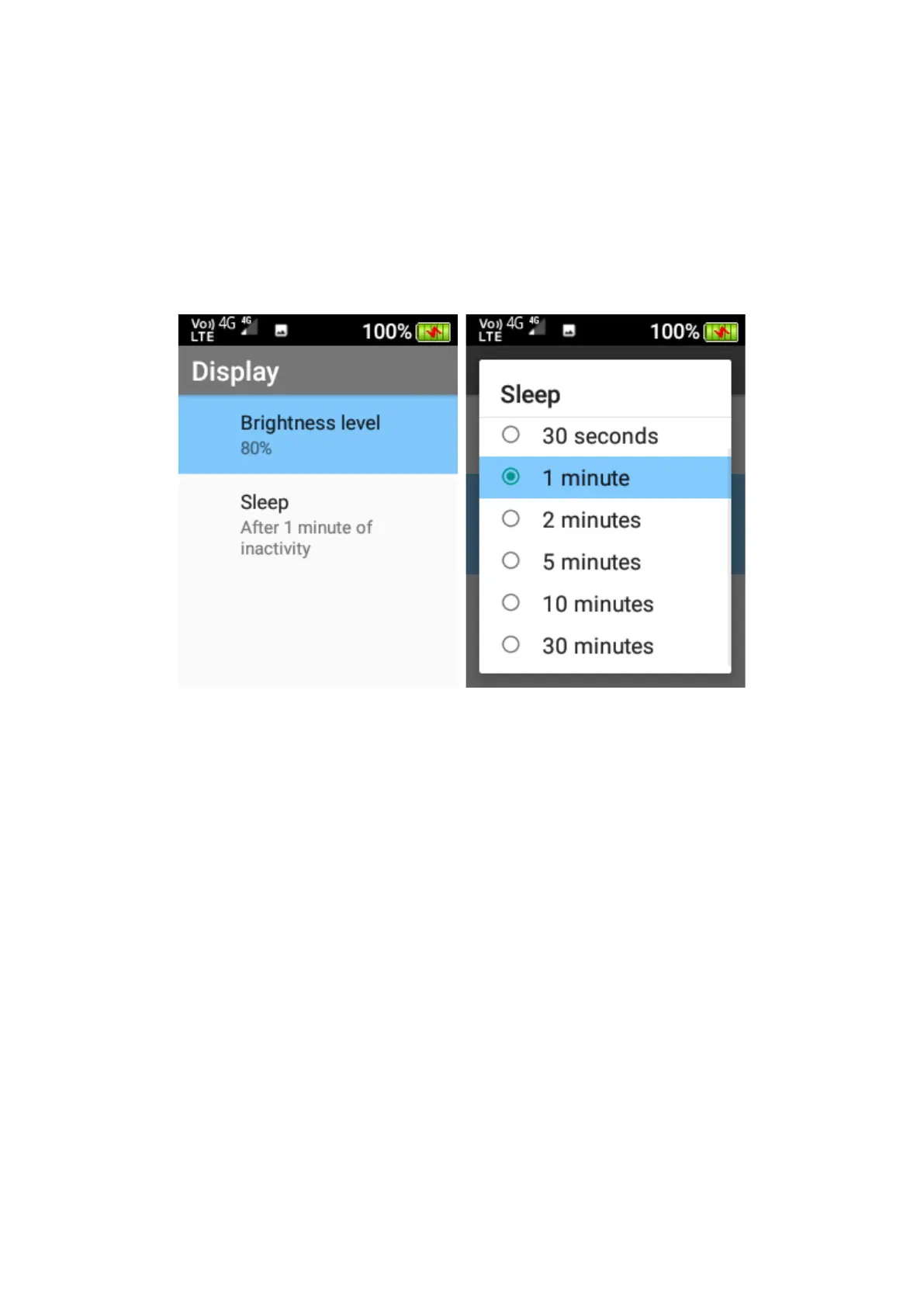
Brightness level – Here you can adjust the brightness level of the phones screen.
Press ok on this function, scroll left or right using the navigation keys to adjust the
screens brightness level.
Sleep – Here you can adjust the screen timeout timer. Press ok and then highlight
the preferred timer and press ok to save that timer.
3. Language
Change the language of the user interface and menu.
4. LED settings
Adjust the Start Time and End time for LED flashing on the front cover.
• Blue LED = missed calls
• Green LED = unread messages
• Red LED = low battery or charging















 To Next Page