9
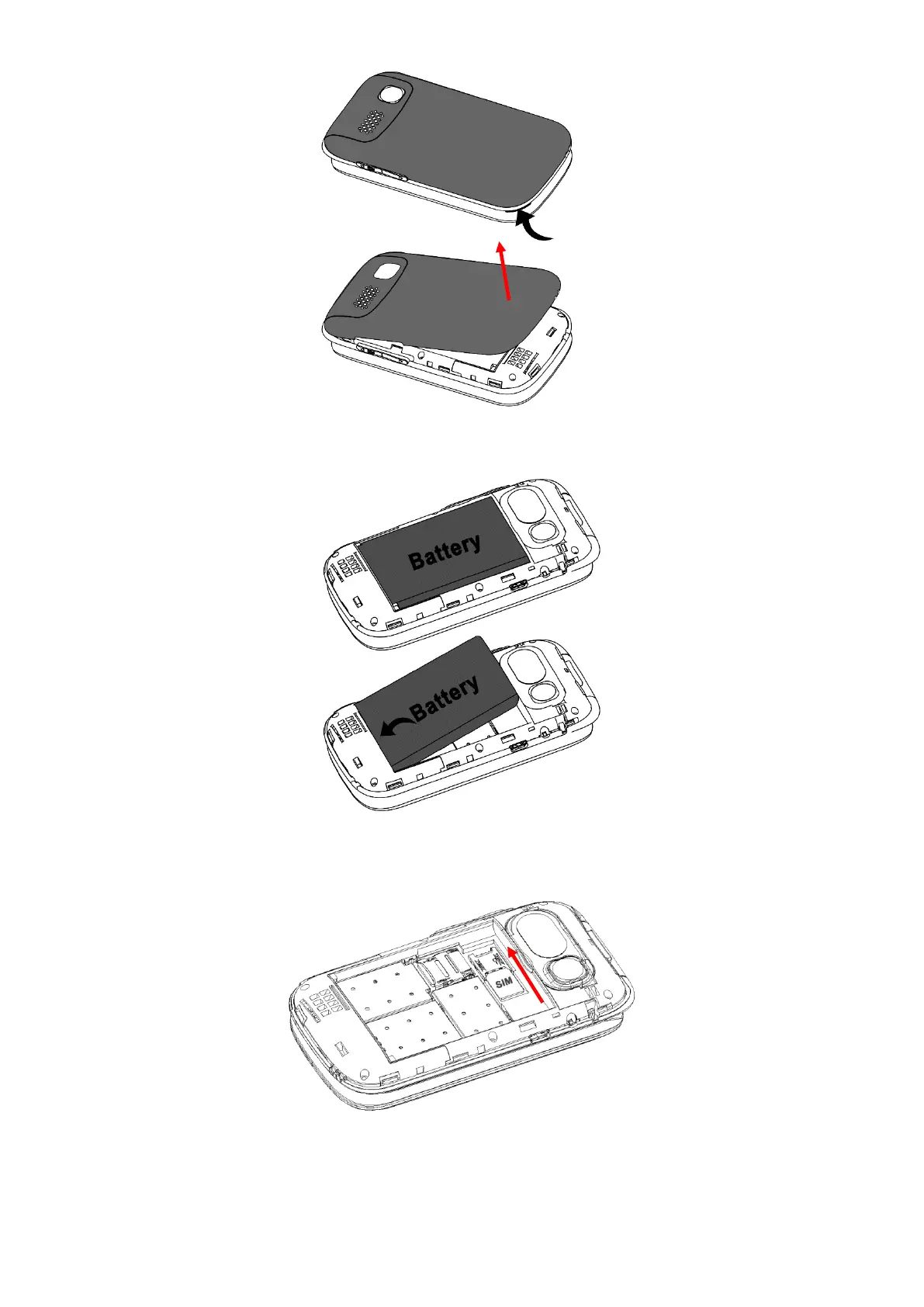
3. Remove the battery from the phone by lifting from the top and pulling out.
4. Slide your SIM card into the SIM tray (sliding in until it does not go in any further), ensure
the gold plates are facing downwards and the cornered edge is in the lower left-hand corner.
Please note: This phone supports a Nano sized SIM card. If you do not have a Nano
sized SIM card, please contact your SIM card provider as they will be able to supply one
for you.















 To Next Page