65Instruments, controls
The m enu item s a re displaye d in the
follow ing ord er:
z OIL LIFE RESET,
z UNITS,
z LO CK HO RN,
z UNLOCK HORN,
z LIGHT FL ASH,
z DELAY LOCK,
z AUT O U N LK ( Un lo ck ),
z EXT LIGHTS (Exterior lamps),
z LANGUAGE .
The d efault settings for these menu items
were set during vehicle production.
Scroll through the available settings and
select the desired setting to progress to the
next menu item.
Setting units of measurement
You can select which units of measurement
are to b e us ed.
Select menu item UNITS in th e
personalisation mode.
Settings includ e " ENGLISH " and "METRIC".
When "ENGLISH" is selected, all
information will be displayed in English
units, e.g. d istance will be shown in miles
(m i) and fuel consum ption in m iles per
gallon (M PG).
When "METRIC" (default) is selected, all
information will be displayed in metric
units, e.g. d istance will be shown in
kilometres (km) and fuel consumption in
litres per 100 kilometres (L/100km).
Lock horn
This feature causes the horn to sound ev ery
time button e is pressed on the remote
control and can be enabled or disab led.
Selec t menu item LOCK HORN in the
personalisation m od e.
S ettings include "O FF" a nd "O N".
When "OFF" (default) is selected, the horn
will not sound on the first press of b utton e.
The horn will still sound on the second
press, to confirm locking has already ta ken
place.
When "ON" is selected, the horn will sound
every time button e is p ressed.
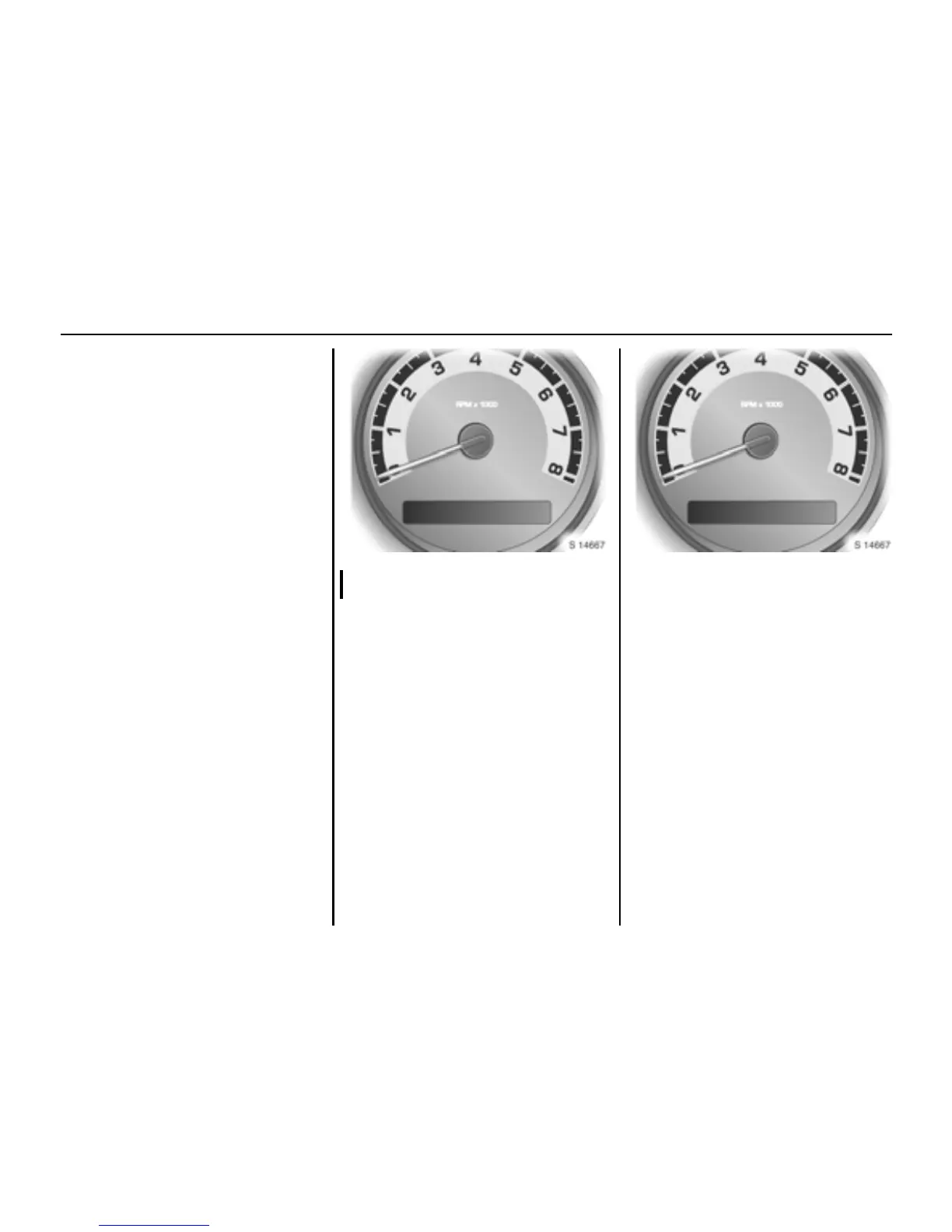
UNI TS LOCK HORN







 To Next Page