67Instruments, controls
Automatic unlocking
This feature enables certa in doors to
unlock automatically w hen the key is
turned to ignition sw itch position J and
can be ena bled or disabled.
Select menu item AUTO U NLK in the
personalisation mode.
Setting s include "ALL", "DRIVER" and
"N ONE".
When "ALL" (default) is selected, both
doors will unlock autom atically.
W hen " D RI VER " is sele cted , o nly the driver’s
door will unlock automatically.
When "NONE" is selected, neither door will
unlock automatically.
Central locking system - see page 24.
Welcom e light functi on
This fea ture actuates the exterior lamps
when button c is pressed on the remote
control. This feature can be enabled or
disab led.
Select menu item EXT LIGHTS in the
personalisation mode.
Settings include "OFF" and "ON".
When "ON" (default) is selected, the
exterior lamps will illuminate for app rox.
20 seconds or u ntil a door is op ened when
button c is pressed on the remote control.
When "OFF" is selected, exterior lamps will
not illuminate when button c is pressed on
the rem ote control.
Language selection
You can select the display language for
some functions.
Selec t menu item LANGUAGE in the
personalisation m od e.
S ettings include "ENGLISH", "FREN CH",
"S PAN ISH" and "GE RMAN" .
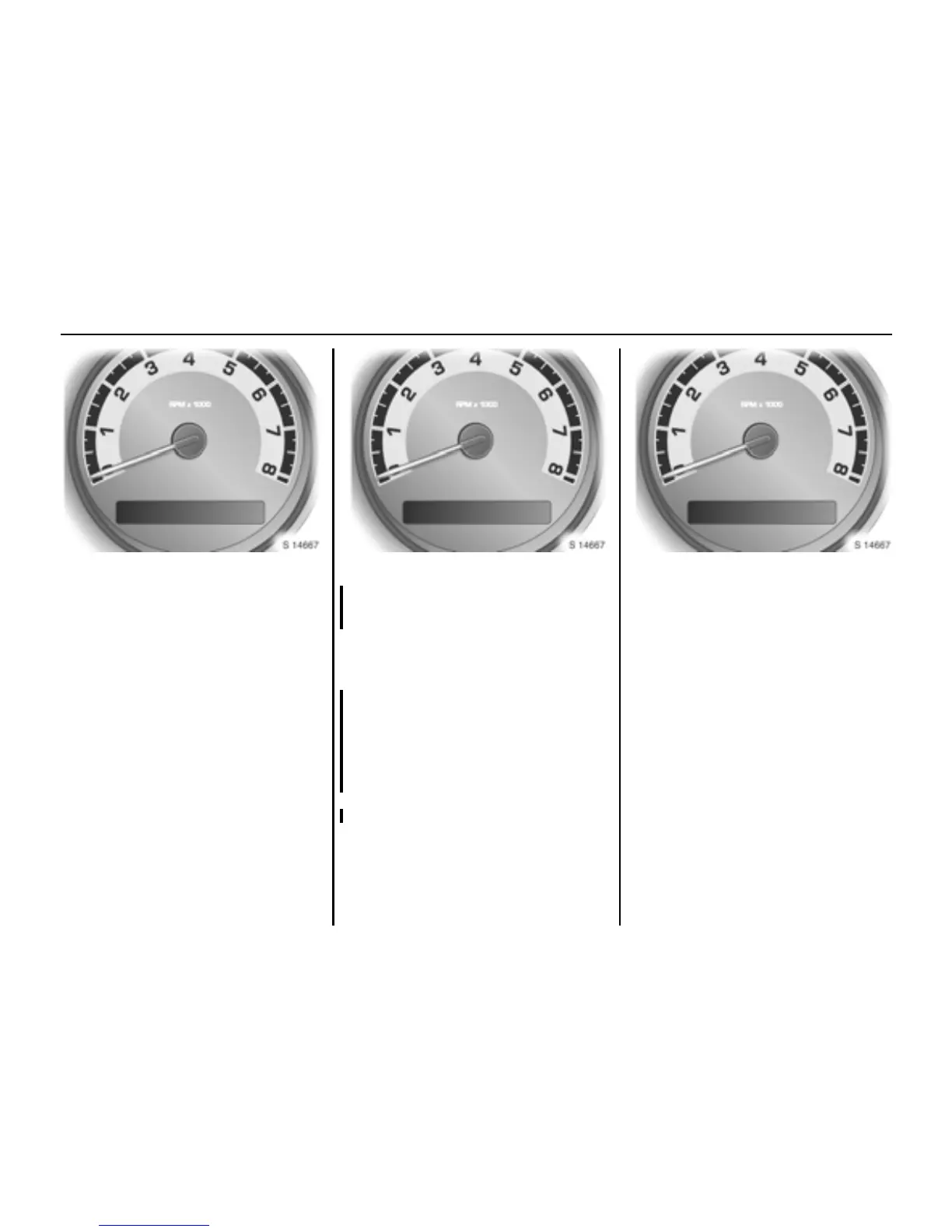
AUTO UNLK EXT LIGHTS LANGUAGE







 To Next Page