EasyManua.ls Logo

Openpath Core Series - Page 5

Openpath Core Series
36 pages
Print Icon
To Next Page IconTo Next Page
To Previous Page IconTo Previous Page
Loading...
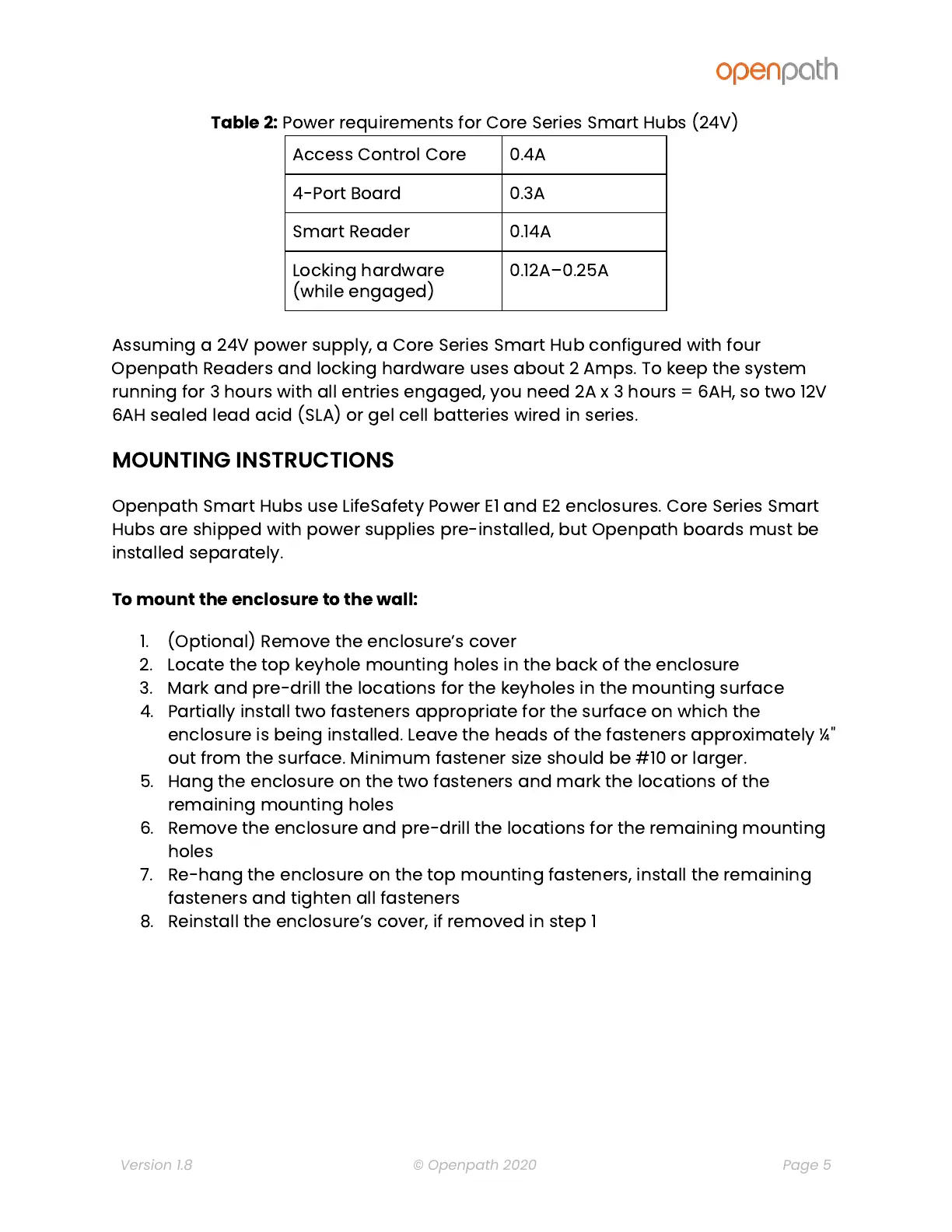
Table
2:
Power
requirements
for
Core
Series
Smart
Hubs
(24V)
Access
Control
Core
0.4A
4-Port
Board
0.3A
Smart
Reader
0.14A
Locking
hardware
(while
engaged)
0.12A
0.25A
Assuming
a
24V
power
supply,
a
Core
Series
Smart
Hub
configured
with
four
Openpath
Readers
and
locking
hardware
uses
about
2
Amps.
To
keep
the
system
running
for
3
hours
with
all
entries
engaged,
you
need
2A
x
3
hours
=
6AH,
so
two
12V
6AH
sealed
lead
acid
(SLA)
or
gel
cell
batteries
wired
in
series.
MOUNTING
INSTRUCTIONS
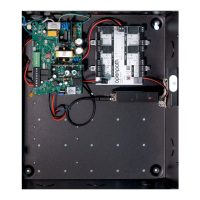
Openpath
Smart
Hubs
use
LifeSafety
Power
E1
and
E2
enclosures.
Core
Series
Smart
Hubs
are
shipped
with
power
supplies
pre-installed,
but
Openpath
boards
must
be
installed
separately.
To
mount
the
enclosure
to
the
wall:
1. (Optional)
Remove
the
enclosure
s
cover
2. Locate
the
top
keyhole
mounting
holes
in
the
back
of
the
enclosure
3. Mark
and
pre-drill
the
locations
for
the
keyholes
in
the
mounting
surface
4. Partially
install
two
fasteners
appropriate
for
the
surface
on
which
the
enclosure
is
being
installed.
Leave
the
heads
of
the
fasteners
approximately
¼
"
out
from
the
surface.
Minimum
fastener
size
should
be
#10
or
larger.
5. Hang
the
enclosure
on
the
two
fasteners
and
mark
the
locations
of
the
remaining
mounting
holes
6. Remove
the
enclosure
and
pre-drill
the
locations
for
the
remaining
mounting
holes
7. Re-hang
the
enclosure
on
the
top
mounting
fasteners,
install
the
remaining
fasteners
and
tighten
all
fasteners
8. Reinstall
the
enclosure
s
cover,
if
removed
in
step
1
Version 1.8
© Openpath 2020
Page 5