Operating the System 31
DS2200 User Manual - OPEX Corporation use only - not for distribution
Run screen views
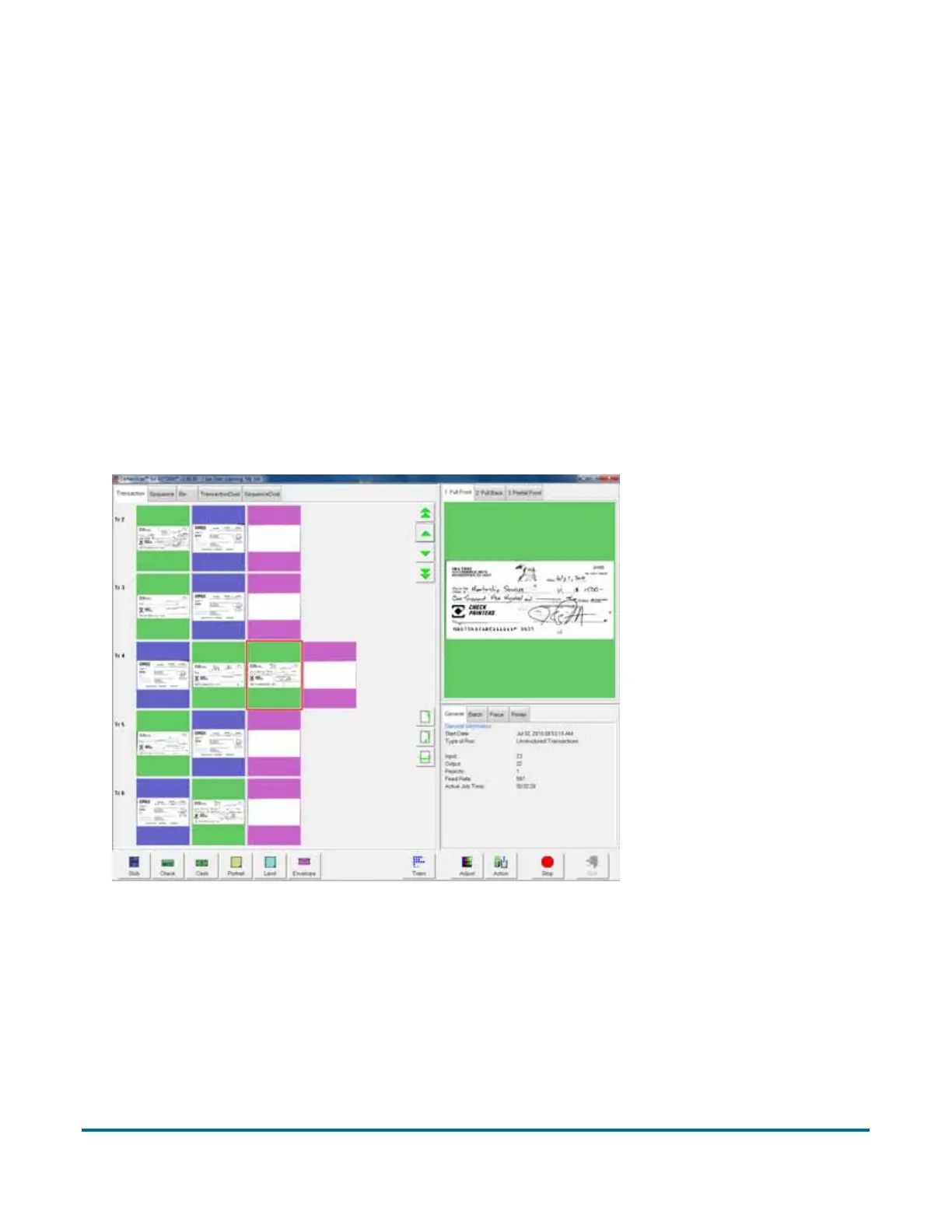
The tabs near the top of the Run screen change how the thumbnails are
arranged. You can view the thumbnails by transaction, by the order each piece
was scanned (sequence) or by the bin the piece was sorted to. You can select
one of the dual transaction or sequence views, which display two thumbnails
for each piece.
Note: The dual transaction and dual sequence views will only work properly if
the page types in your job are set up to include a “secondary” thumbnail.
Transaction view
The transaction view groups thumbnails by transaction. All of the pieces in a
transaction are displayed in a single row from left to right in the order they were
scanned. One thumbnail is displayed for each piece.



 To Next Page