44 Operating the System
DS2200 User Manual - OPEX Corporation use only - not for distribution
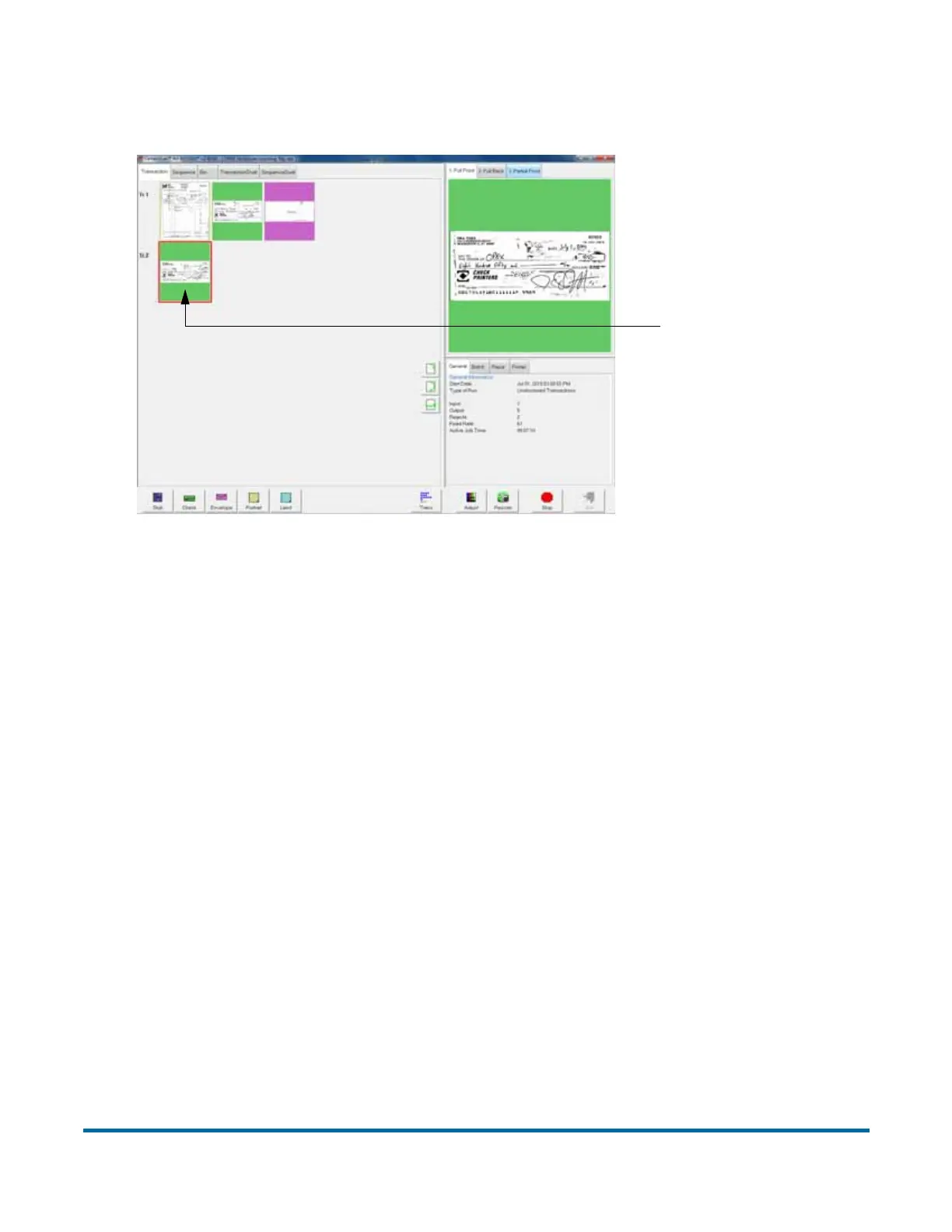
The next document scanned (in this example, another check) will start a new
transaction.
5 Continue to place your documents onto the conveyor. The DS2200 will
scan and sort the documents depending on the current job’s settings.
Note: Unfold any folded pages so they lay flat on the conveyor. Folded
pages will not be scanned correctly and may jam the system.
Note: Feed documents with the correct side up. When searching for/reading
MICR lines, OCR lines, and mark boxes, the DS2200 will assume the
documents are being fed face up, with the bottom edge towards you.
As the DS2200 processes documents, check to make sure:
• Documents are being scanned properly.
• All critical information (MICR line, OCR line, etc.) is being collected
properly.
• Documents are being sorted to the correct bin.
Stack feeding
Packets of paper (2-20+ sheets of paper) can be placed on the conveyor. The
conveyor rollers will carry the packet over to the packet feeder where the top
piece will be singulated from the top of the stack and fed into the scanner. The
feeder will continue to pull the top page from the stack until the last page is fed.
New transaction



 To Next Page