Operating the System 47
DS2200 User Manual - OPEX Corporation use only - not for distribution
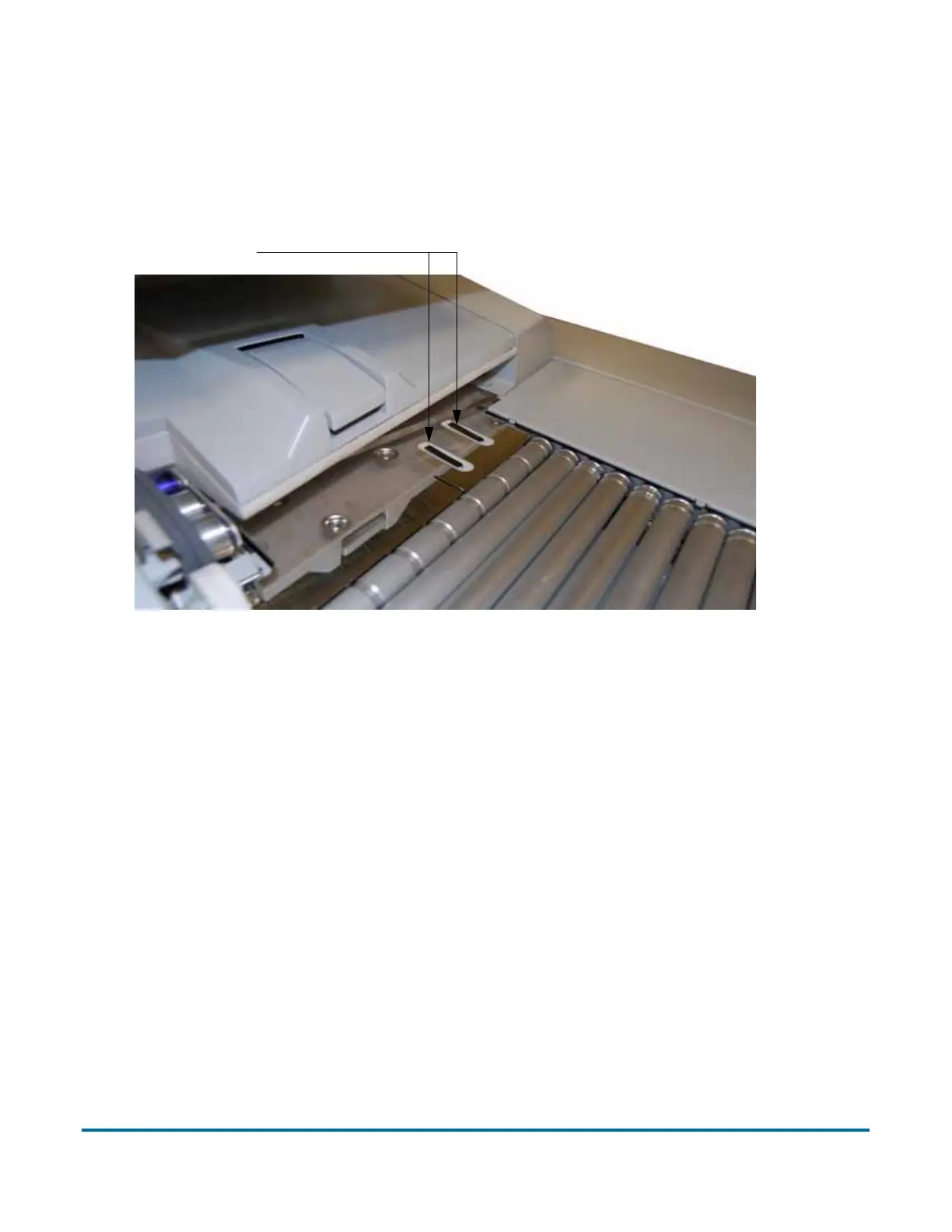
• The drag fingers are used to help position pieces of paper larger then 8"
wide. The drag fingers help prevent pages from skewing when positioned in
front of the feeder. This flexible piece of rubber will also improve
performance when feeding packets of paper. The finger can also be
depressed to move it out of the paper path, if necessary.
• Checks and remits should be dropped in the same orientation as if you were
reading them. Other landscape pages can also be automatically detected if
their page width or height is unique.
• To scan thicker documents, such as envelopes that would not match the
profile of a regular envelope, slide the feed control knob to the left. This will
disengage the retard pad and disable the scanner’s ultrasonic multifeed
detector and allow the piece into the system.
Note: You should also disengage the feed control knob when scanning
papers that are stapled together, or when scanning flimsy or damaged
pieces.
Drag fingers



 To Next Page