46 Operating the System
DS2200 User Manual - OPEX Corporation use only - not for distribution
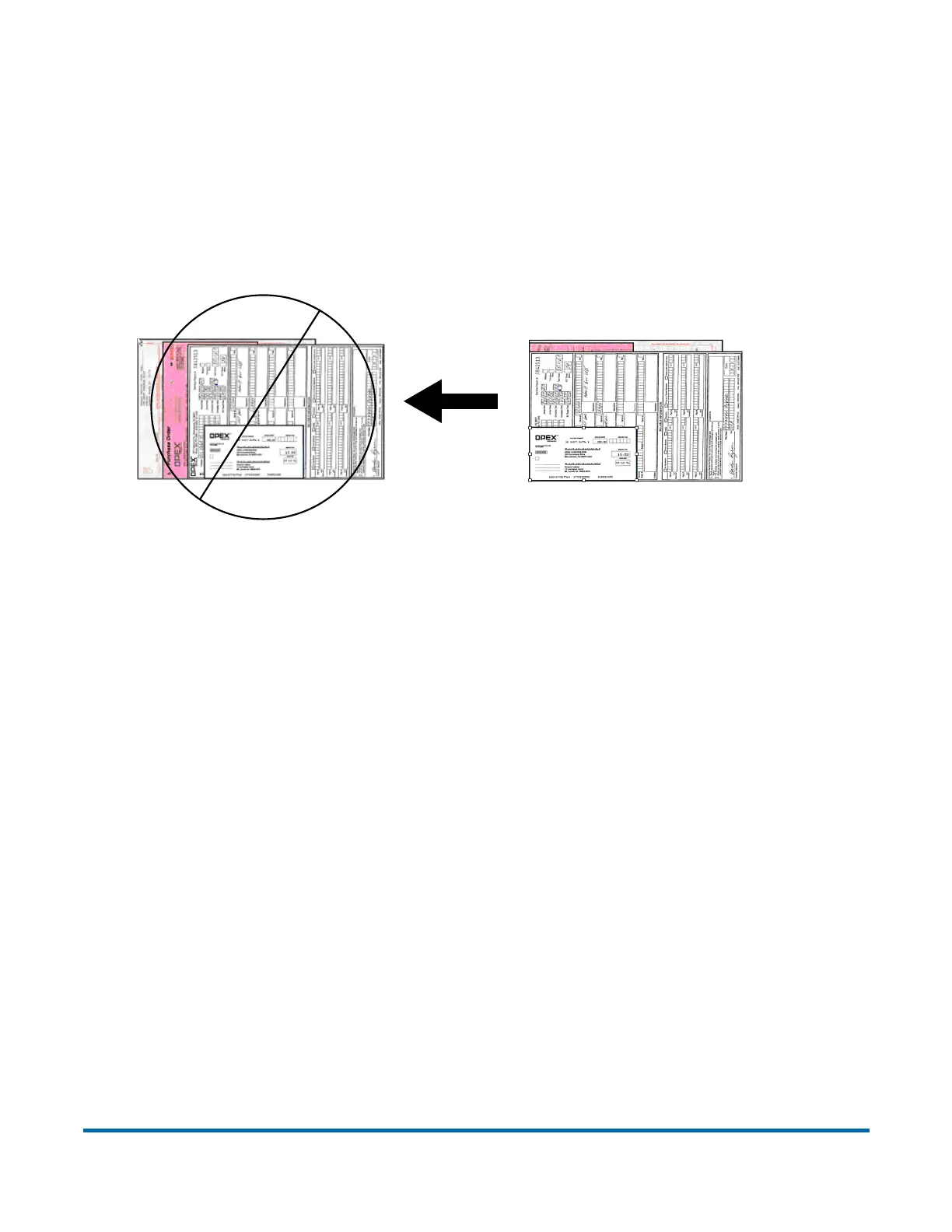
Since the feeder pulls from the top of the stack, the lead sheet in the stack
must be the first to reach the feeder. If the bottom piece reaches the feeder
first, a paper misfeed is likely to occur. There are techniques for learning to
drop packets of paper consistently and effectively. The documents do not have
to be perfectly aligned as long as the lead sheet is the top sheet. Review these
techniques with your DS2200 Administrator or your OPEX Technician or Sales
Engineer.
Scanning tips
Make use of these techniques for properly handling paper and feeding
documents:
• Make sure documents are unfolded and place them on the conveyor directly
in front of the point of extraction. This will give the machine a chance to
justify each page dropped against the common edge and will assist in
deskewing the document before it reaches the feeder. For maximum effect,
the paper should be unfolded so that it is flat and makes contact with the
conveyor rollers and feed rings.
• 8-½ x 11” sheets can be scanned in portrait or landscape. The scanner is
outfitted with 12” image sensors and can accommodate larger pieces of
paper as well.
Feed Direction
CORRECT



 To Next Page