Operating the System 55
DS2200 User Manual - OPEX Corporation use only - not for distribution
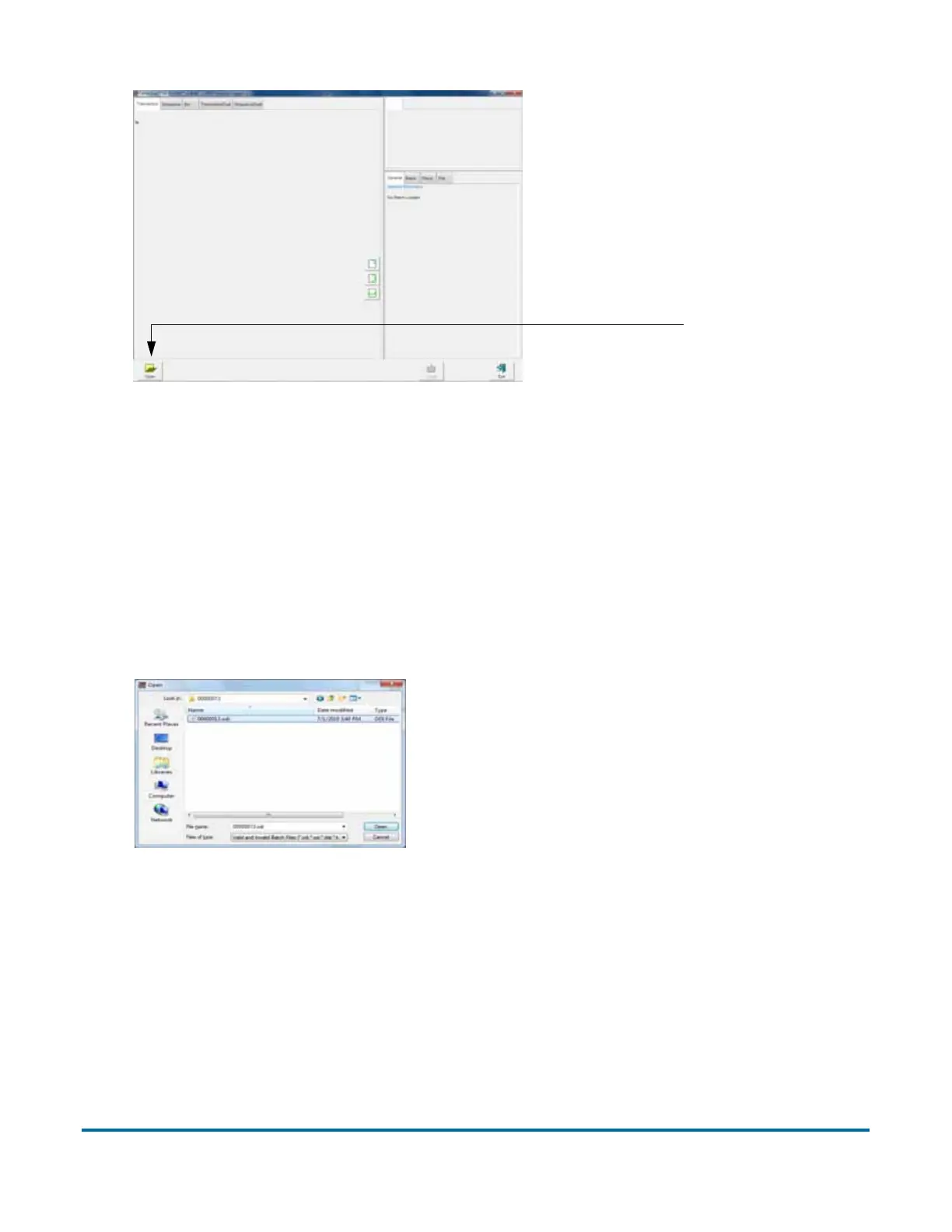
Figure 17: Batch Editor
2 Click the Open button.
3 Navigate to the directory on your network where your batches are saved
(see your DS2200 Administrator). The batches are saved in folders by their
batch number. Open the folder for the batch you want to view and
double-click on the .odi, .oxi, or .dat file to view the batch.
Note: If you do not know the batch number you are looking for, try to use the
date the batch’s folder was last modified for reference.
Figure 18: Opening the batch
4 View, delete, and void the document thumbnails in the same way as in the
Run screen (see “Using the Run screen” on page 29).
Open B



 To Next Page