56 Operating the System
DS2200 User Manual - OPEX Corporation use only - not for distribution
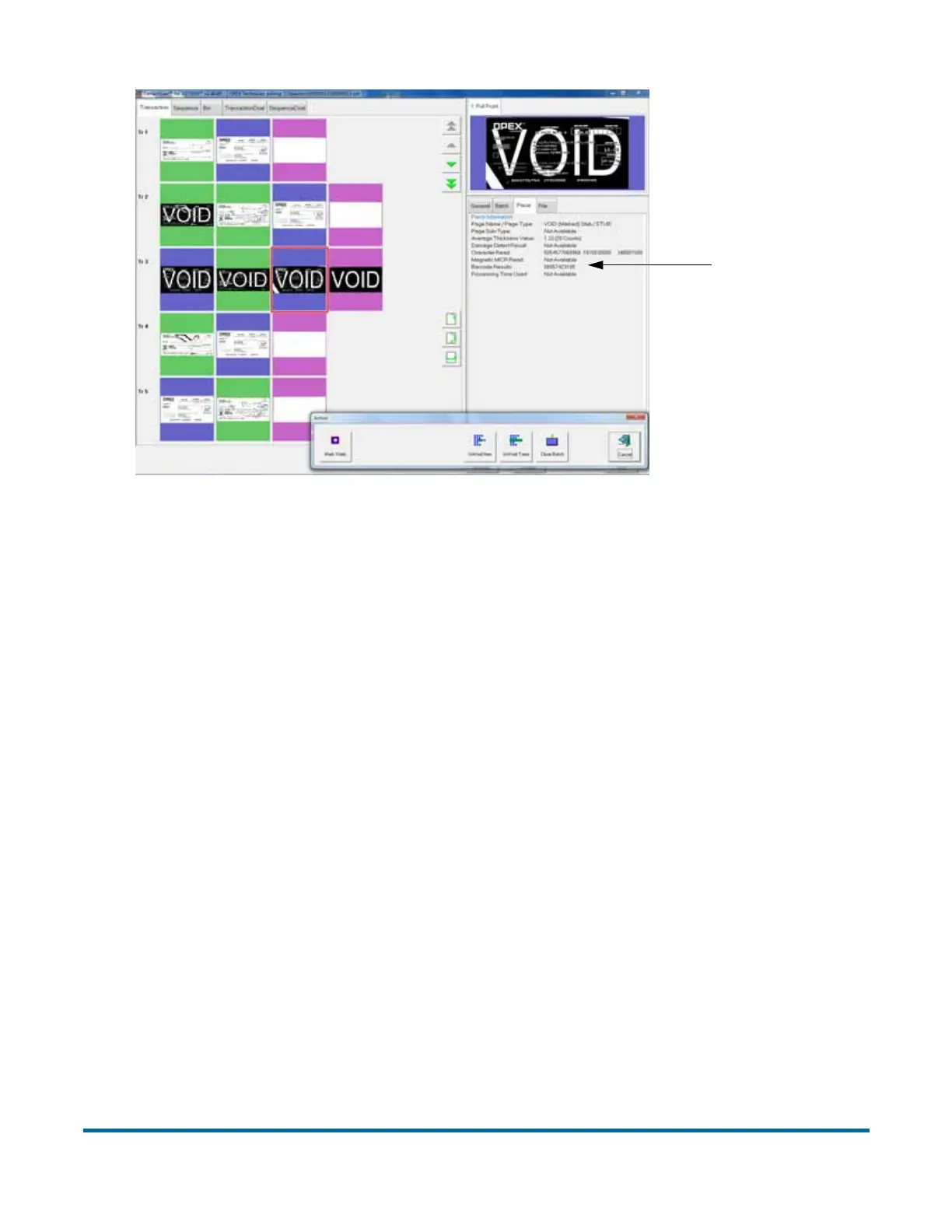
Figure 19: Viewing the batch
When voiding documents and transactions in the Batch Editor, check the
Mark Voids button (shown in Figure 19) to mark the images in the resulting
batch file as void.
Note: View the piece information data on the Run screen to determine if the
image was marked (as VOID in the batch file) or unmarked. From the
batch editor you can decide whether or not to mark the voided images
in the resulting batch file by using the Mark Voids button.
Using Batch Editor to fix incomplete batches
If there is a problem with the machine and/or CertainScan does not close
properly during a run, a batch may not be closed and saved properly. If this is
the case, the operator will be notified that a temporary batch file exists when
restarting CertainScan, and that only an operator with a ManagerLevel account
or an OPEX technician can fix the problem.
Consult your DS2200 Administrator if you receive this error message.
Piece
information



 To Next Page