38 Betrieb
Falcon+ Betriebsanleitung
OPEX Corporation
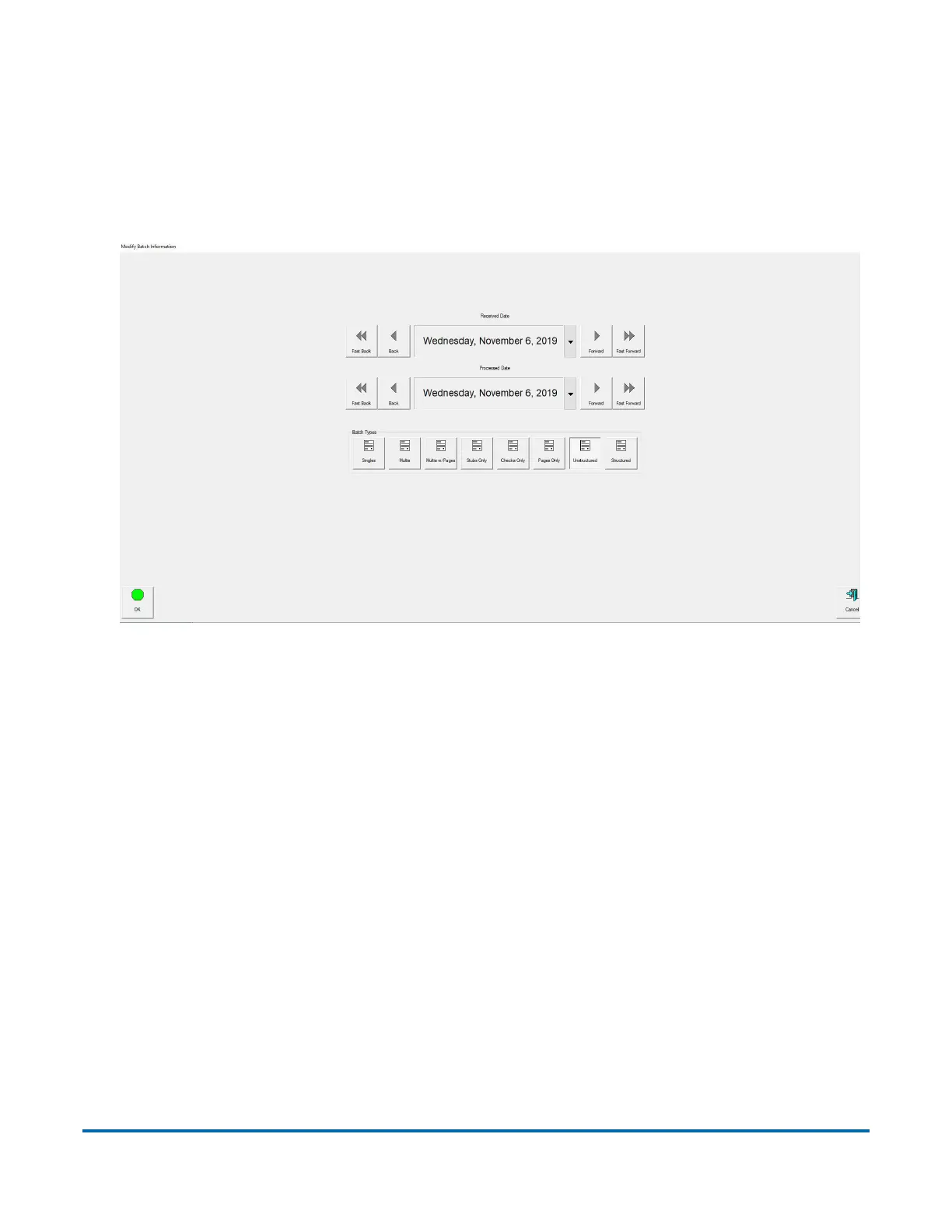
Batch-Informationsbildschirm
Abhängig davon, wie der Arbeitsvorgang eingerichtet wurde, kann eventuell der
Batch-Informationsbildschirm angezeigt werden. Verwenden Sie den Batch-Informa-
tionsbildschirm, um ein Datum für „erhalten“, „verarbeitet“ sowie die Art von Batch
auszuwählen, die Sie durchführen wollen (siehe Abbildung 4-6).
Abbildung 4-6: Batch-Informationsbildschirm



 To Next Page